SCENARIO / VIDEO EDITING
Scenario Auto Edit
Turn a talking-head clip into an edited video with tighter cuts, word captions, type behind the speaker, music and a rebuilt background. A Claude Code Skill combining local Apple Vision with Scenario MCP.
Free Skill download · Paid cloud generation · Apple Silicon Mac · Claude Code + Scenario MCP
From take to finished edit
Scenario’s example turns a roughly 16-second selfie into a 13-second vertical edit. The raw comparison below is already cut to match the edit. These official source videos load on play; they are not OpenAgentSkill runtime results.
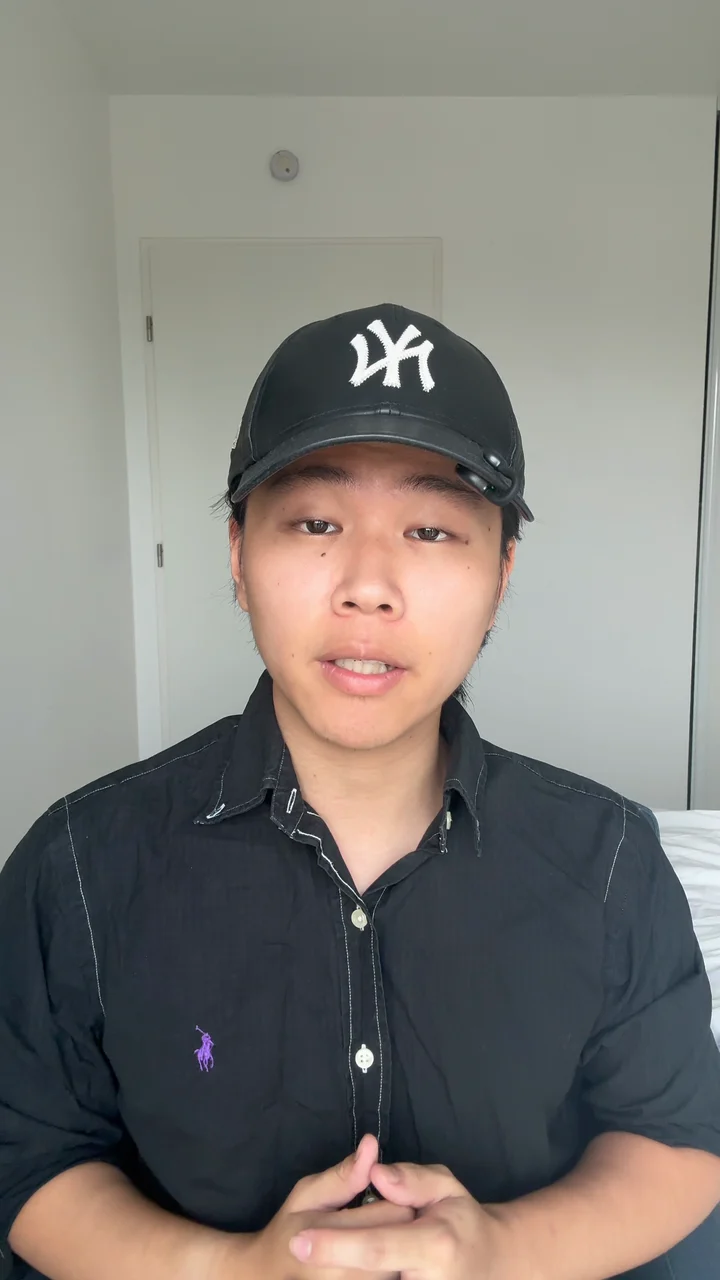
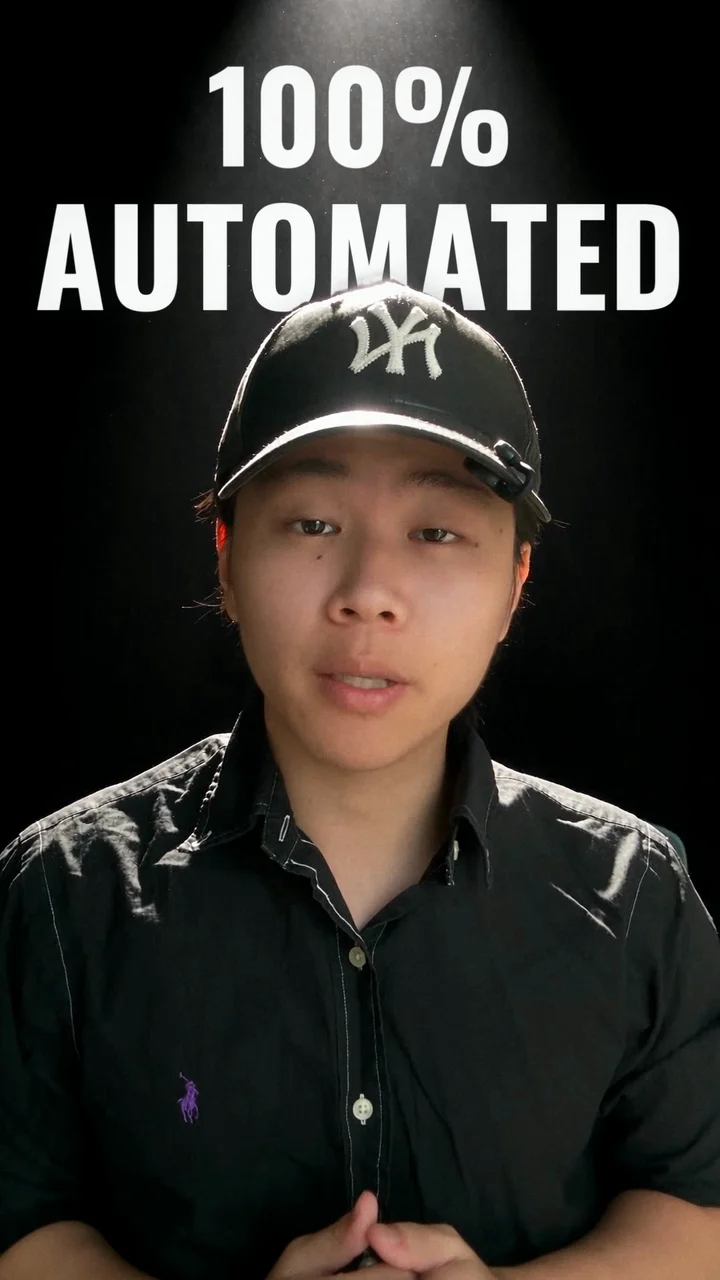
Cuts & captions
Use transcription to tighten pauses and retakes, then review word-level captions and pacing.
Speaker & typography
Separate the speaker with local Apple Vision for type behind the head, camera moves and motion graphics.
Sound & setting
Generate sound, music or a new background through Scenario MCP, then composite the result. Cloud generation is billed separately.
Setup & requirements
On an Apple Silicon Mac, connect Scenario MCP to Claude Code and download the official ZIP. Inspect the files, then place the scenario-auto-edit folder in ~/.claude/skills/. Prepare Python 3.10+, ffmpeg, Xcode command line tools and the documented Python packages. Use a fresh project folder and run /scenario-auto-edit raw.mov with your own clip. Review the proposed cut and cloud cost estimate before generation.
Designed for one on-camera speaker. Apple Vision cutouts require macOS; the complete workflow is not supported on native Windows. Upstream reports complete edits tested only in English. Other languages need suitable fonts and caption checks. Cloud background editing uploads video to Scenario. Generated sound, music and video use paid services; local preprocessing also downloads transcription models and fonts. Reruns can replace generated project files. OpenAgentSkill has inspected the package and official demo, but has not run the editing pipeline.
Scenario MCP setup ↗Source & listing record
SKILL.md declares MIT. The inspected ZIP has no separate LICENSE file or release version. This declaration does not license the official demo, input footage, fonts or Scenario services; check their own terms before commercial use or redistribution.
- Publisher
- Scenario
- Version observation
- 2026-10-14 · No upstream version declared
- Listing status
- Owner curated · Not runtime-verified
- Inspected ZIP SHA-256
- ab415d3ebeeb9e41889f9b130f8536c13e8ec5f5644567bf9747d742c1c6a0be