Frontend Slides
Create beautiful slides on the web using a coding agent's frontend skills
zarazhangrui · 已有 AI 审核记录
安装与使用
运行命令前先阅读来源与依赖说明。复制命令不会自动安装或执行。
npx skills add zarazhangrui/frontend-slides技能说明
name: frontend-slides description: Create stunning, animation-rich HTML presentations from scratch or by converting PowerPoint files. Use when the user wants to build a presentation, convert a PPT/PPTX to web, or create slides for a talk/pitch. Helps non-designers discover their aesthetic through visual exploration rather than abstract choices.
Frontend Slides
Create zero-dependency, animation-rich HTML presentations that run entirely in the browser.
Core Principles
- Zero Dependencies — Single HTML files with inline CSS/JS. No npm, no build tools.
- Show, Don't Tell — Generate visual previews, not abstract choices. People discover what they want by seeing it.
- Distinctive Design — No generic "AI slop." Every presentation must feel custom-crafted.
- Progressive Disclosure — Read lightweight style indexes first. For bold templates, use small preview cards for style previews and load the full
design.mdonly after the user picks that template. - Fixed 16:9 Stage (NON-NEGOTIABLE) — Every deck uses a 1920×1080 slide canvas scaled as a whole to the viewport. Slides must stay 16:9 on every screen, including phones. Do not reflow slide content to fit the device.
Design Aesthetics
You tend to converge toward generic, "on distribution" outputs. In frontend design, this creates what users call the "AI slop" aesthetic. Avoid this: make creative, distinctive frontends that surprise and delight.
Focus on:
- Typography: Choose fonts that are beautiful, unique, and interesting. Avoid generic fonts like Arial and Inter; opt instead for distinctive choices that elevate the frontend's aesthetics.
- Color & Theme: Commit to a cohesive aesthetic. Use CSS variables for consistency. Dominant colors with sharp accents outperform timid, evenly-distributed palettes. Draw from IDE themes and cultural aesthetics for inspiration.
- Motion: Use animations for effects and micro-interactions. Prioritize CSS-only solutions for HTML. Use Motion library for React when available. Focus on high-impact moments: one well-orchestrated page load with staggered reveals (animation-delay) creates more delight than scattered micro-interactions.
- Backgrounds: Create atmosphere and depth rather than defaulting to solid colors. Layer CSS gradients, use geometric patterns, or add contextual effects that match the overall aesthetic.
Avoid generic AI-generated aesthetics:
- Overused font families (Inter, Roboto, Arial, system fonts)
- Cliched color schemes (particularly purple gradients on white backgrounds)
- Predictable layouts and component patterns
- Cookie-cutter design that lacks context-specific character
Interpret creatively and make unexpected choices that feel genuinely designed for the context. Vary between light and dark themes, different fonts, different aesthetics. You still tend to converge on common choices (Space Grotesk, for example) across generations. Avoid this: it is critical that you think outside the box!
Fixed Stage Rules
These invariants apply to EVERY slide in EVERY presentation:
- Every deck has a viewport wrapper that fills the browser window.
- Every slide is authored inside a fixed 1920×1080 stage.
- The stage scales uniformly to fit the viewport. It may letterbox/pillarbox; it must not re-layout content.
- Do not use responsive breakpoints to rearrange slide content for phones.
- Use fixed internal slide measurements at the 1920×1080 design size.
- Slide visibility must be controlled by
.active/.visibleusingvisibility,opacity, andpointer-eventsfromviewport-base.css. Do not usedisplay: none/display: blockfor slide switching; later layout classes such as.slide-content { display: flex; }can override them and make every slide visible at once. - Use
clamp()only for non-slide UI outside the stage, or for small fallback previews where a full stage is impractical. - Include
prefers-reduced-motionsupport - Never negate CSS functions directly (
-clamp(),-min(),-max()are silently ignored) — usecalc(-1 * clamp(...))instead
When generating, read viewport-base.css and include its full contents in every presentation.
Content Density Modes
Ask the user whether this is primarily a reading deck or a speaking deck, then design around that answer:
| Density mode | Best for | Design behavior |
|---|---|---|
| Low density / speaker-led | Public talks, keynote-style sharing, live explanation | One idea per slide, large type, strong visual hierarchy, generous negative space, 1-3 bullets max, more slides if needed |
| High density / reading-first | Reports, handouts, async review, detailed internal docs | More self-contained slides, structured grids/tables/annotations, 4-8 bullets or 4-6 cards when readable, tighter but still intentional spacing |
Baseline limits still apply: no scrolling, no overflow, no overlapping panels, and no text below comfortable reading size. If content exceeds the selected density mode, split it into more slides instead of shrinking until it becomes cramped.
Phase 0: Detect Mode
Determine what the user wants:
- Mode A: New Presentation — Create from scratch. Go to Phase 1.
- Mode B: PPT Conversion — Convert a .pptx file. Go to Phase 4.
- Mode C: Enhancement — Improve an existing HTML presentation. Read it, understand it, enhance. Follow Mode C modification rules below.
Mode C: Modification Rules
When enhancing existing presentations, fixed-stage fitting is the biggest risk:
- Before adding content: Count existing elements, check against density limits
- Adding images: Fit them inside the 1920×1080 slide canvas. If slide already has max content, split into two slides
- Adding text: Max 4-6 bullets per slide. Exceeds limits? Split into continuation slides
- After ANY modification, verify: the slide stage remains 16:9, no text overflows its card, no panels overlap, and screenshots look cor
先看看实际效果
自动收录自作者仓库,已检查来源许可证与图片格式;作品未经人工审阅,也没有执行技能。标题来自源文件名,未核实原始提示词、模型、费用及事实表述。


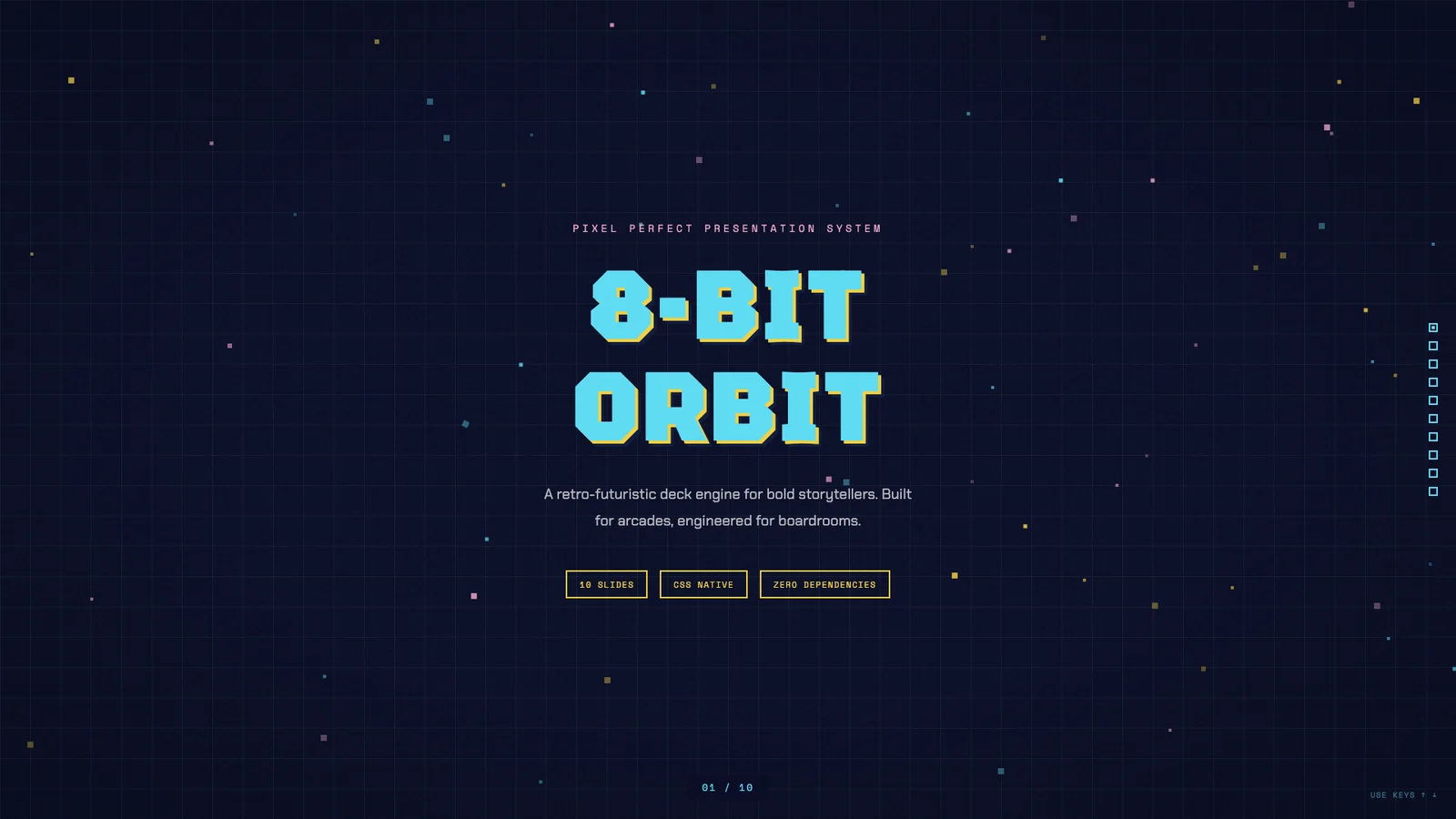
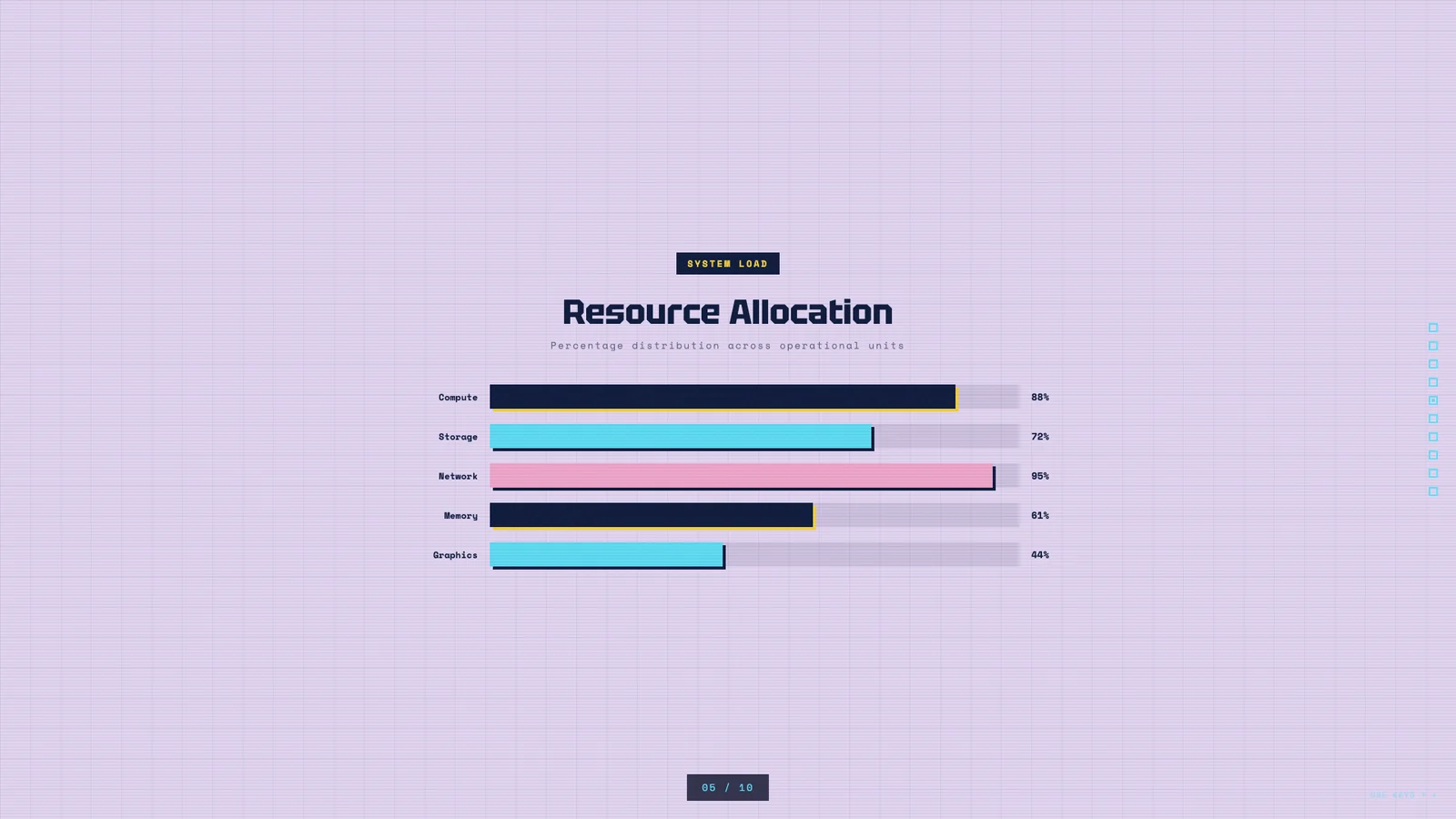
像素轨道
作者模板 · 于 2026-09-08 从作者仓库的固定版本中精选。保留原图,展示副本仅缩放压缩。本站检查了预览,没有重新运行技能;未核实原始提示词、模型、制作时长与成本。示例数字及科学标注需独立核查。
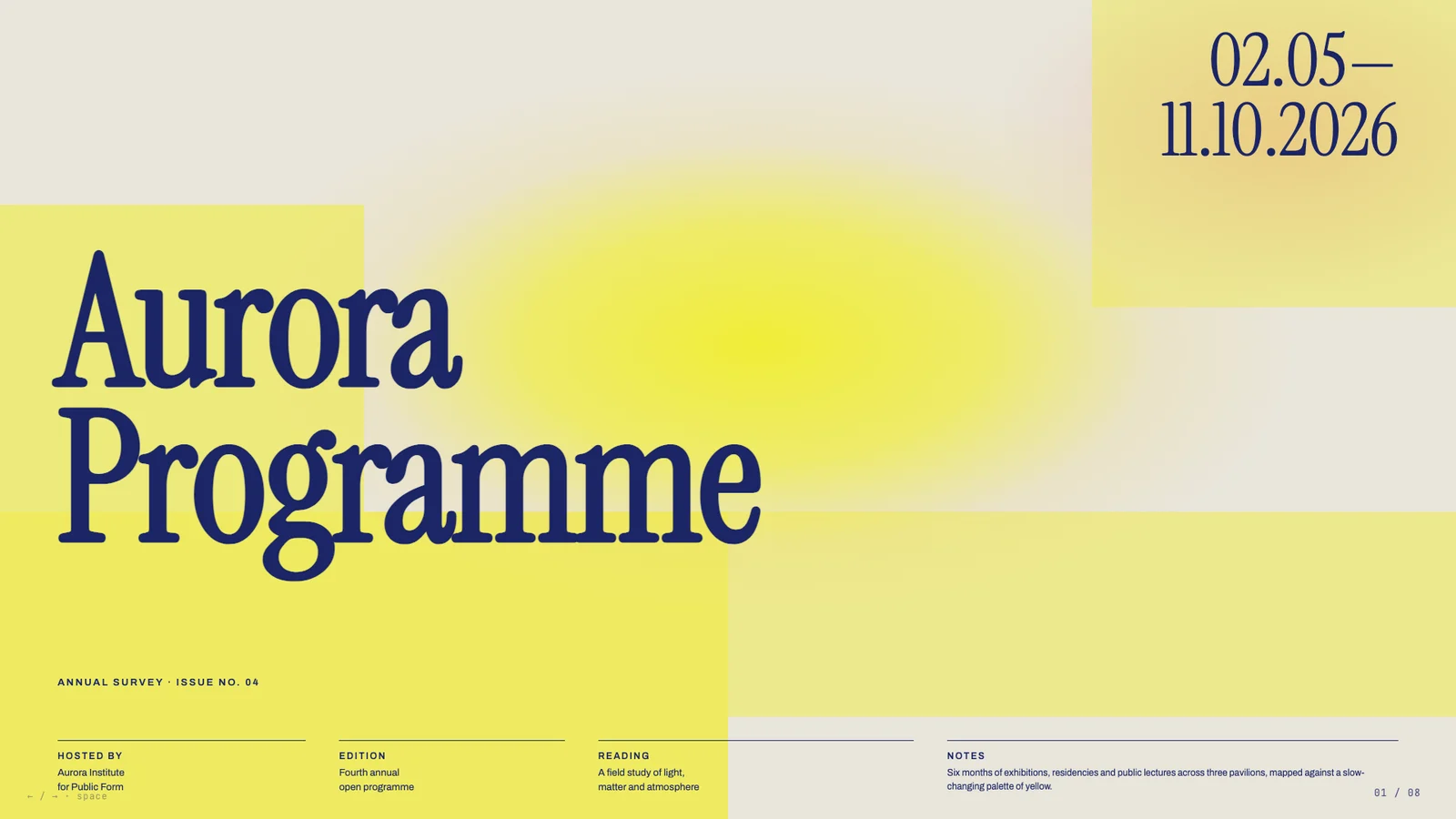
极光展览企划
作者模板 · 于 2026-09-08 从作者仓库的固定版本中精选。保留原图,展示副本仅缩放压缩。本站检查了预览,没有重新运行技能;未核实原始提示词、模型、制作时长与成本。示例数字及科学标注需独立核查。
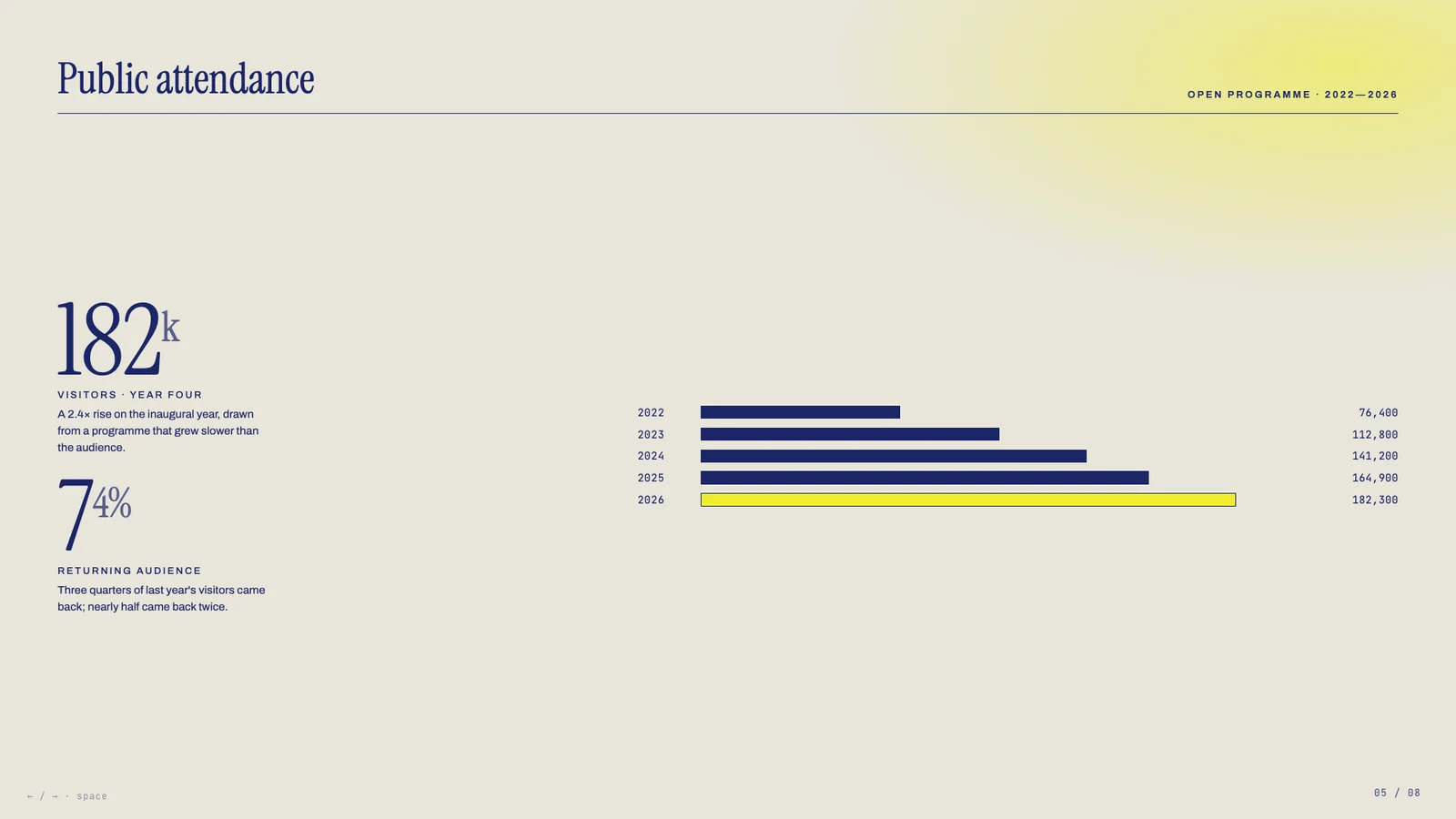
框架里的增长故事
作者模板 · 于 2026-09-08 从作者仓库的固定版本中精选。保留原图,展示副本仅缩放压缩。本站检查了预览,没有重新运行技能;未核实原始提示词、模型、制作时长与成本。示例数字及科学标注需独立核查。
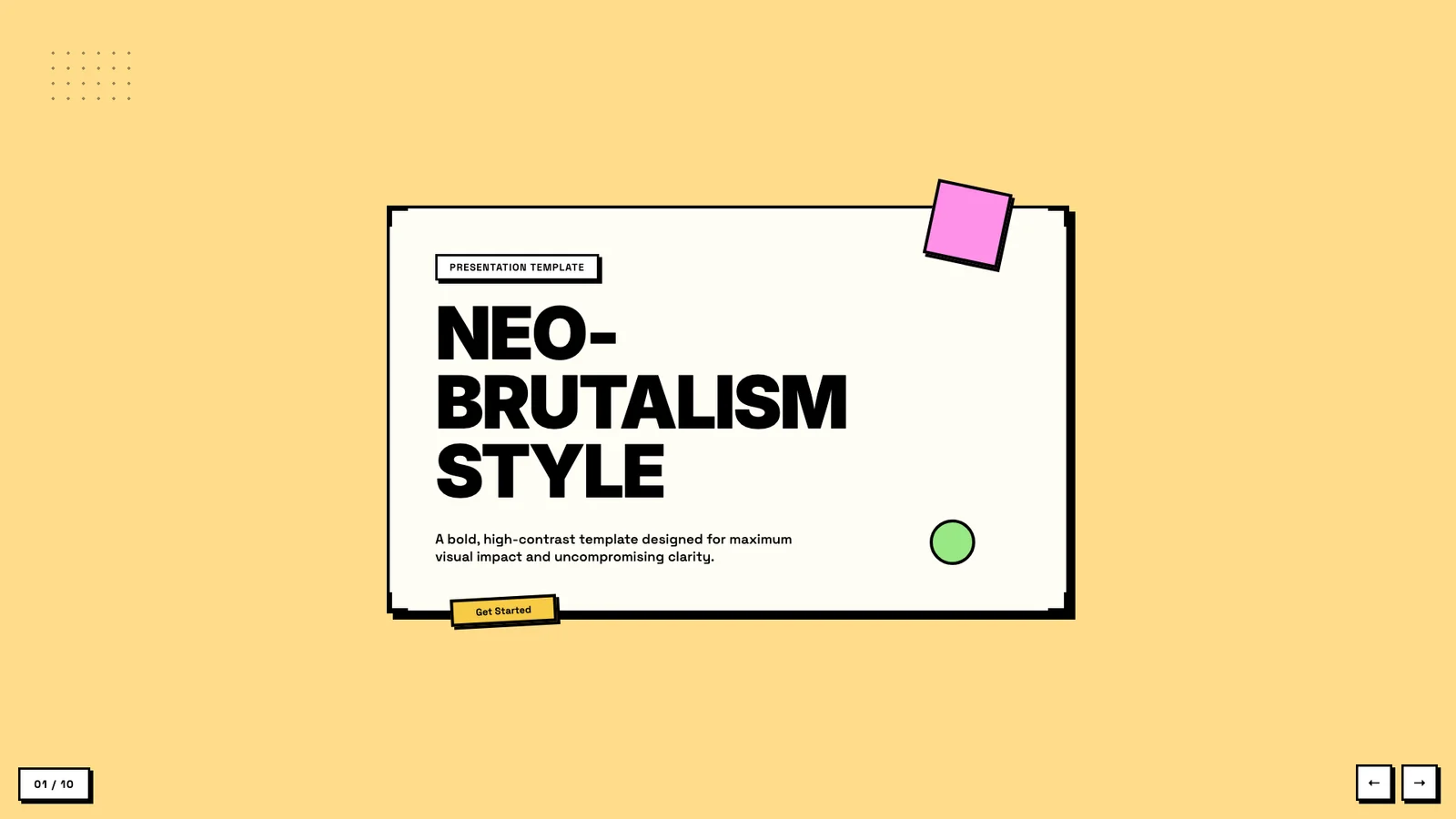
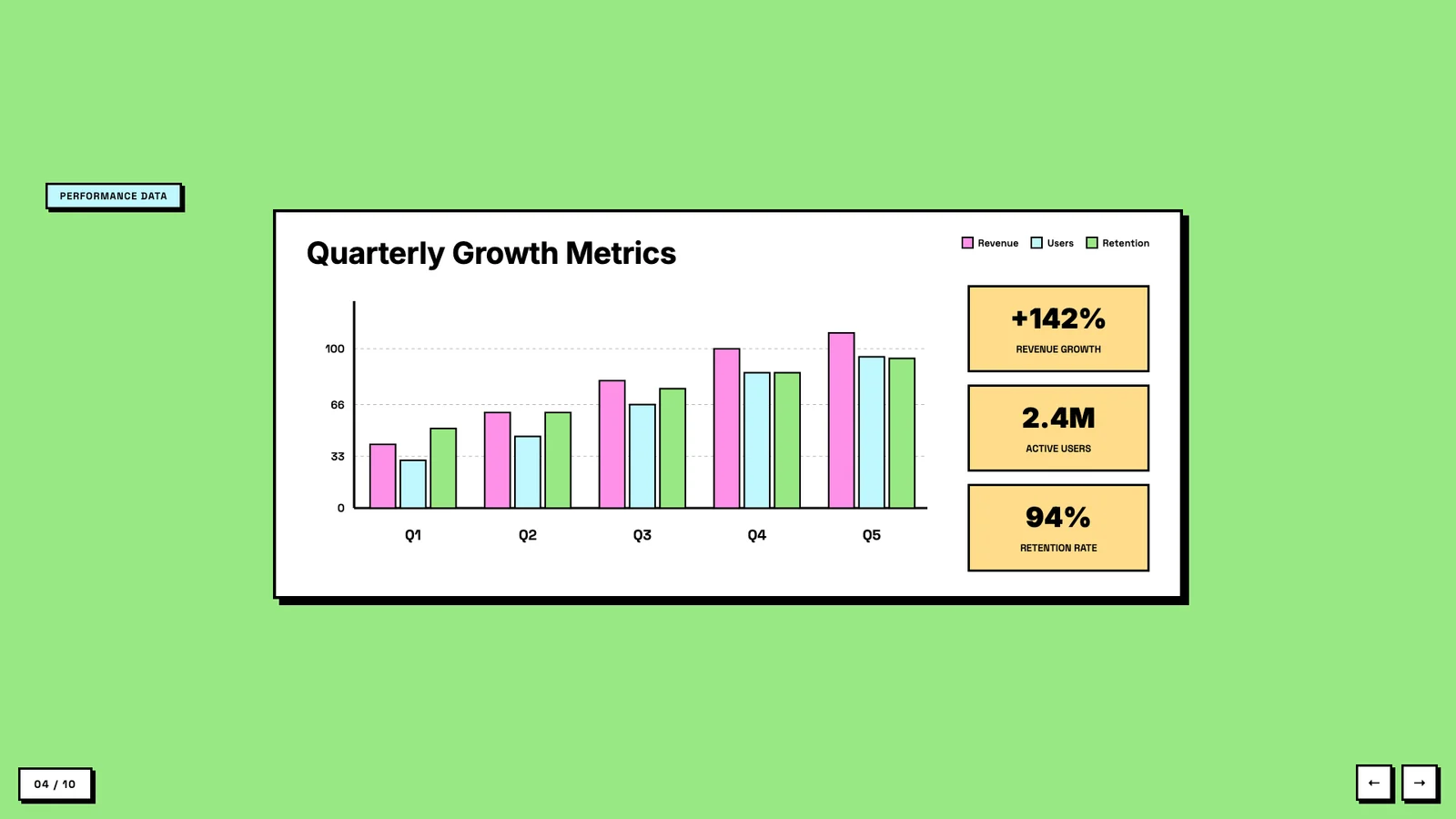
Apex 年度回顾
作者模板 · 于 2026-09-08 从作者仓库的固定版本中精选。保留原图,展示副本仅缩放压缩。本站检查了预览,没有重新运行技能;未核实原始提示词、模型、制作时长与成本。示例数字及科学标注需独立核查。

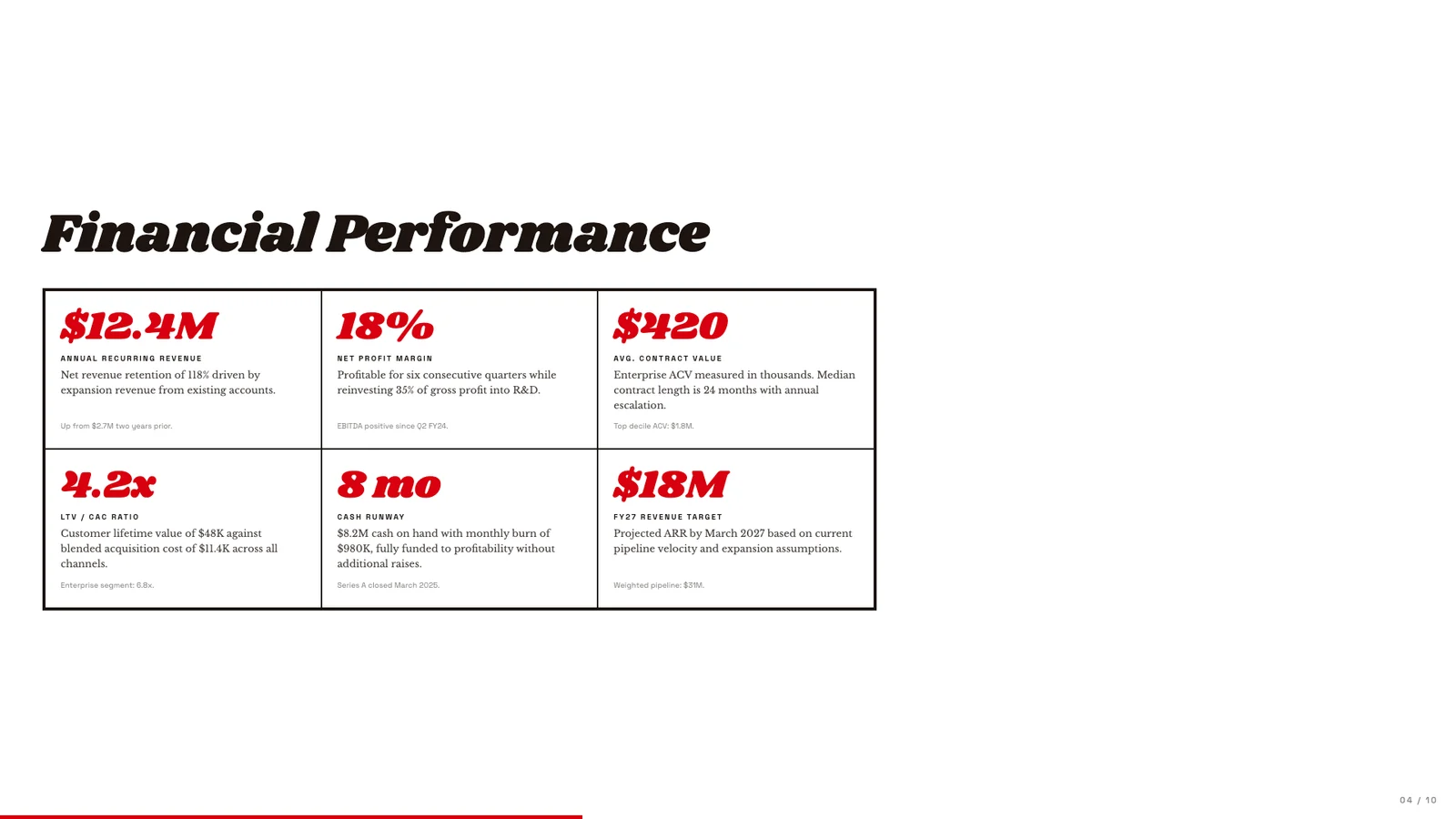
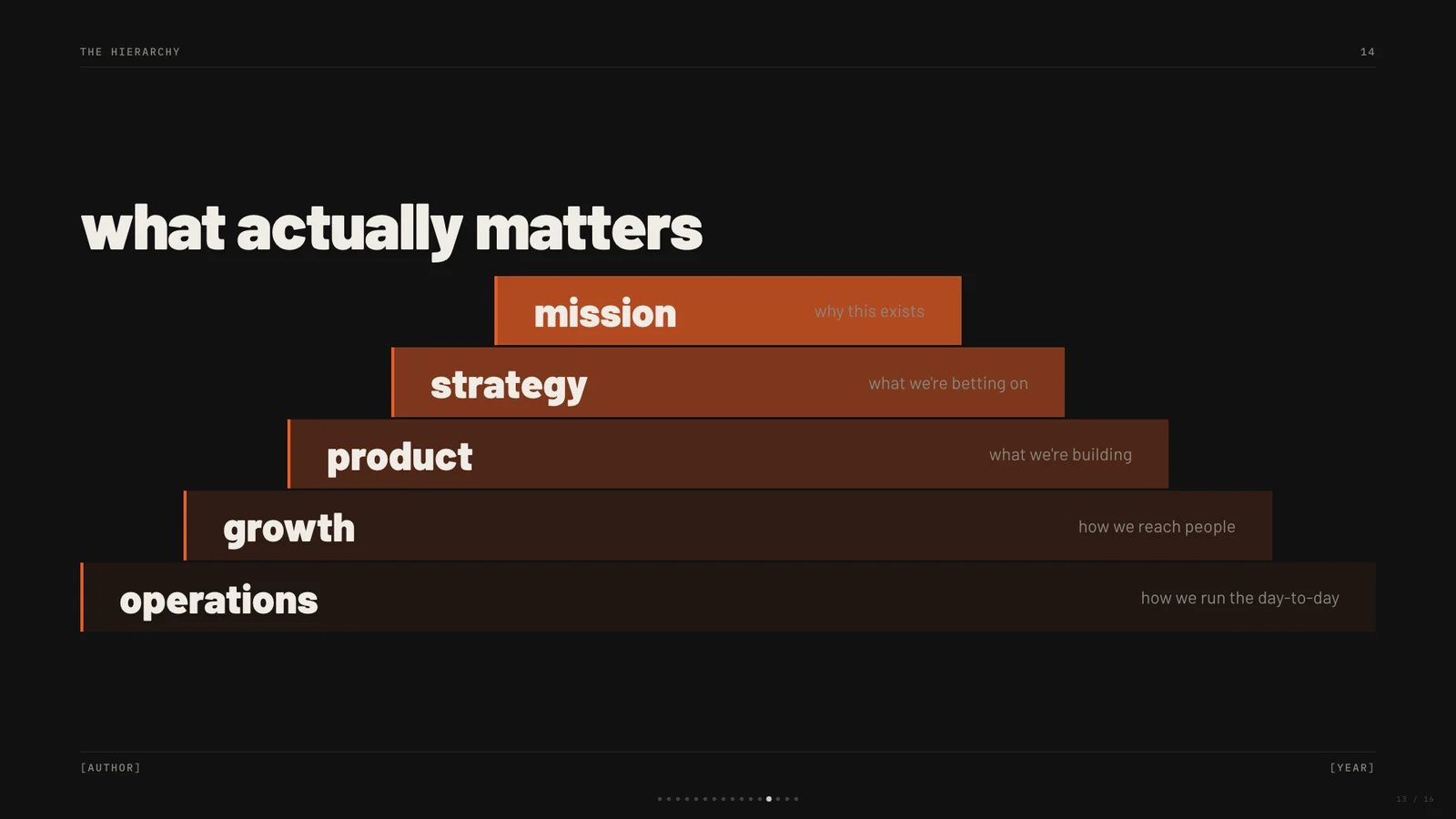
用层级表达观点
作者模板 · 于 2026-09-08 从作者仓库的固定版本中精选。保留原图,展示副本仅缩放压缩。本站检查了预览,没有重新运行技能;未核实原始提示词、模型、制作时长与成本。示例数字及科学标注需独立核查。

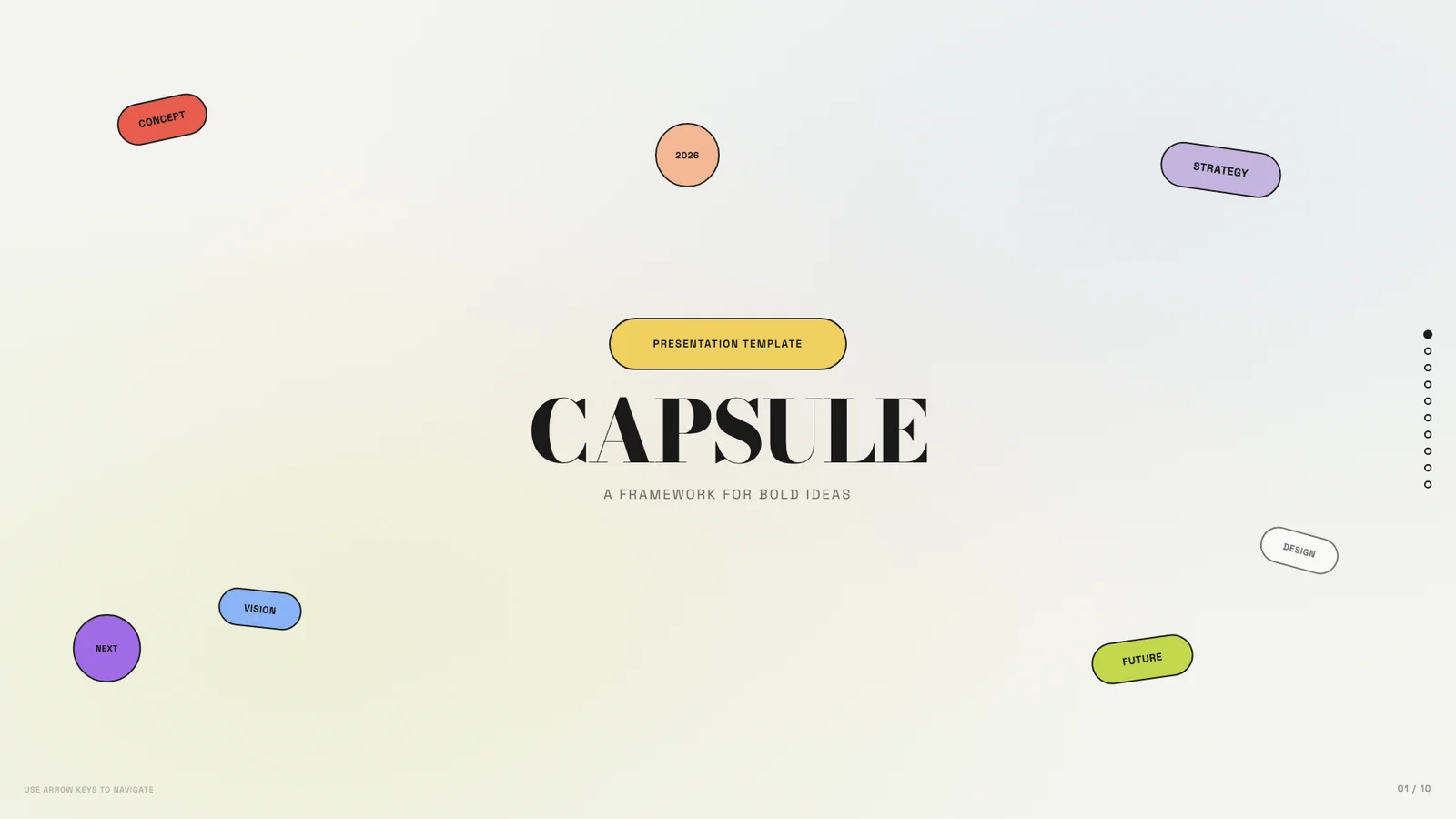
胶囊形的系统说明
作者模板 · 于 2026-09-08 从作者仓库的固定版本中精选。保留原图,展示副本仅缩放压缩。本站检查了预览,没有重新运行技能;未核实原始提示词、模型、制作时长与成本。示例数字及科学标注需独立核查。
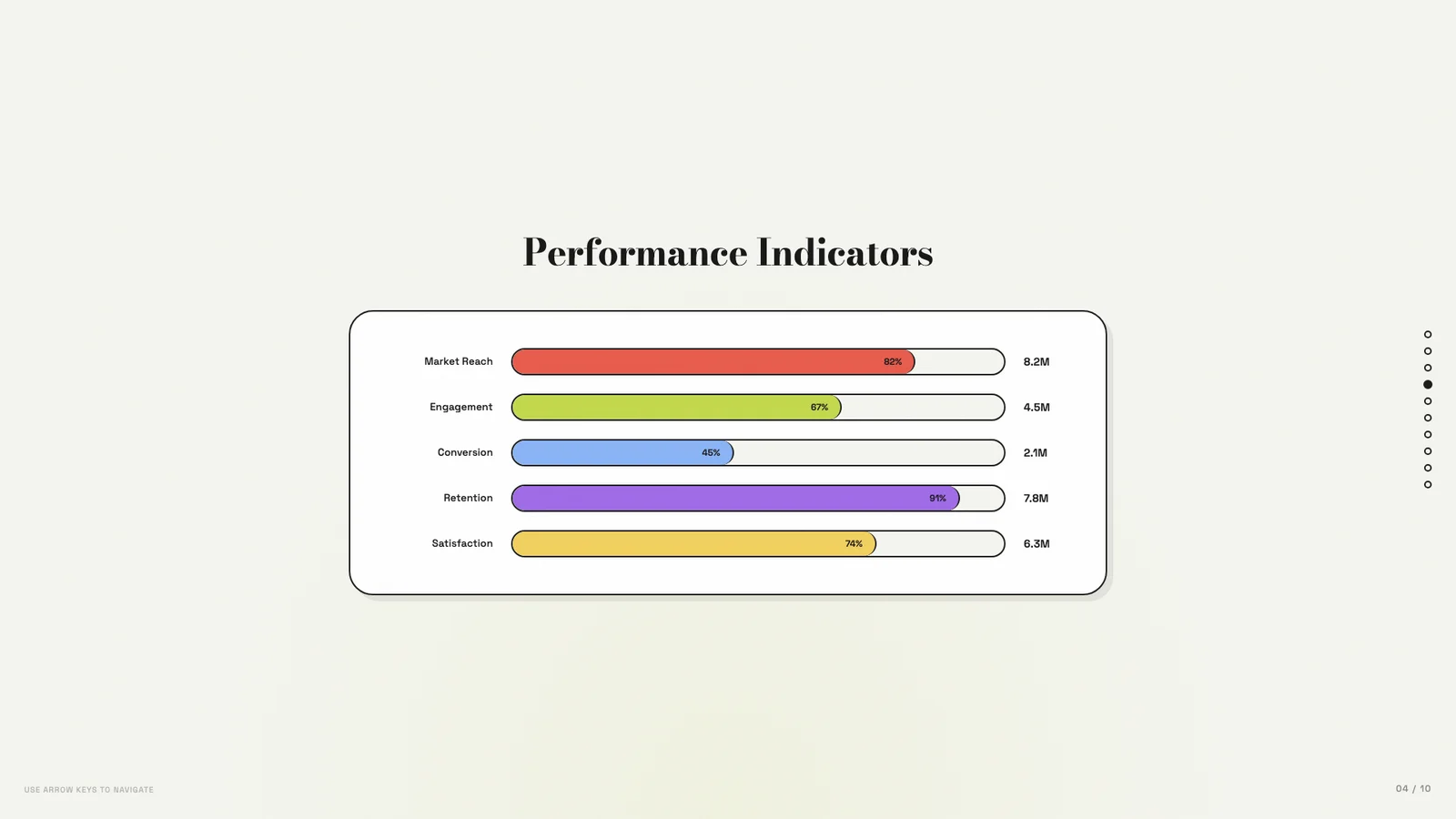
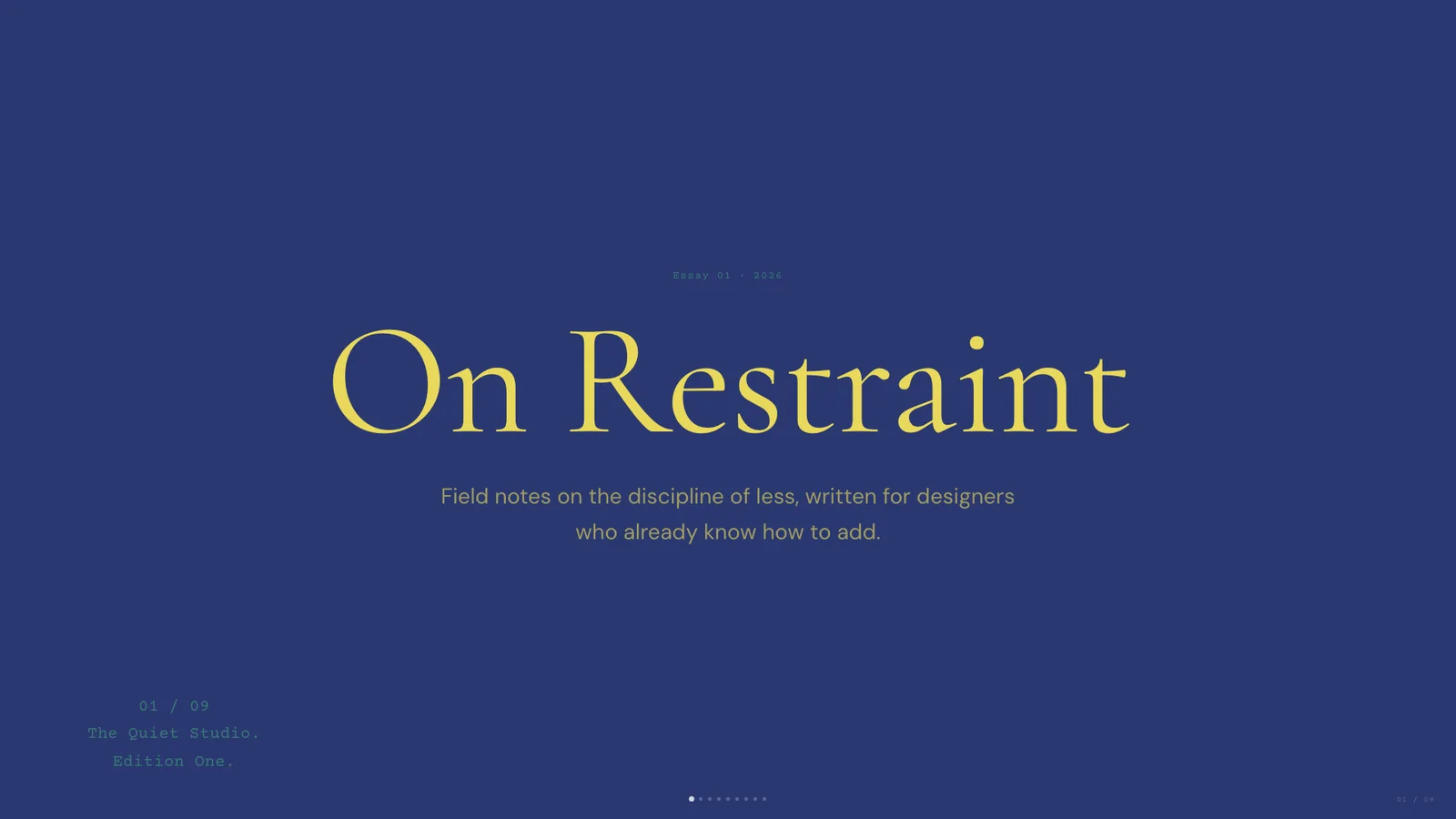
克制的战略回顾
作者模板 · 于 2026-09-08 从作者仓库的固定版本中精选。保留原图,展示副本仅缩放压缩。本站检查了预览,没有重新运行技能;未核实原始提示词、模型、制作时长与成本。示例数字及科学标注需独立核查。
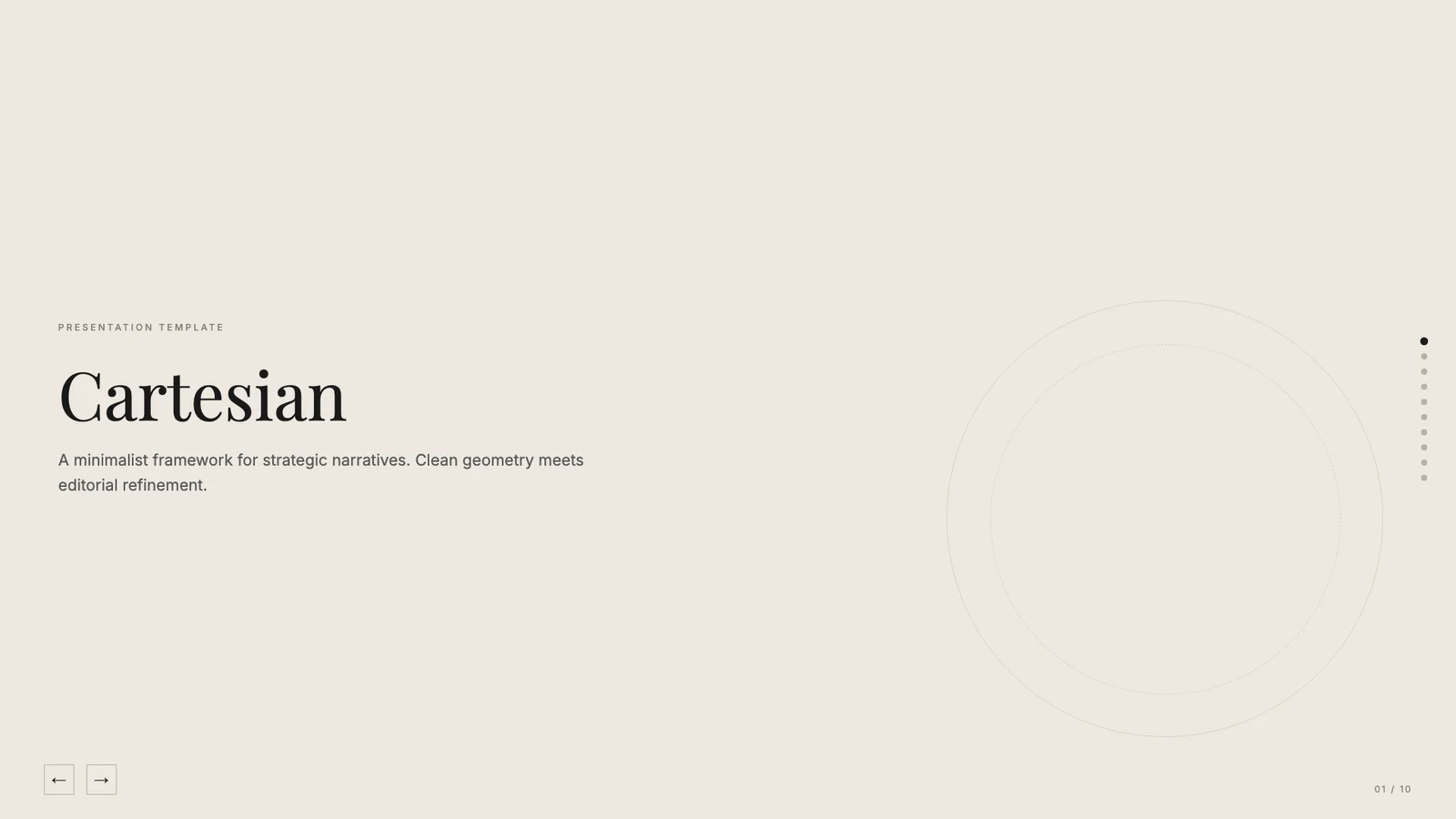
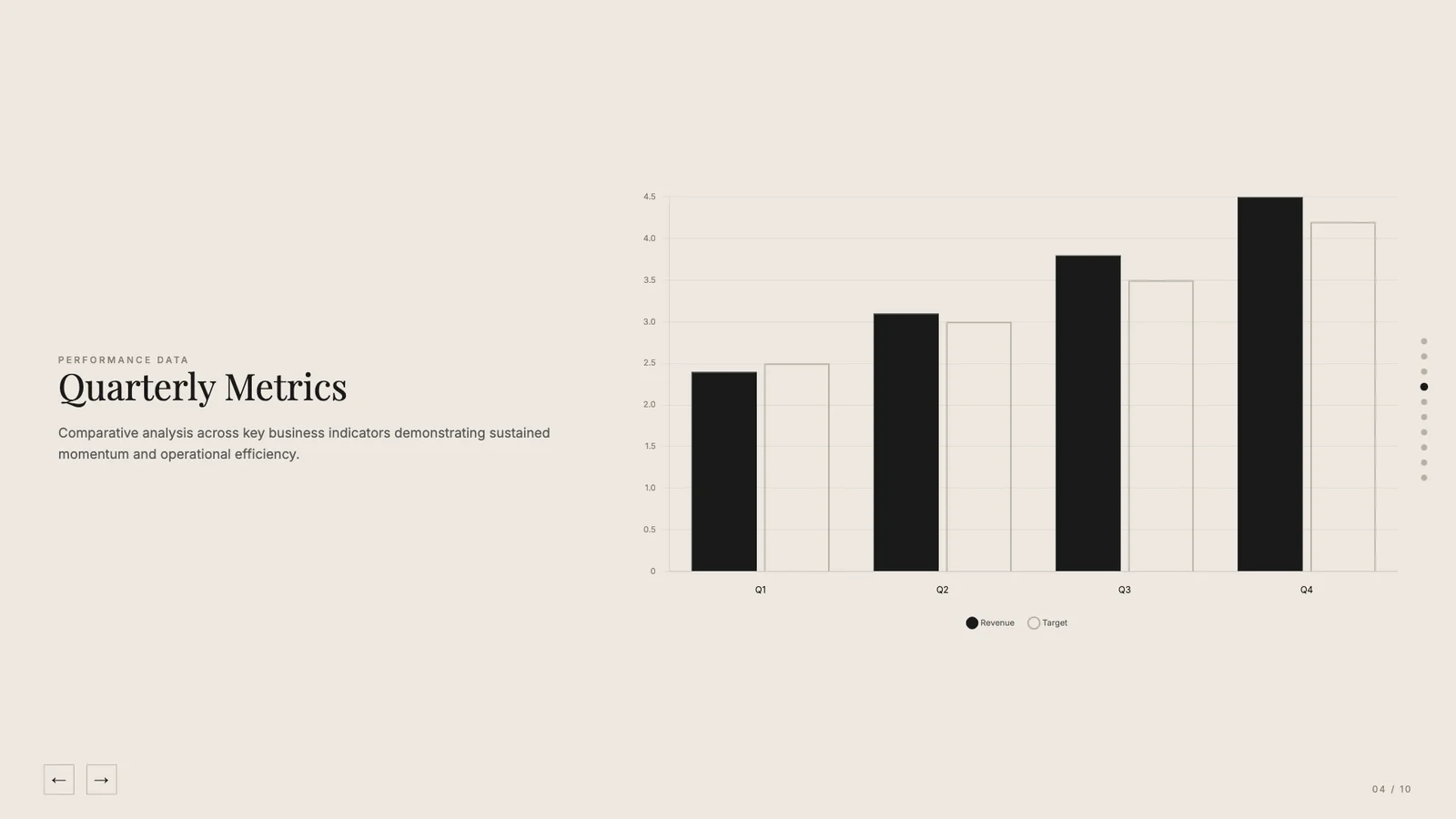
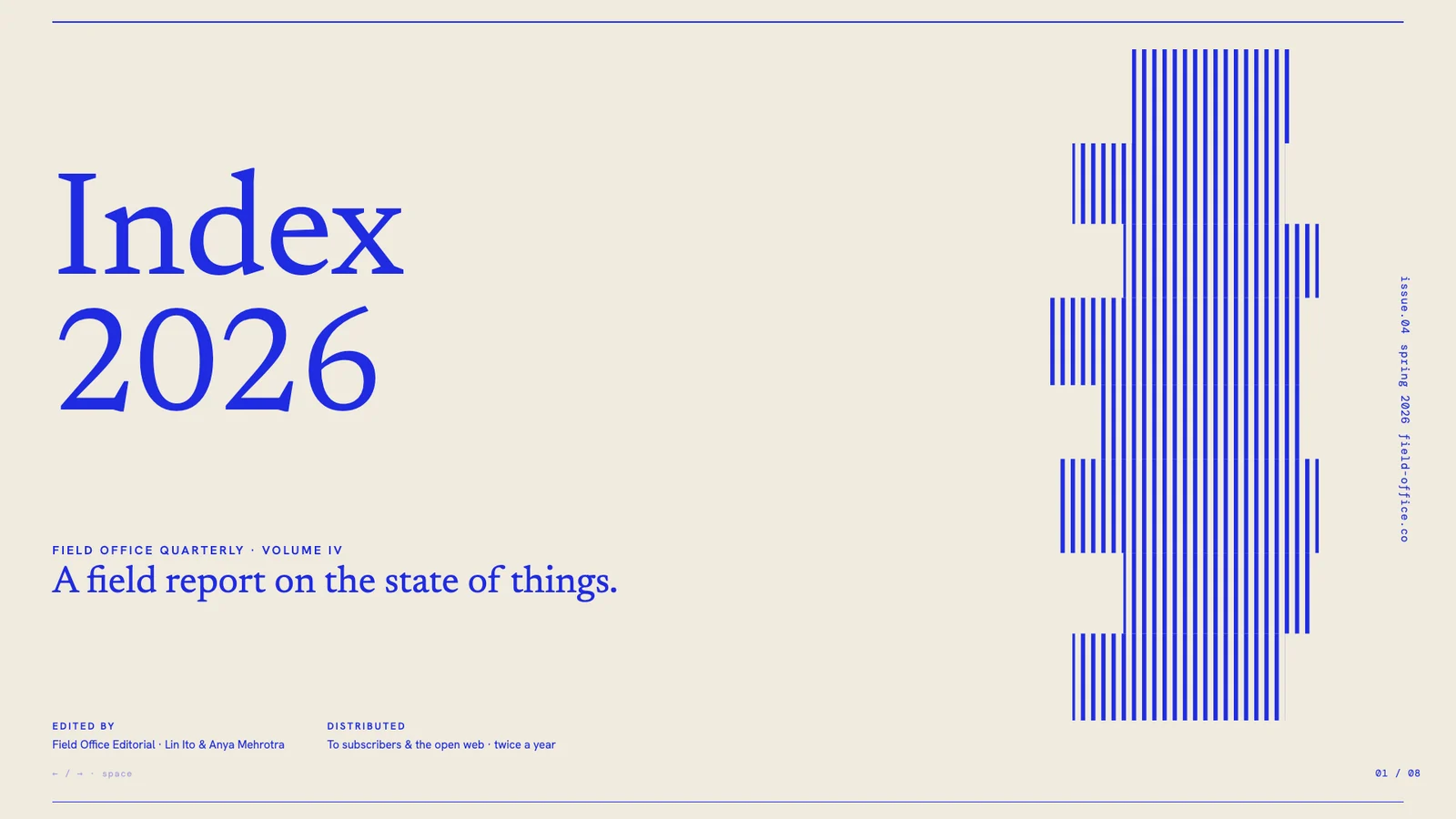
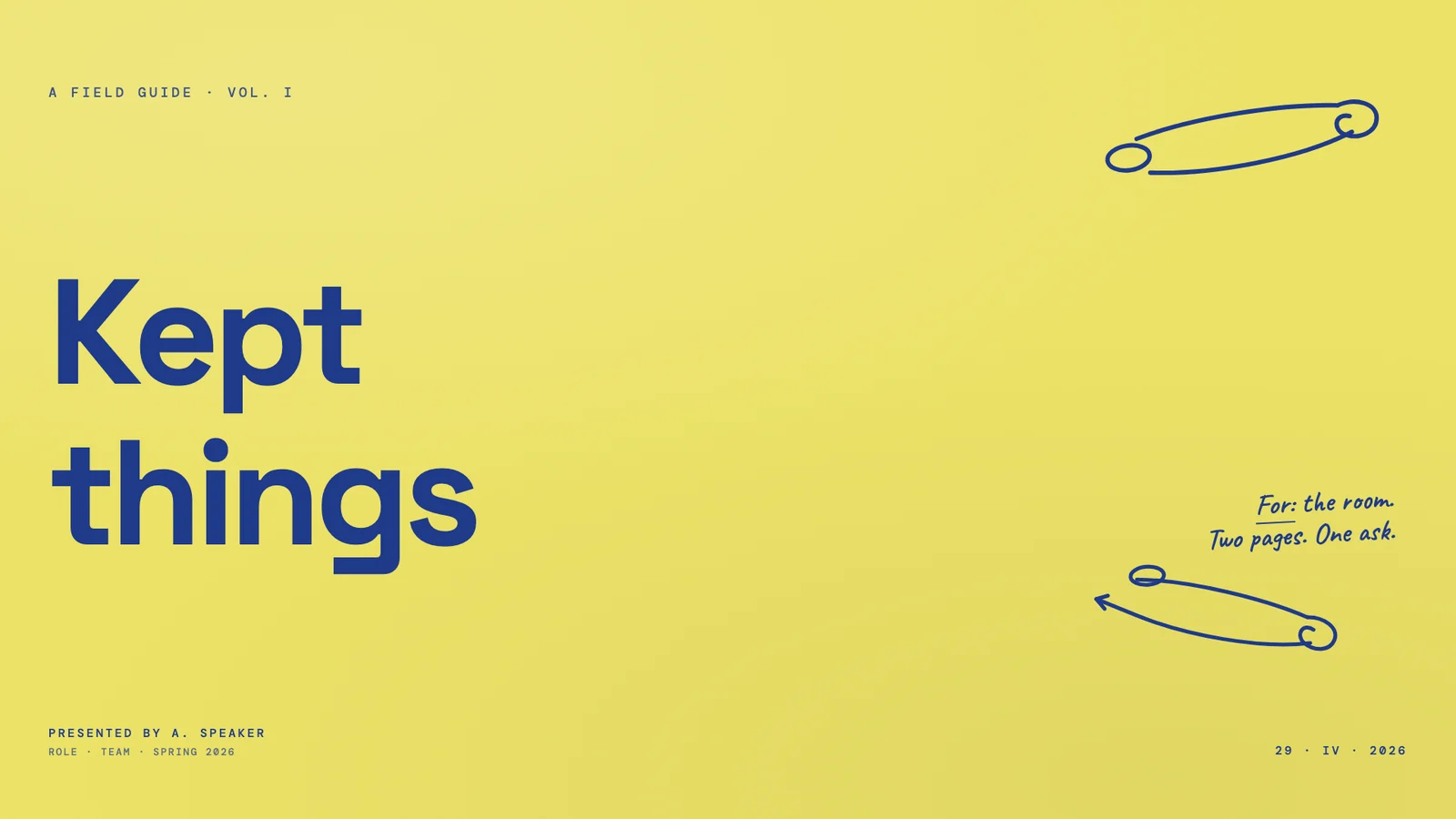
钴蓝色田野报告
作者模板 · 于 2026-09-08 从作者仓库的固定版本中精选。保留原图,展示副本仅缩放压缩。本站检查了预览,没有重新运行技能;未核实原始提示词、模型、制作时长与成本。示例数字及科学标注需独立核查。
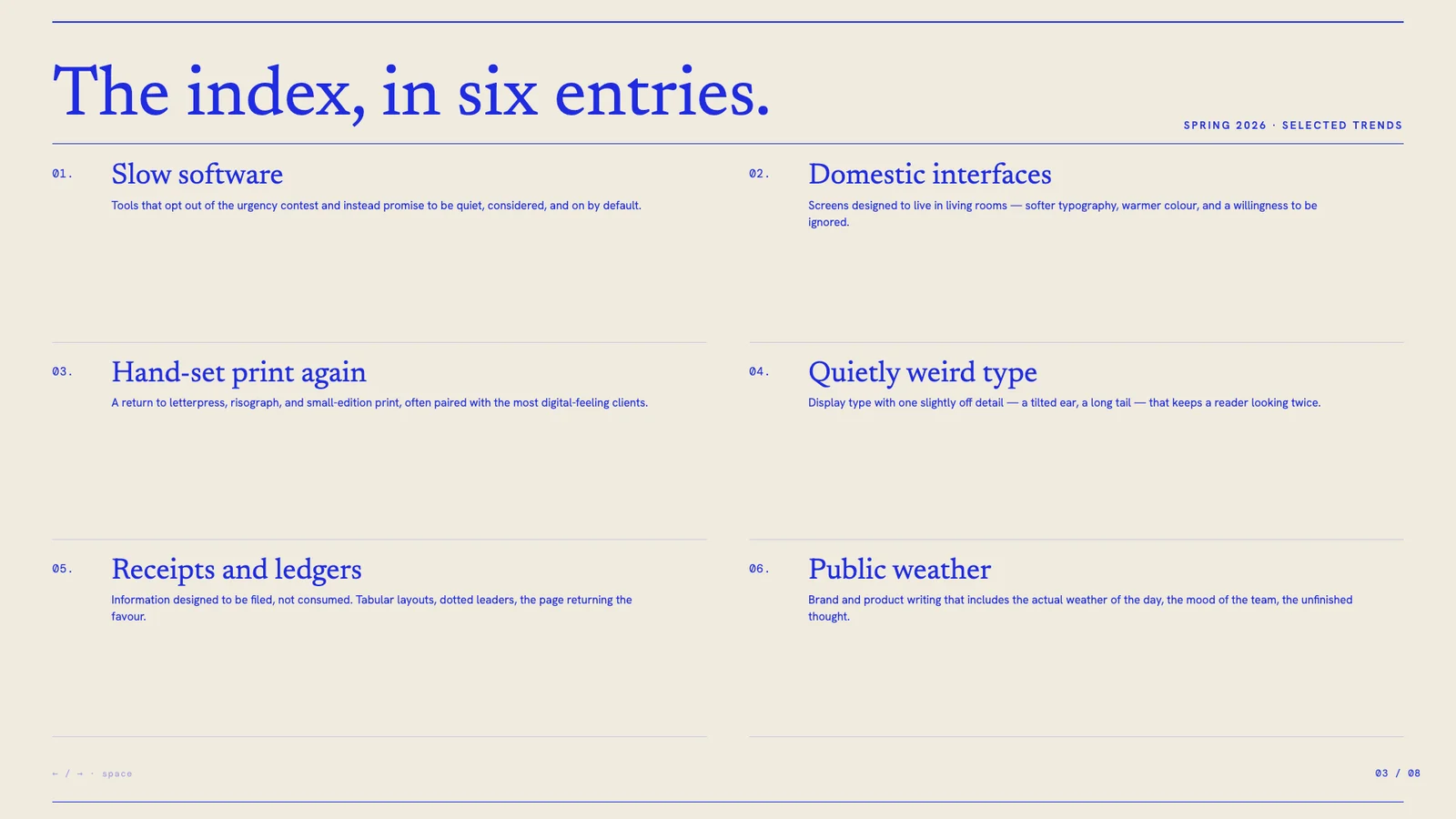
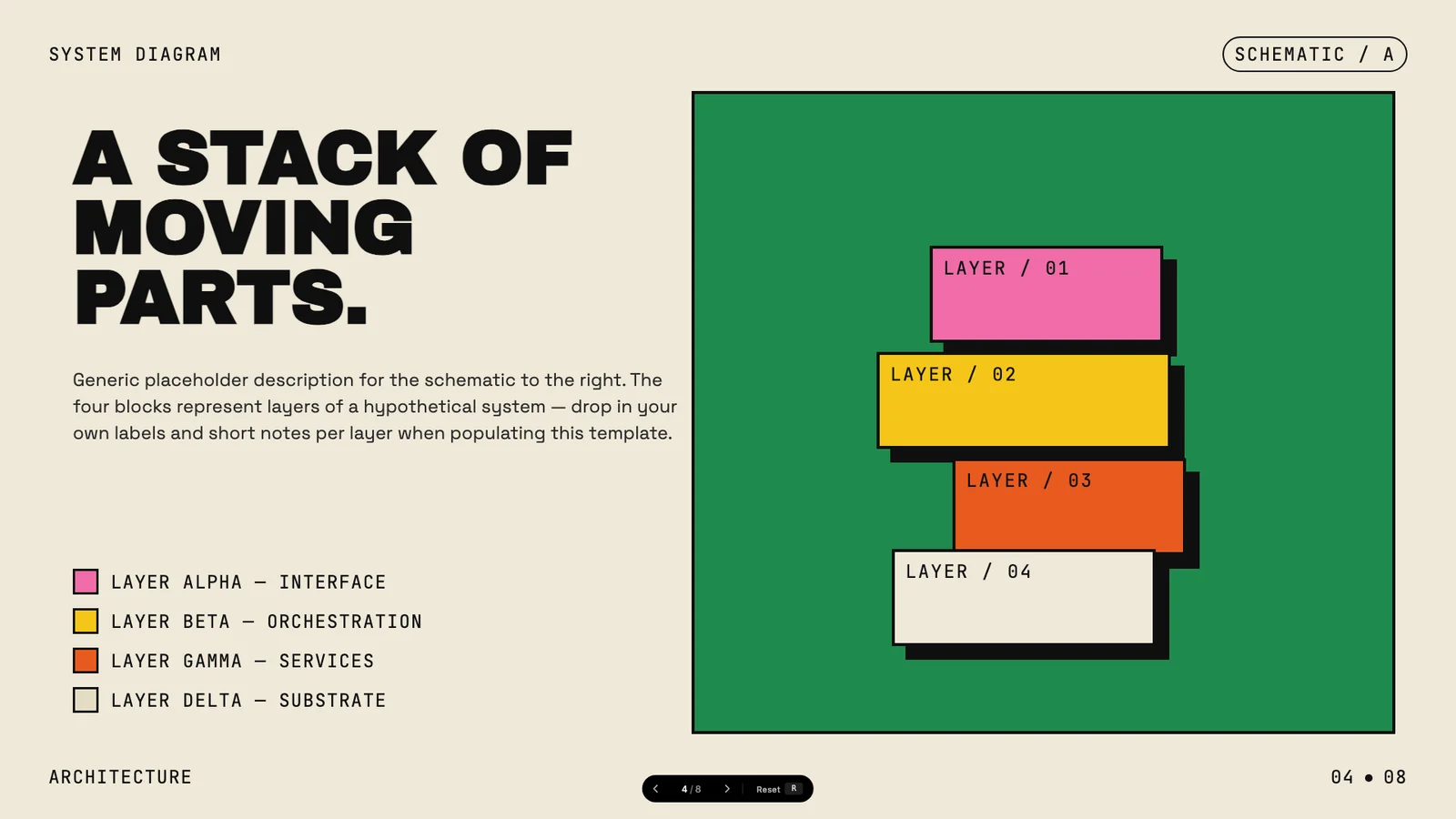
讲清不断运转的系统
作者模板 · 于 2026-09-08 从作者仓库的固定版本中精选。保留原图,展示副本仅缩放压缩。本站检查了预览,没有重新运行技能;未核实原始提示词、模型、制作时长与成本。示例数字及科学标注需独立核查。
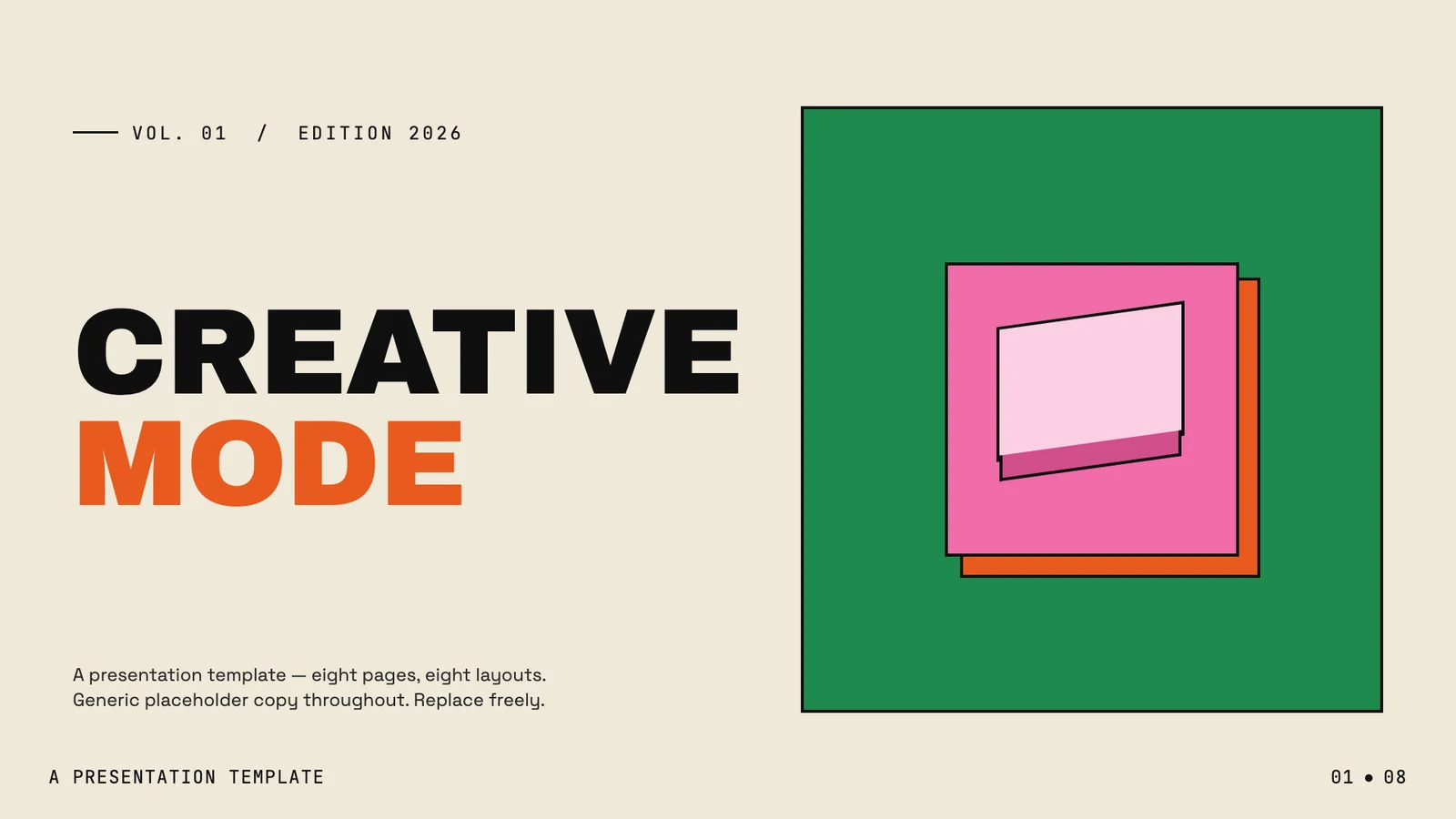
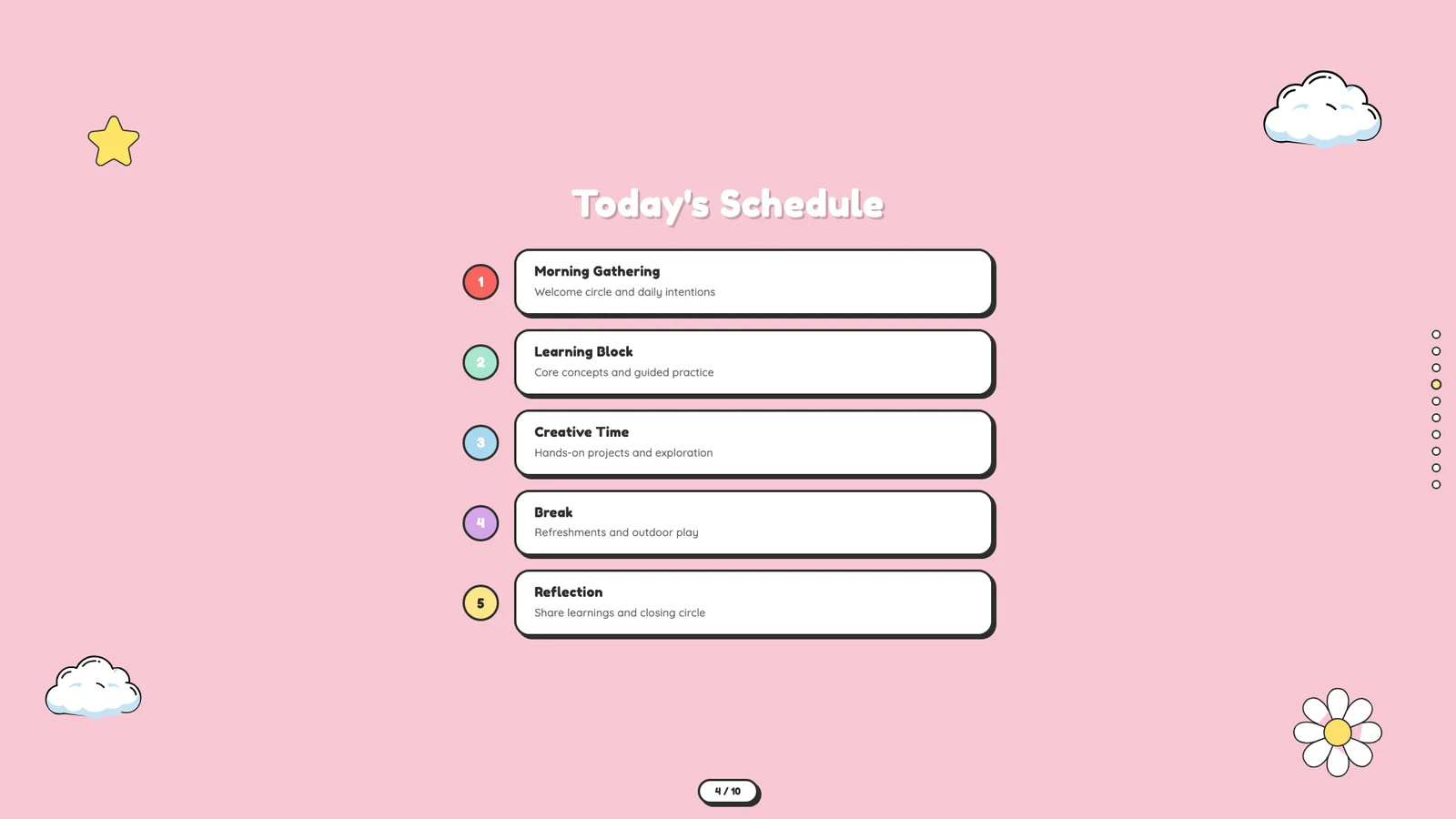
明亮的团队欢迎会
作者模板 · 于 2026-09-08 从作者仓库的固定版本中精选。保留原图,展示副本仅缩放压缩。本站检查了预览,没有重新运行技能;未核实原始提示词、模型、制作时长与成本。示例数字及科学标注需独立核查。
工作室与沙龙
作者模板 · 于 2026-09-08 从作者仓库的固定版本中精选。保留原图,展示副本仅缩放压缩。本站检查了预览,没有重新运行技能;未核实原始提示词、模型、制作时长与成本。示例数字及科学标注需独立核查。
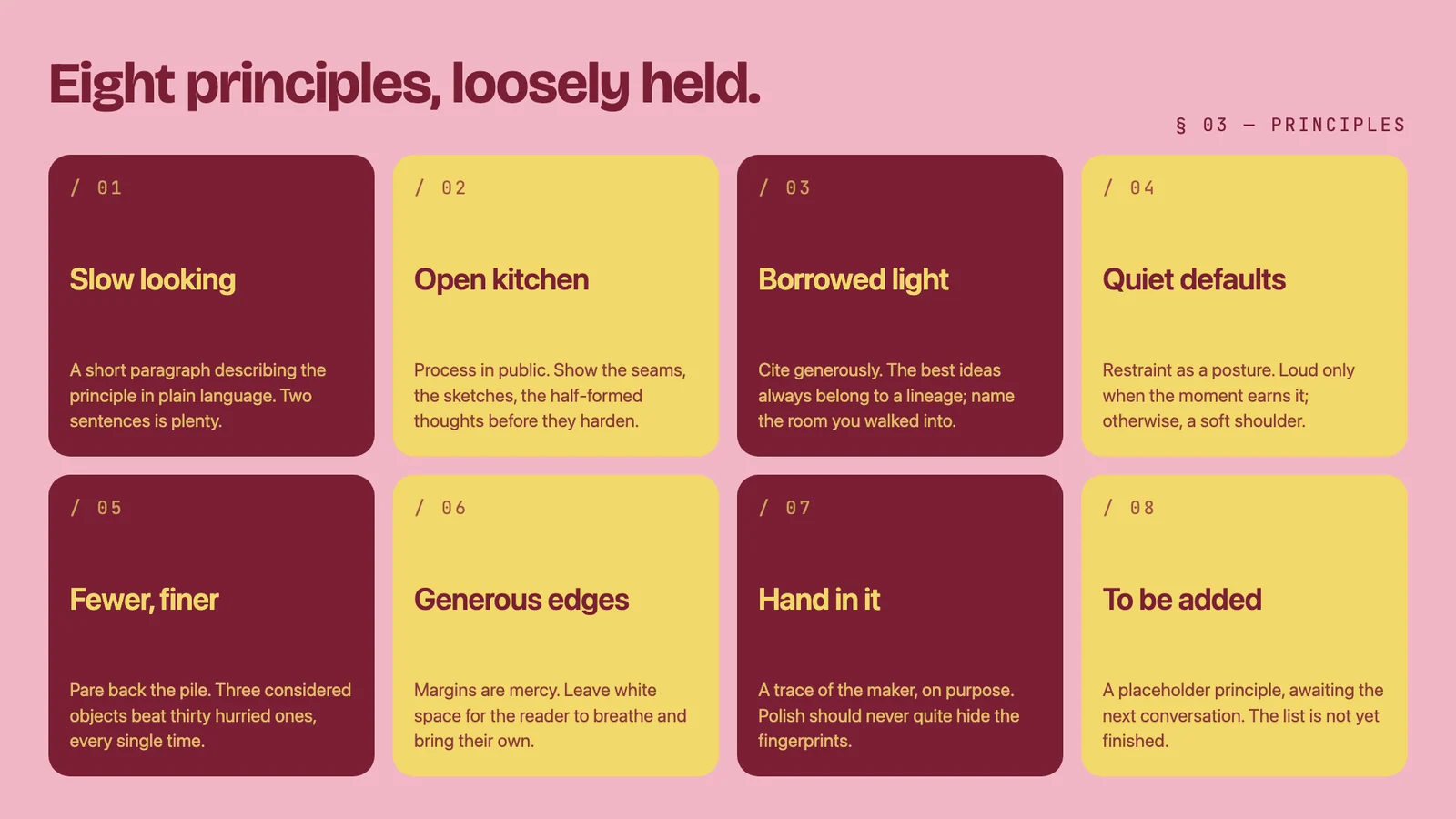
有态度的提案
作者模板 · 于 2026-09-08 从作者仓库的固定版本中精选。保留原图,展示副本仅缩放压缩。本站检查了预览,没有重新运行技能;未核实原始提示词、模型、制作时长与成本。示例数字及科学标注需独立核查。
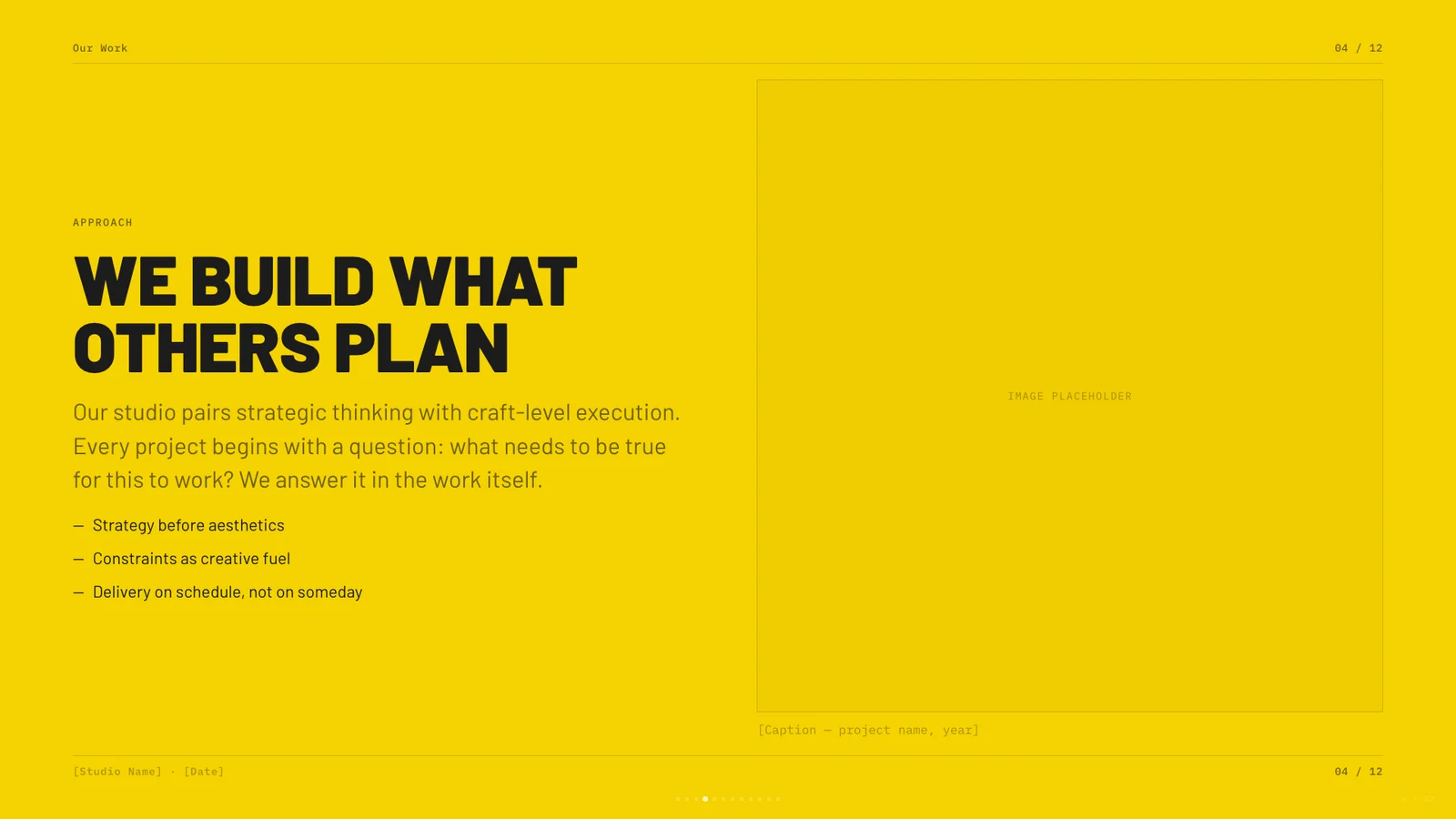
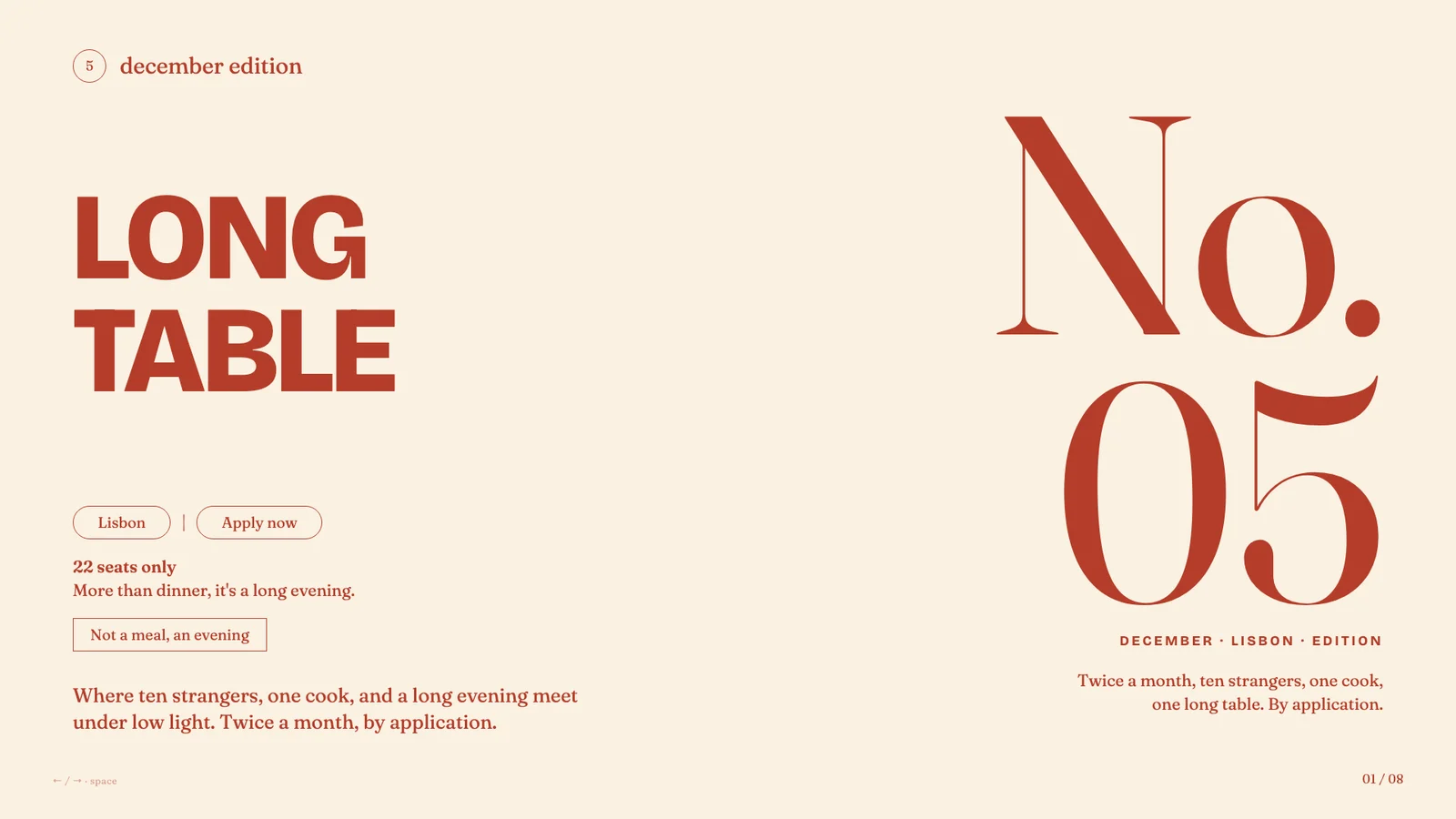
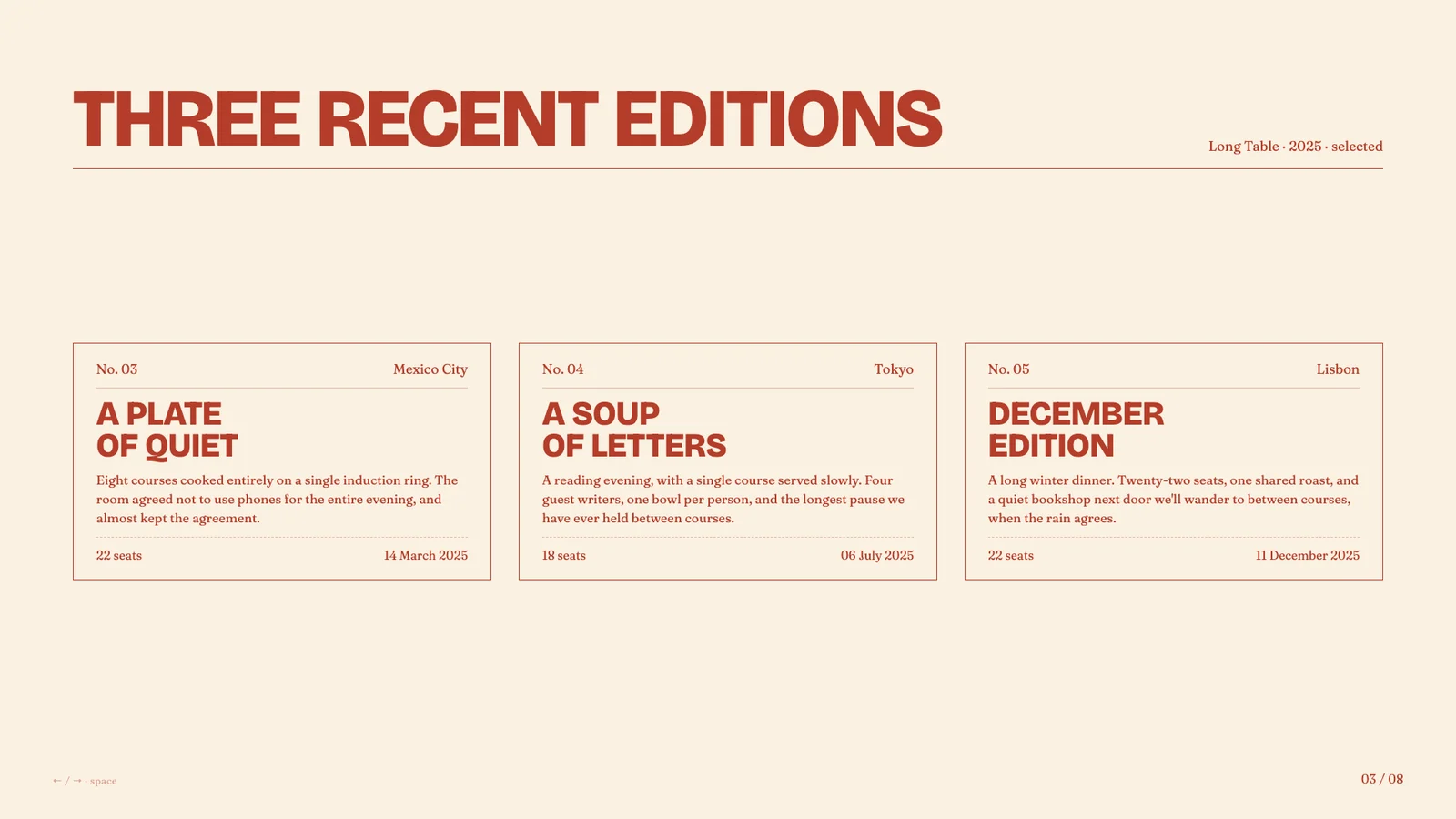
长桌边的邀请
作者模板 · 于 2026-09-08 从作者仓库的固定版本中精选。保留原图,展示副本仅缩放压缩。本站检查了预览,没有重新运行技能;未核实原始提示词、模型、制作时长与成本。示例数字及科学标注需独立核查。
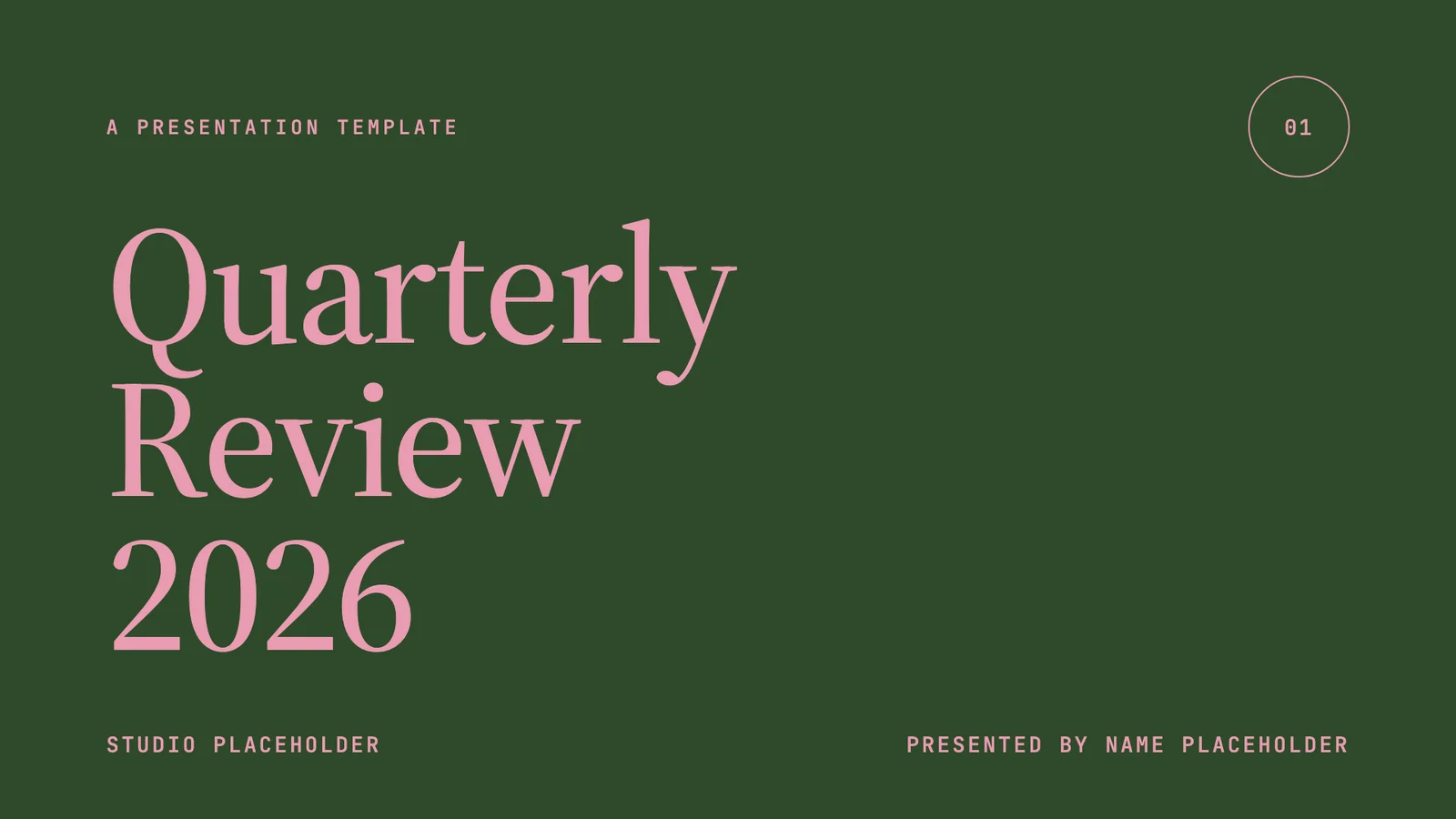
森林绿季度回顾
作者模板 · 于 2026-09-08 从作者仓库的固定版本中精选。保留原图,展示副本仅缩放压缩。本站检查了预览,没有重新运行技能;未核实原始提示词、模型、制作时长与成本。示例数字及科学标注需独立核查。
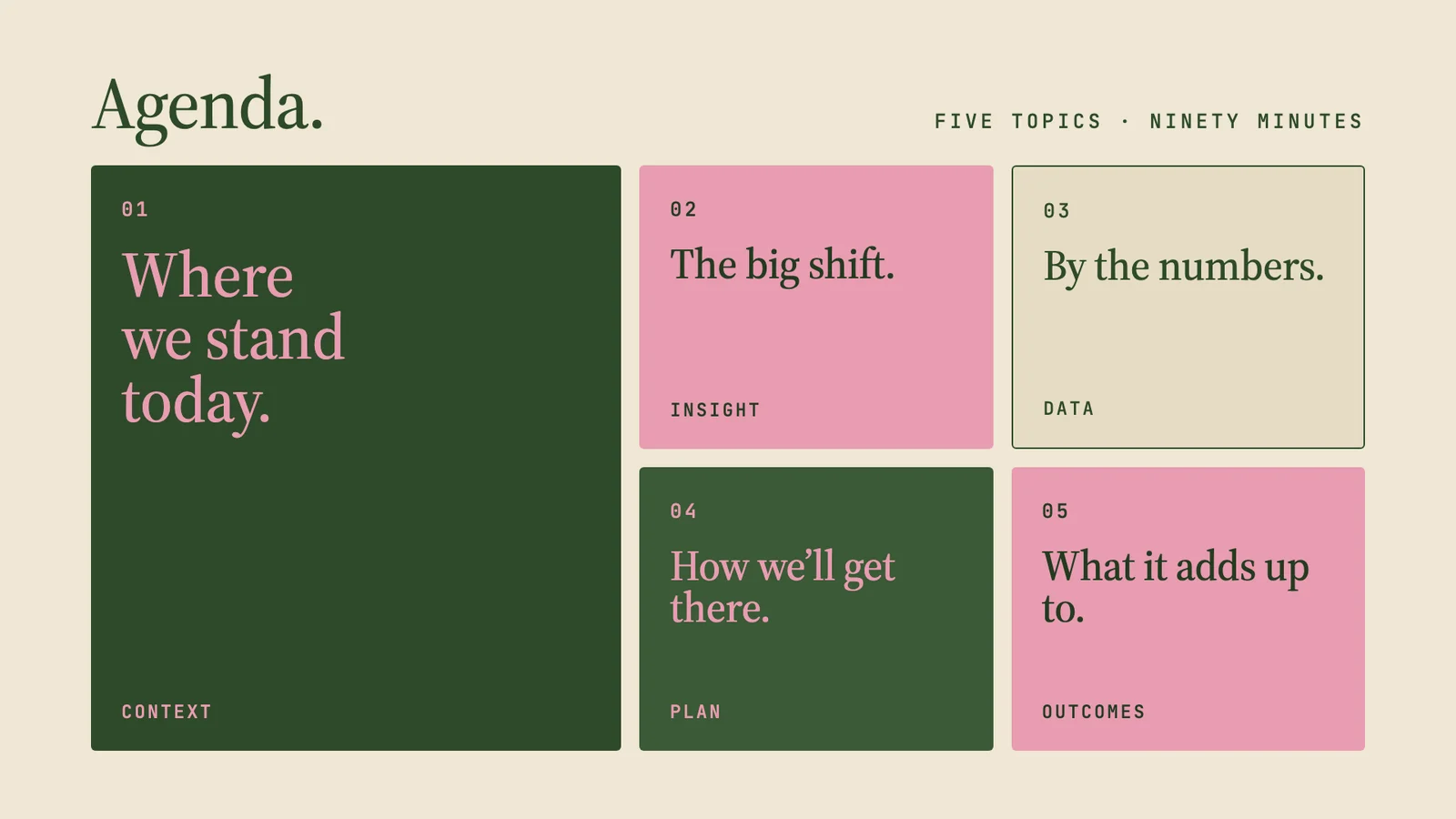
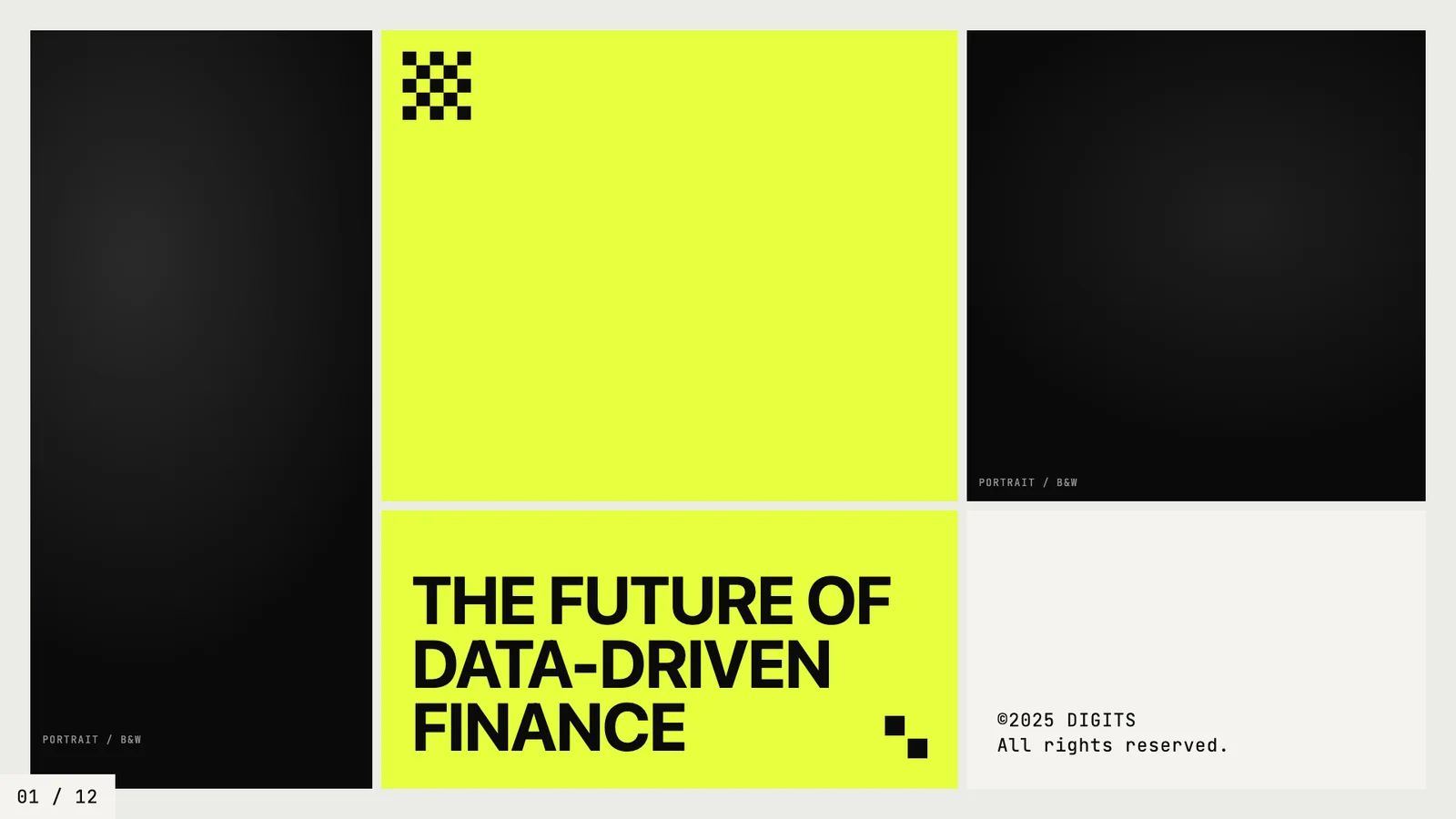
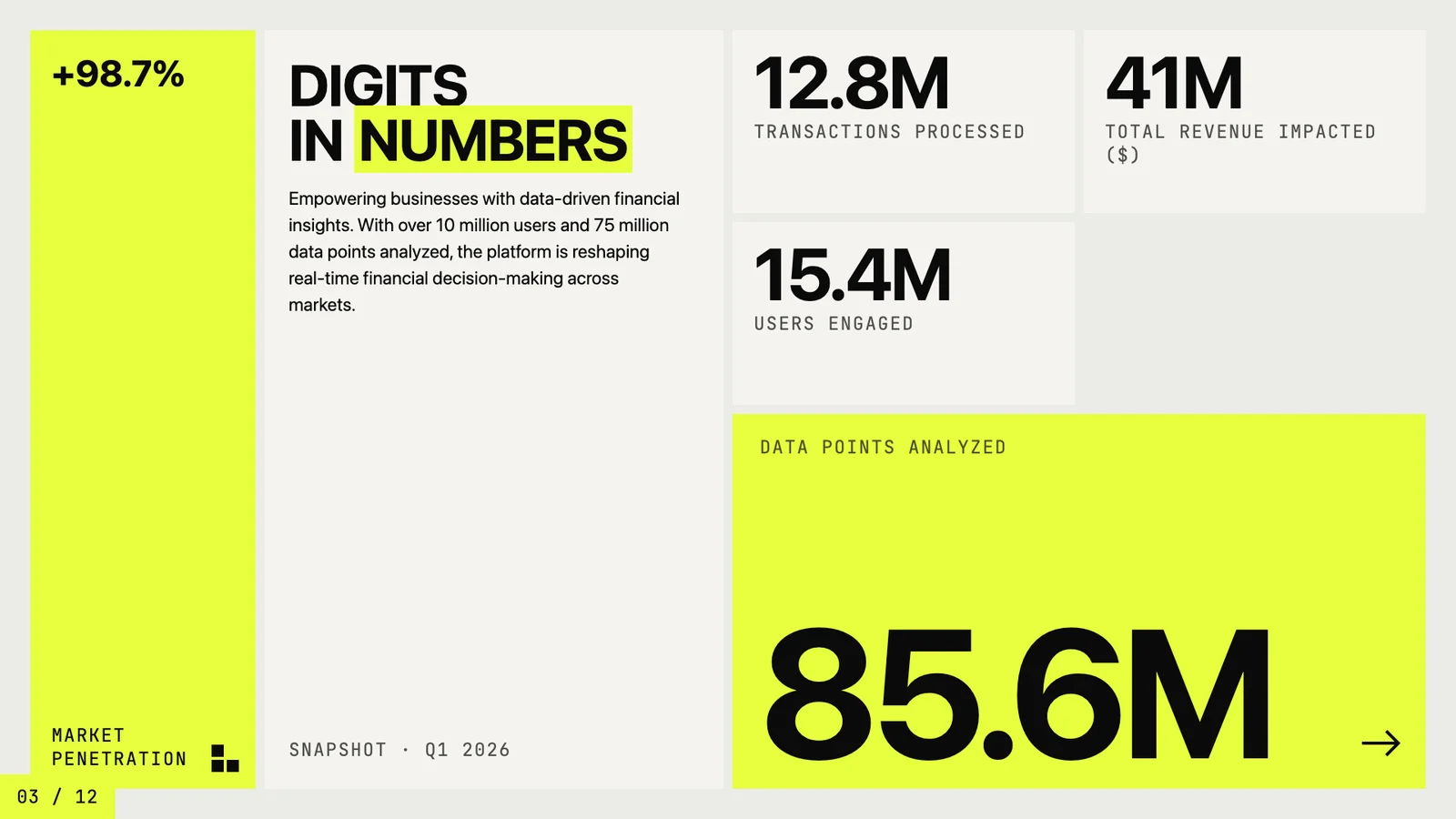
Digits:金融产品故事
作者模板 · 于 2026-09-08 从作者仓库的固定版本中精选。保留原图,展示副本仅缩放压缩。本站检查了预览,没有重新运行技能;未核实原始提示词、模型、制作时长与成本。示例数字及科学标注需独立核查。
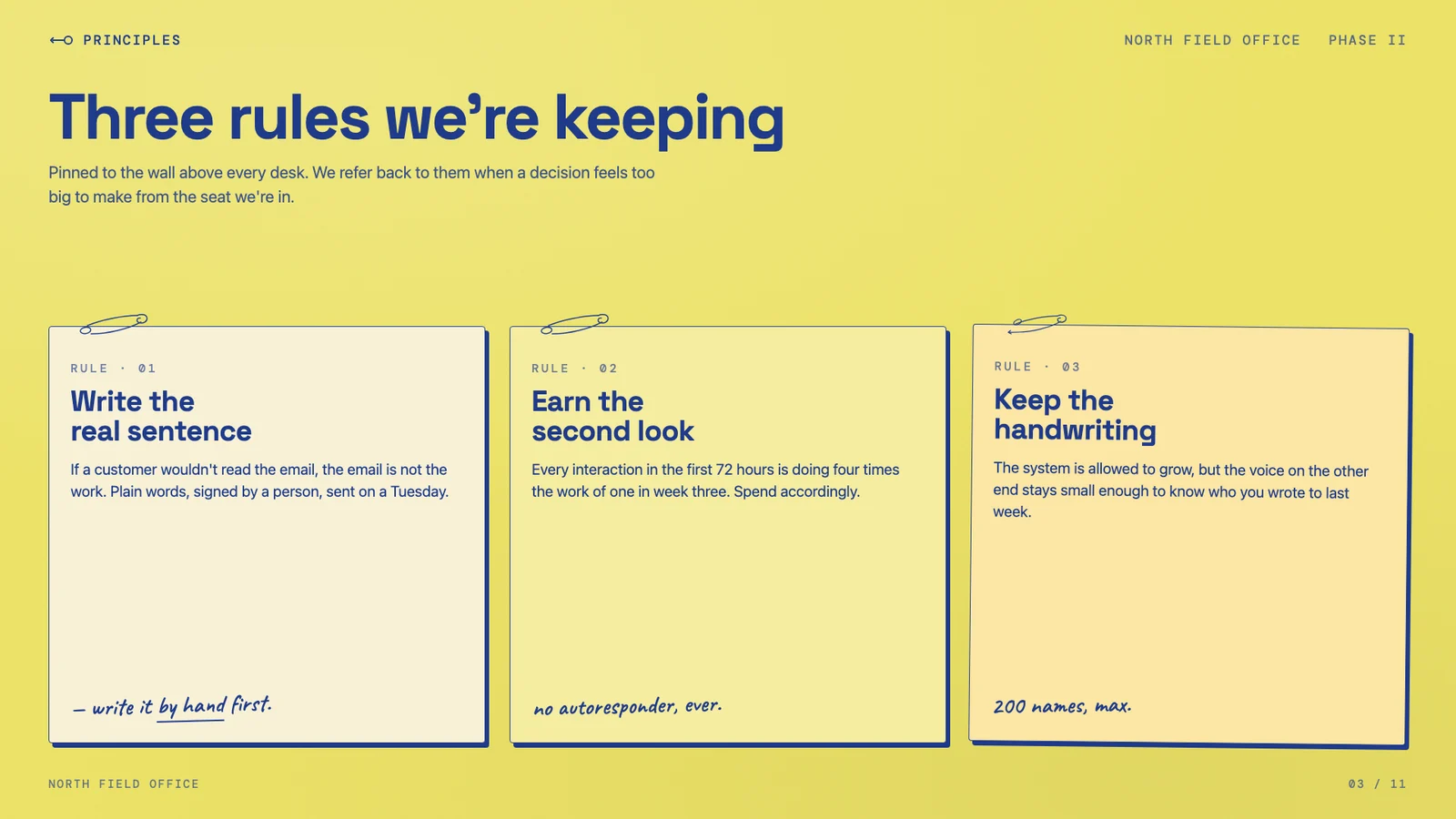
留下值得坚持的原则
作者模板 · 于 2026-09-08 从作者仓库的固定版本中精选。保留原图,展示副本仅缩放压缩。本站检查了预览,没有重新运行技能;未核实原始提示词、模型、制作时长与成本。示例数字及科学标注需独立核查。
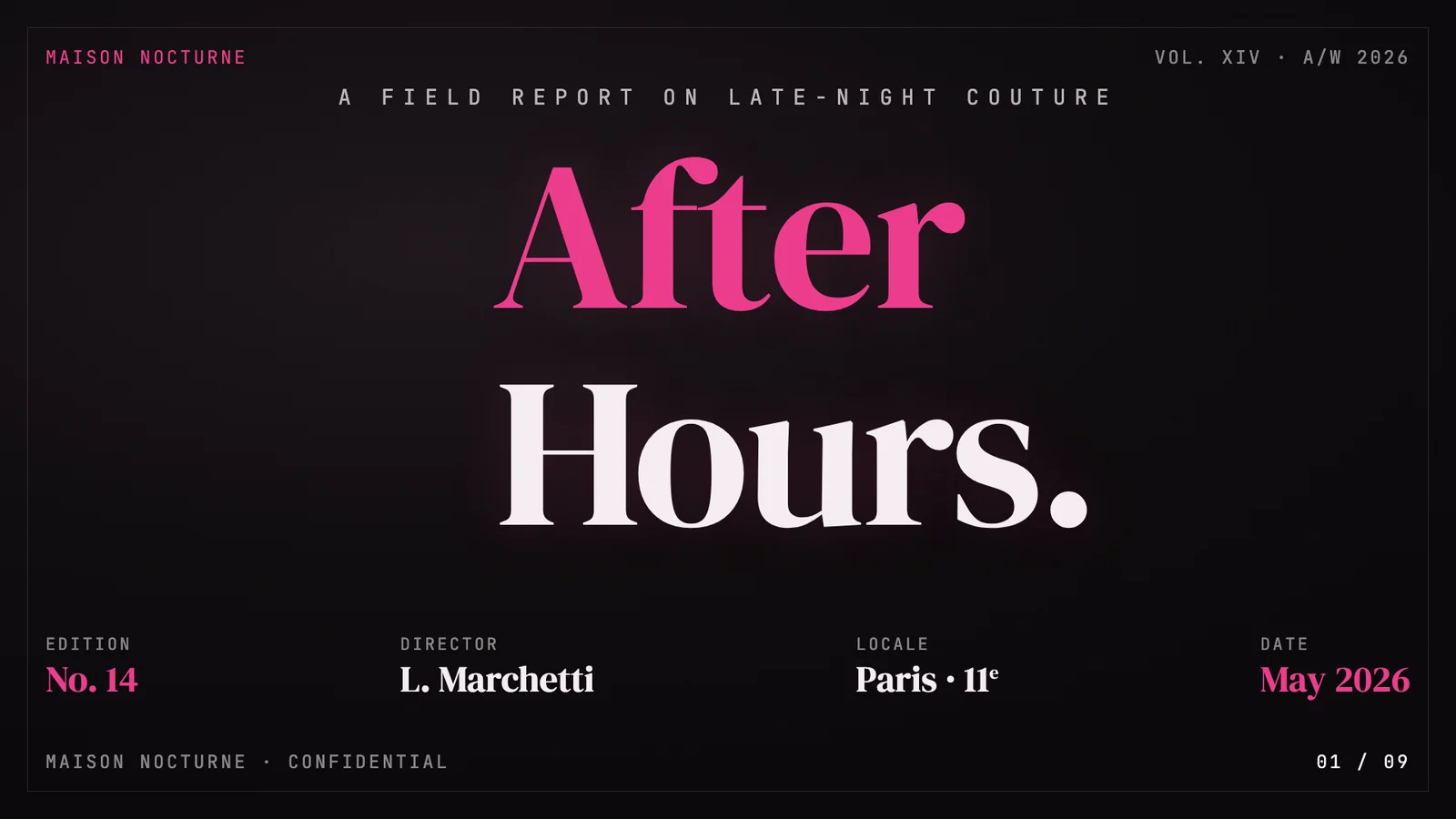
After Hours 时尚编辑稿
作者模板 · 于 2026-09-08 从作者仓库的固定版本中精选。保留原图,展示副本仅缩放压缩。本站检查了预览,没有重新运行技能;未核实原始提示词、模型、制作时长与成本。示例数字及科学标注需独立核查。

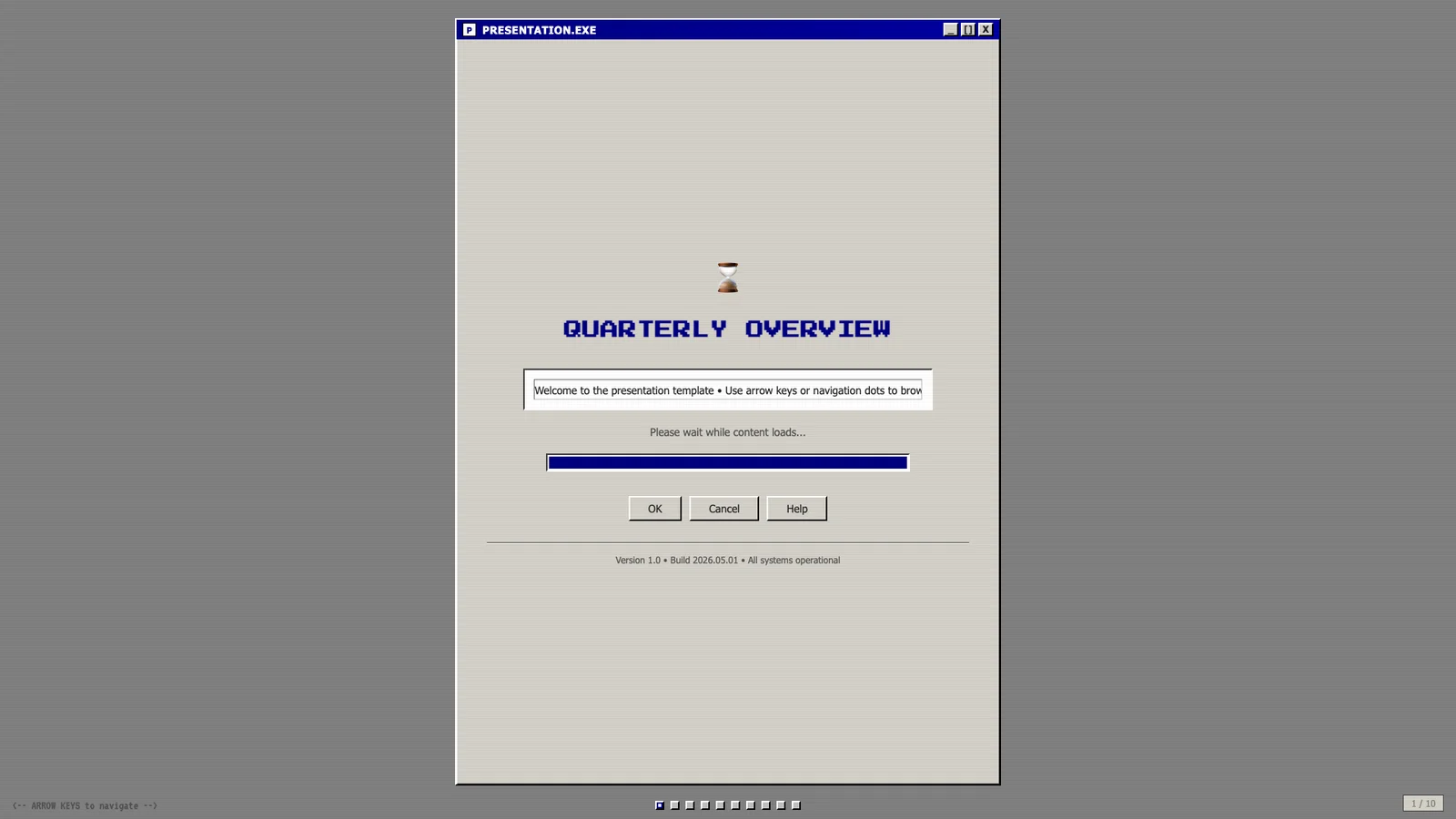
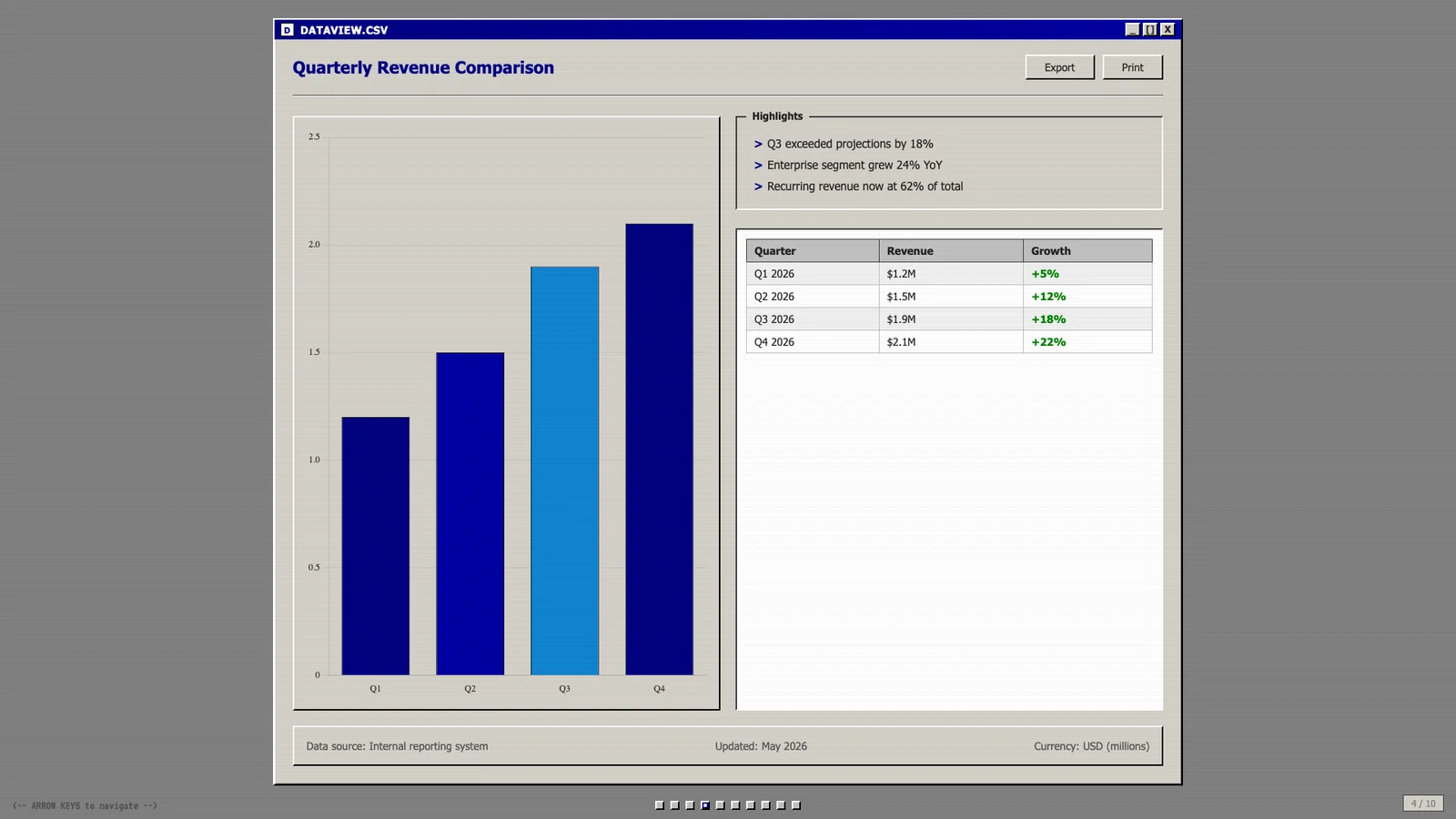
复古桌面里的业务复盘
作者模板 · 于 2026-09-08 从作者仓库的固定版本中精选。保留原图,展示副本仅缩放压缩。本站检查了预览,没有重新运行技能;未核实原始提示词、模型、制作时长与成本。示例数字及科学标注需独立核查。
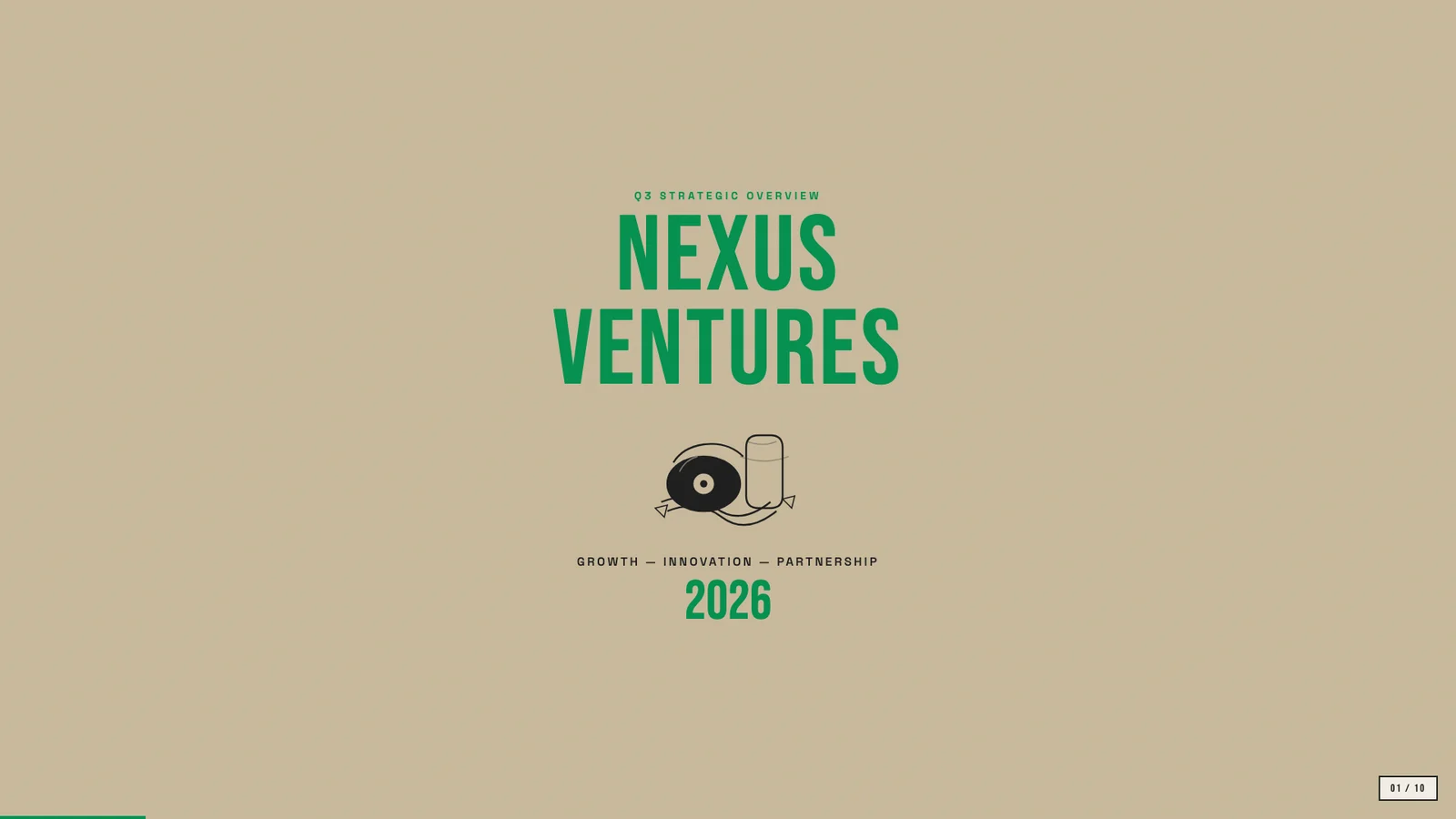
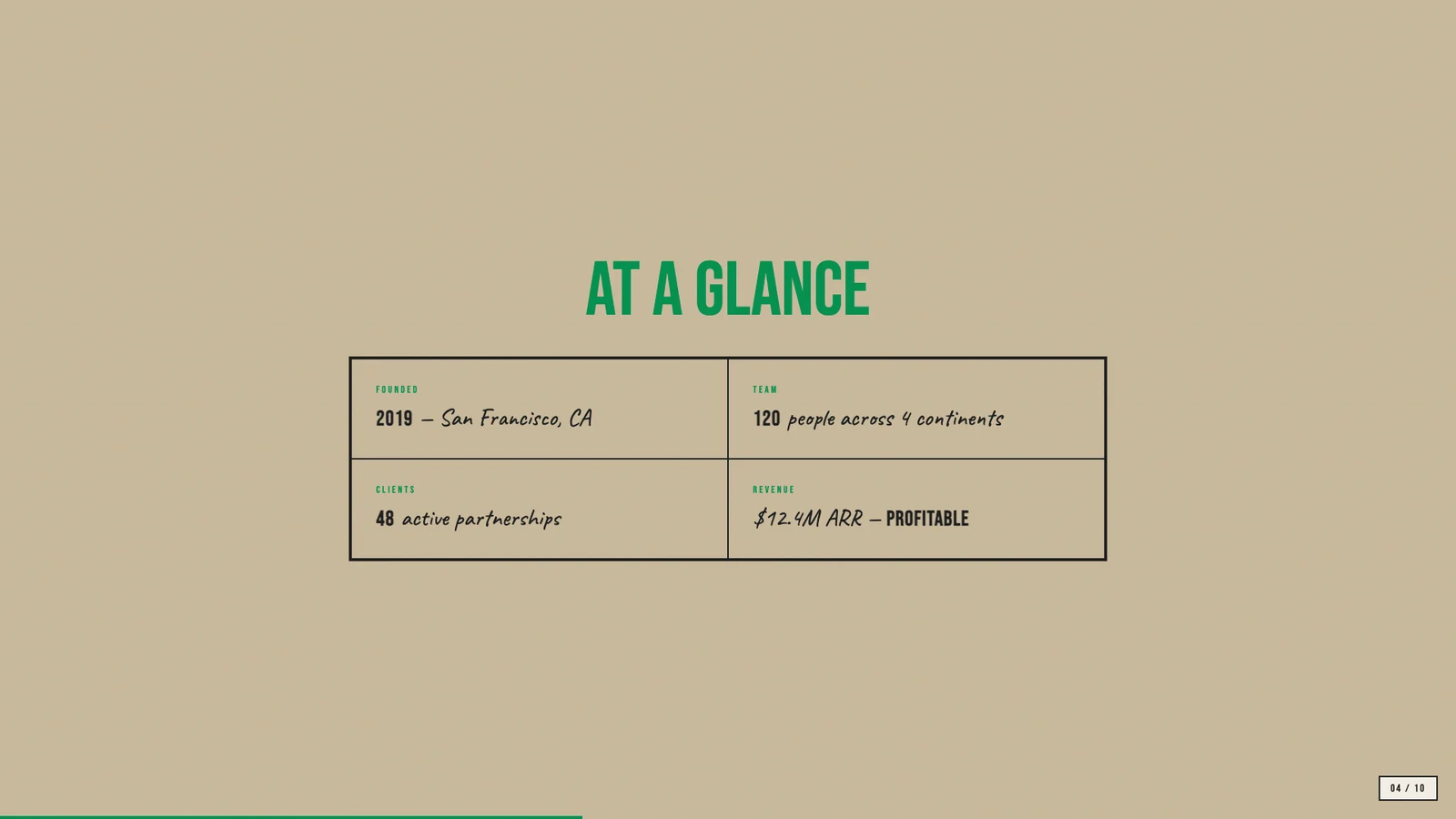
Nexus 创业手册
作者模板 · 于 2026-09-08 从作者仓库的固定版本中精选。保留原图,展示副本仅缩放压缩。本站检查了预览,没有重新运行技能;未核实原始提示词、模型、制作时长与成本。示例数字及科学标注需独立核查。
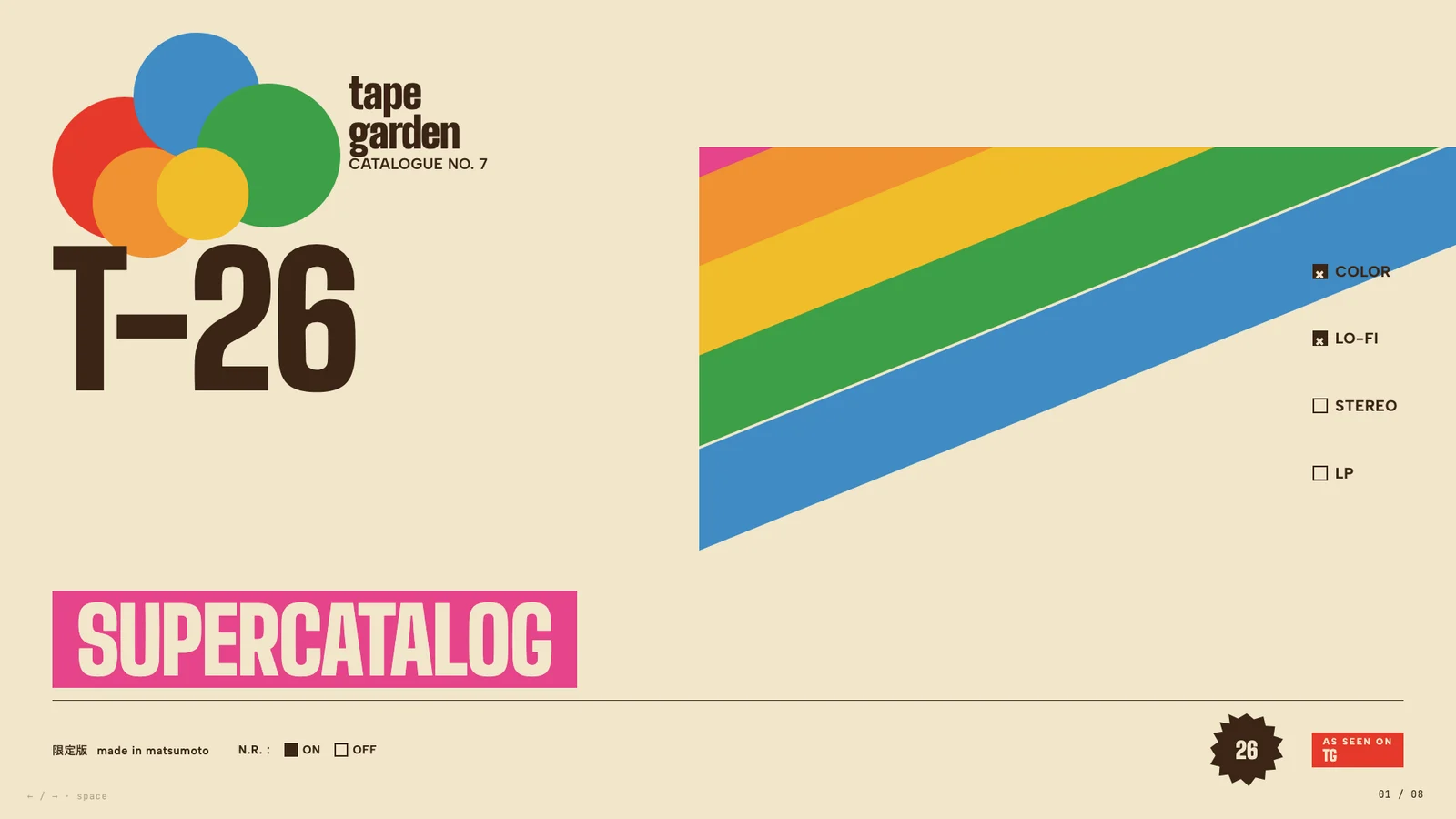
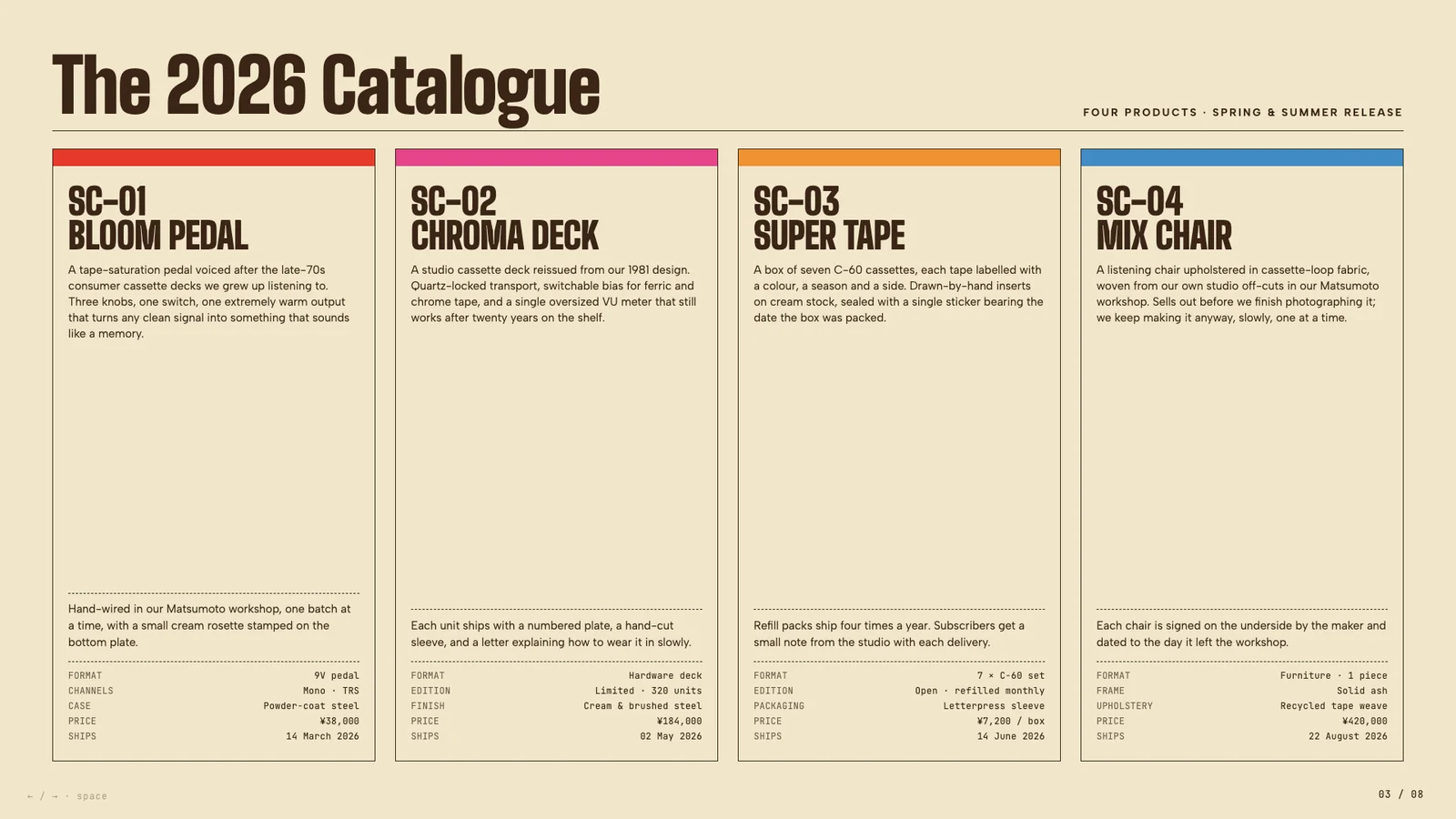
磁带包装风的产品目录
作者模板 · 于 2026-09-08 从作者仓库的固定版本中精选。保留原图,展示副本仅缩放压缩。本站检查了预览,没有重新运行技能;未核实原始提示词、模型、制作时长与成本。示例数字及科学标注需独立核查。
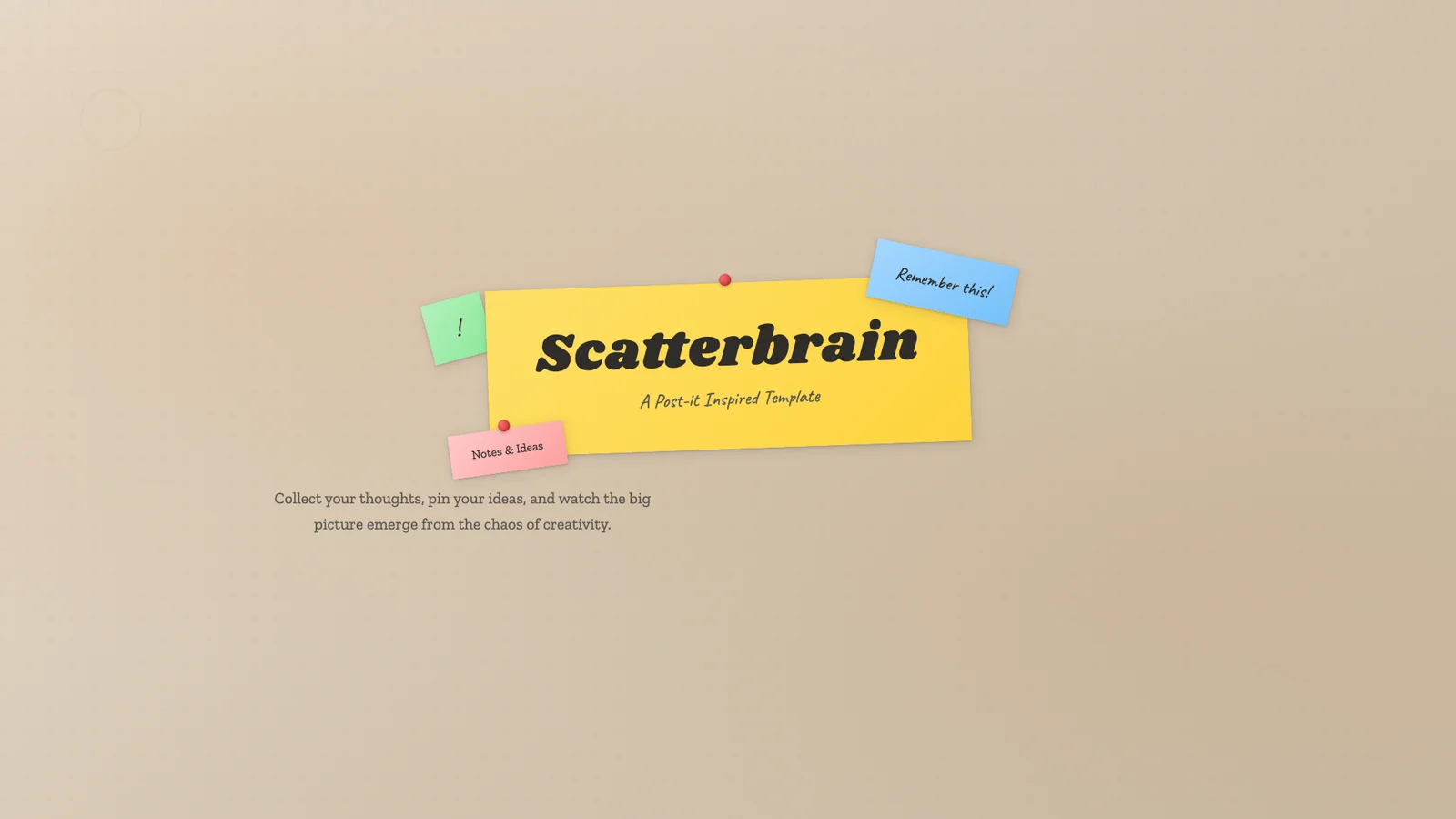
把散落想法贴成故事
作者模板 · 于 2026-09-08 从作者仓库的固定版本中精选。保留原图,展示副本仅缩放压缩。本站检查了预览,没有重新运行技能;未核实原始提示词、模型、制作时长与成本。示例数字及科学标注需独立核查。
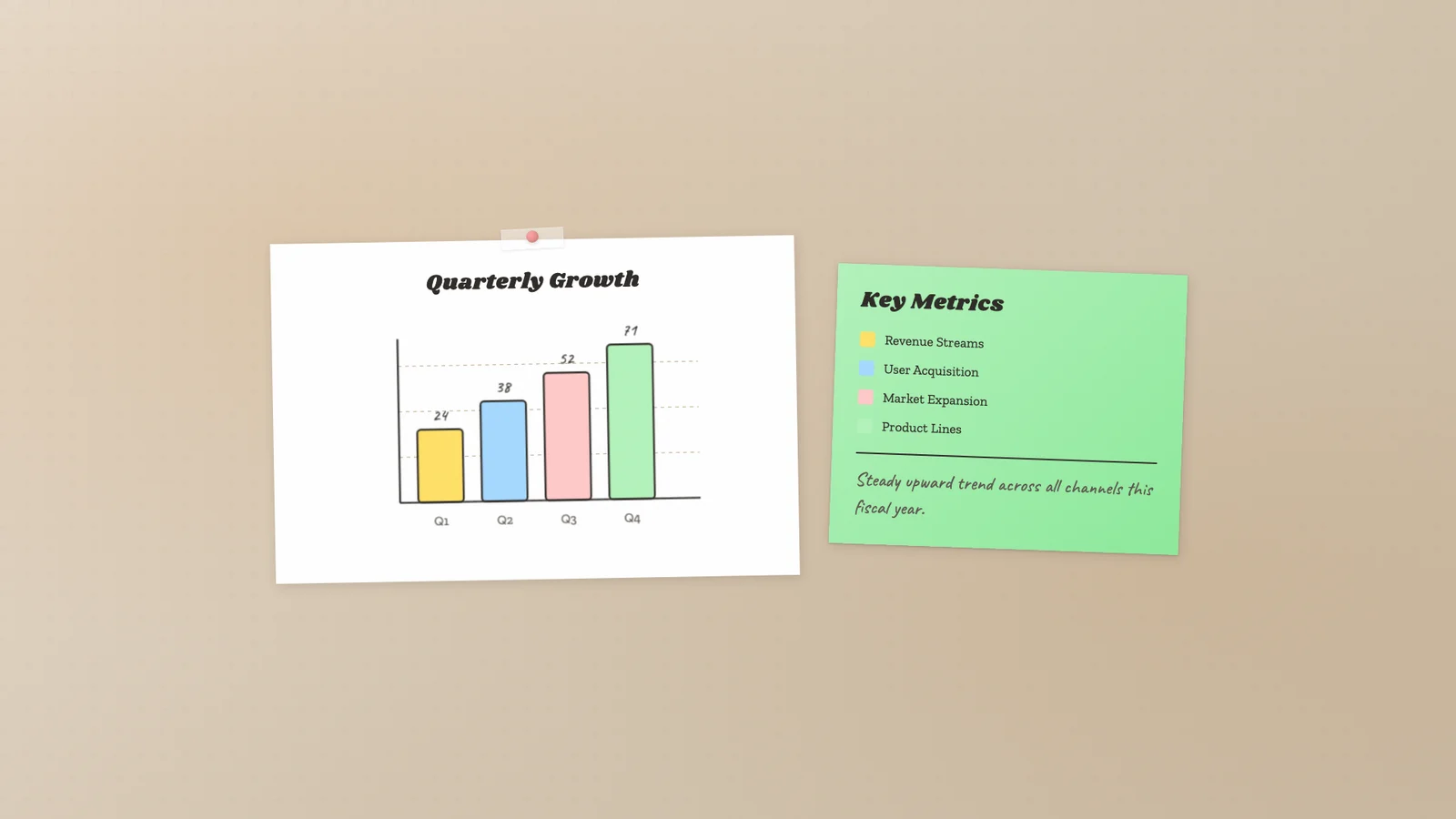
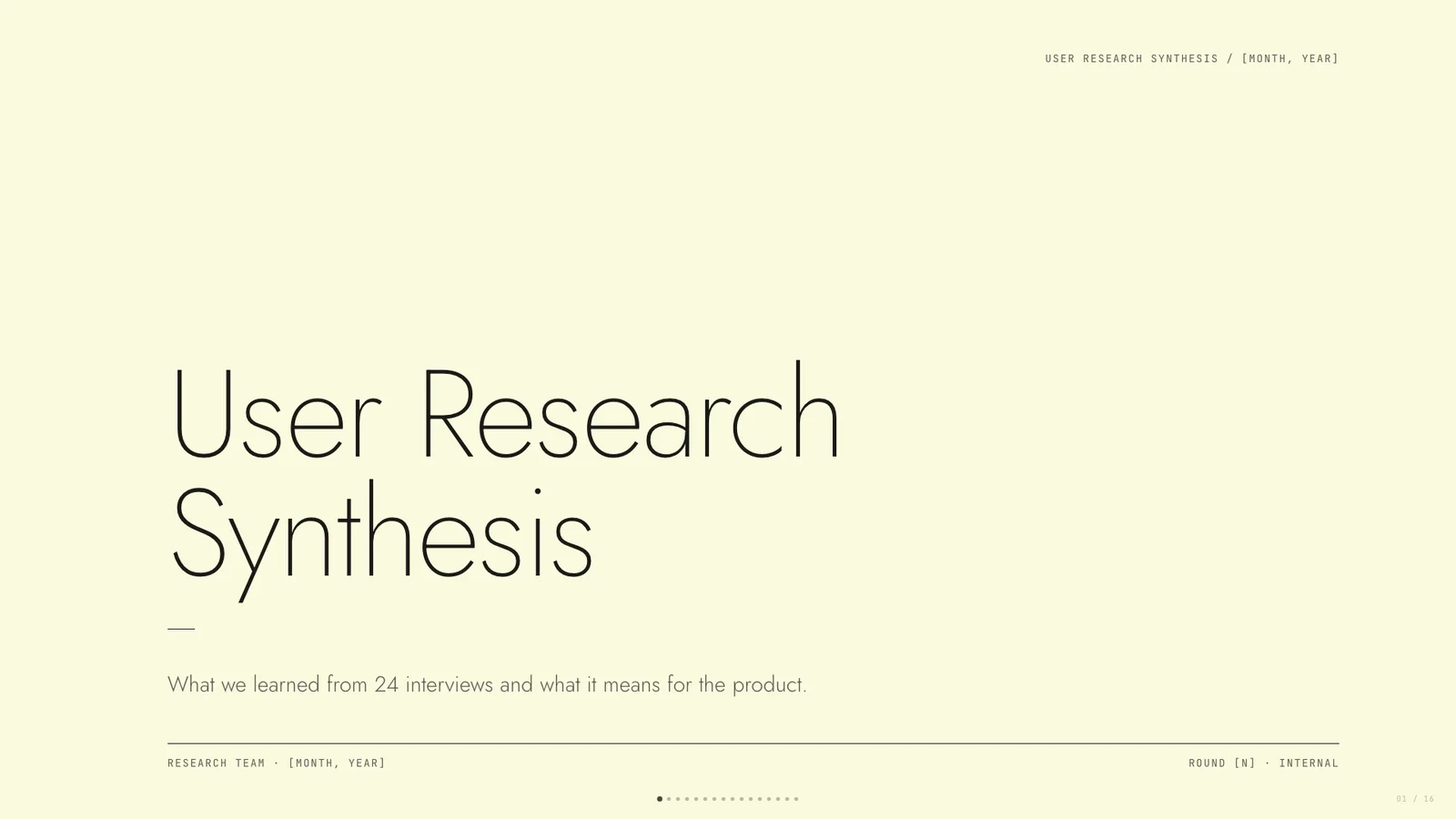
暖纸上的研究洞察
作者模板 · 于 2026-09-08 从作者仓库的固定版本中精选。保留原图,展示副本仅缩放压缩。本站检查了预览,没有重新运行技能;未核实原始提示词、模型、制作时长与成本。示例数字及科学标注需独立核查。
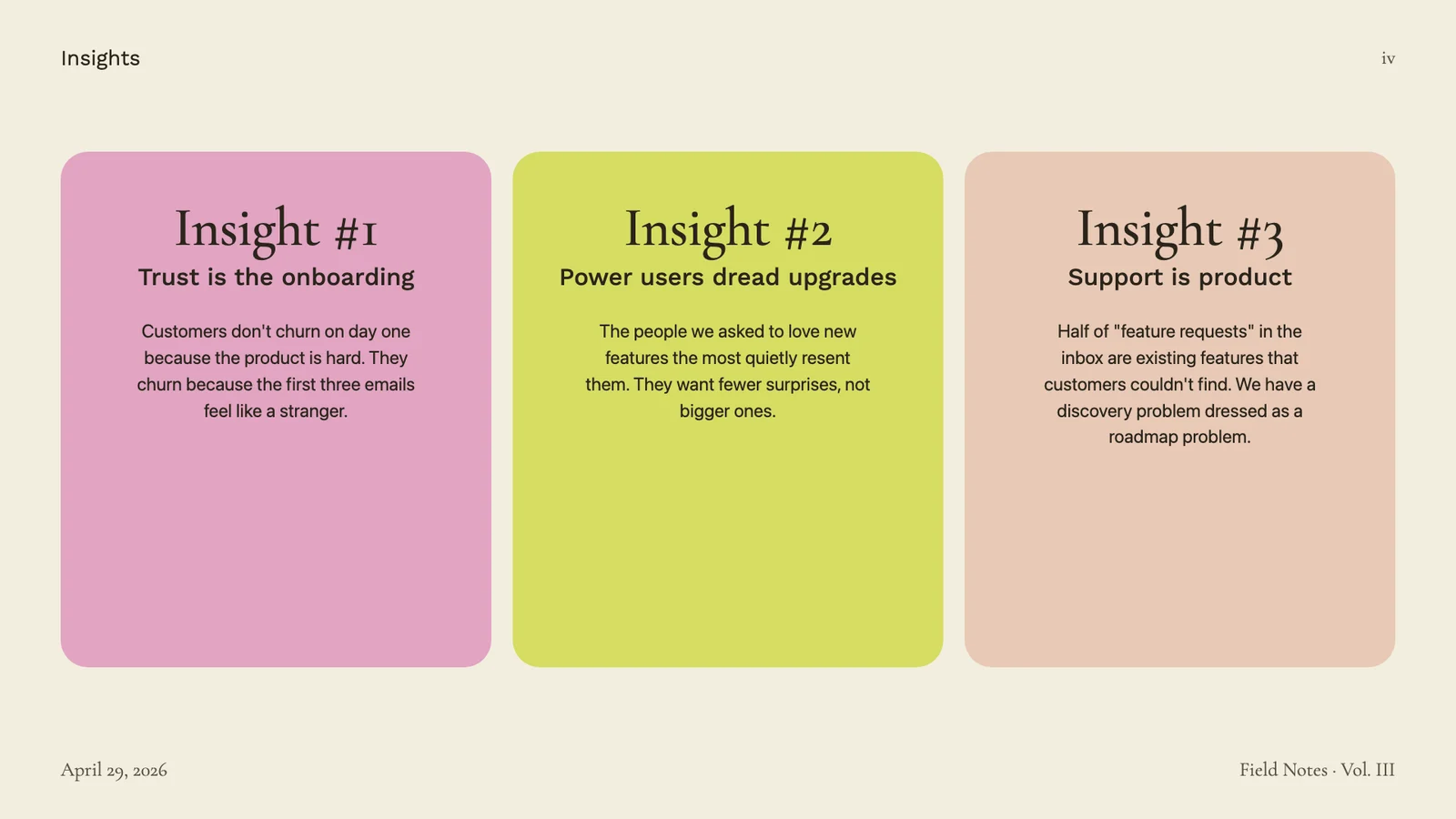
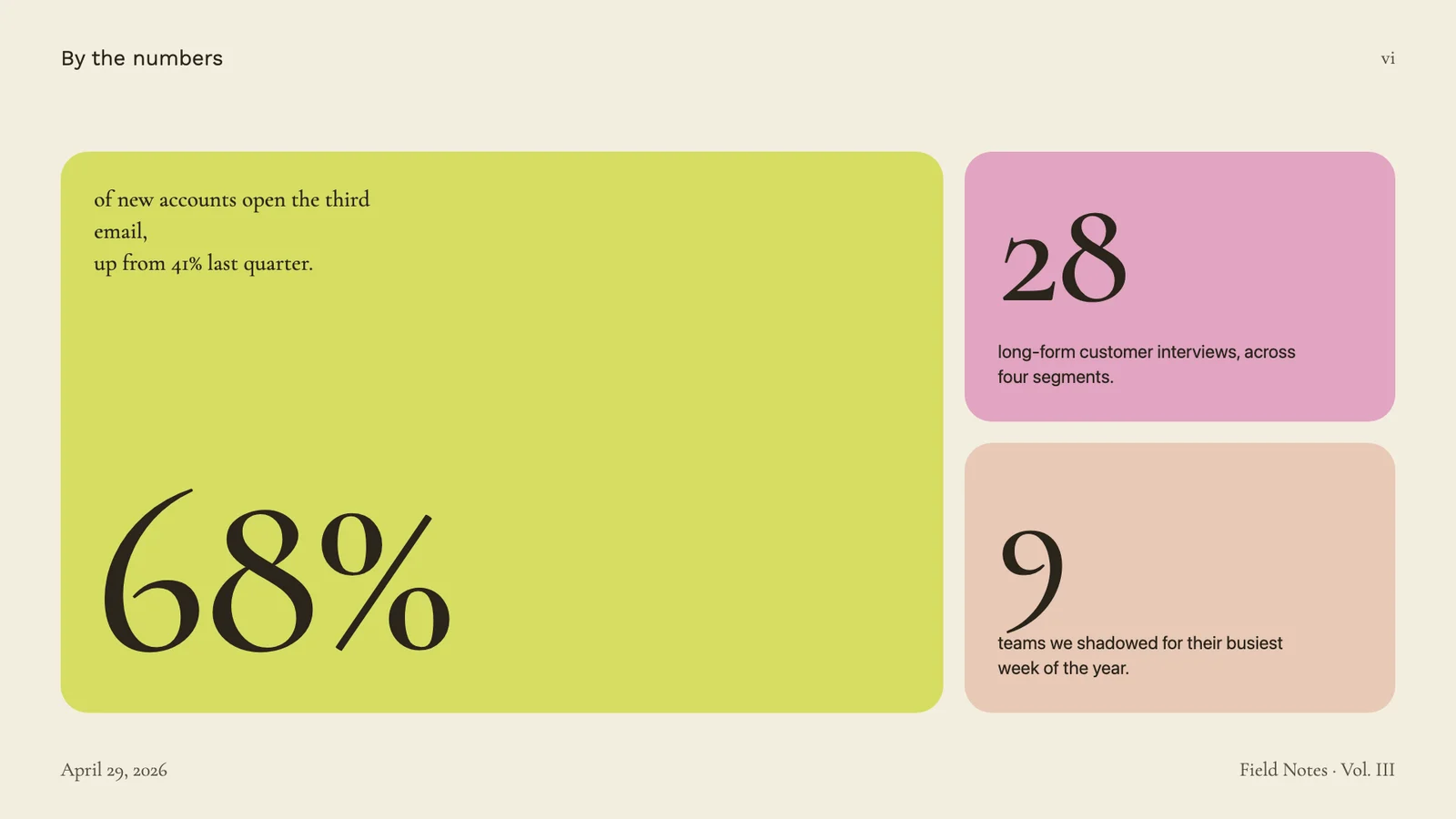
设计合作提案
作者模板 · 于 2026-09-08 从作者仓库的固定版本中精选。保留原图,展示副本仅缩放压缩。本站检查了预览,没有重新运行技能;未核实原始提示词、模型、制作时长与成本。示例数字及科学标注需独立核查。

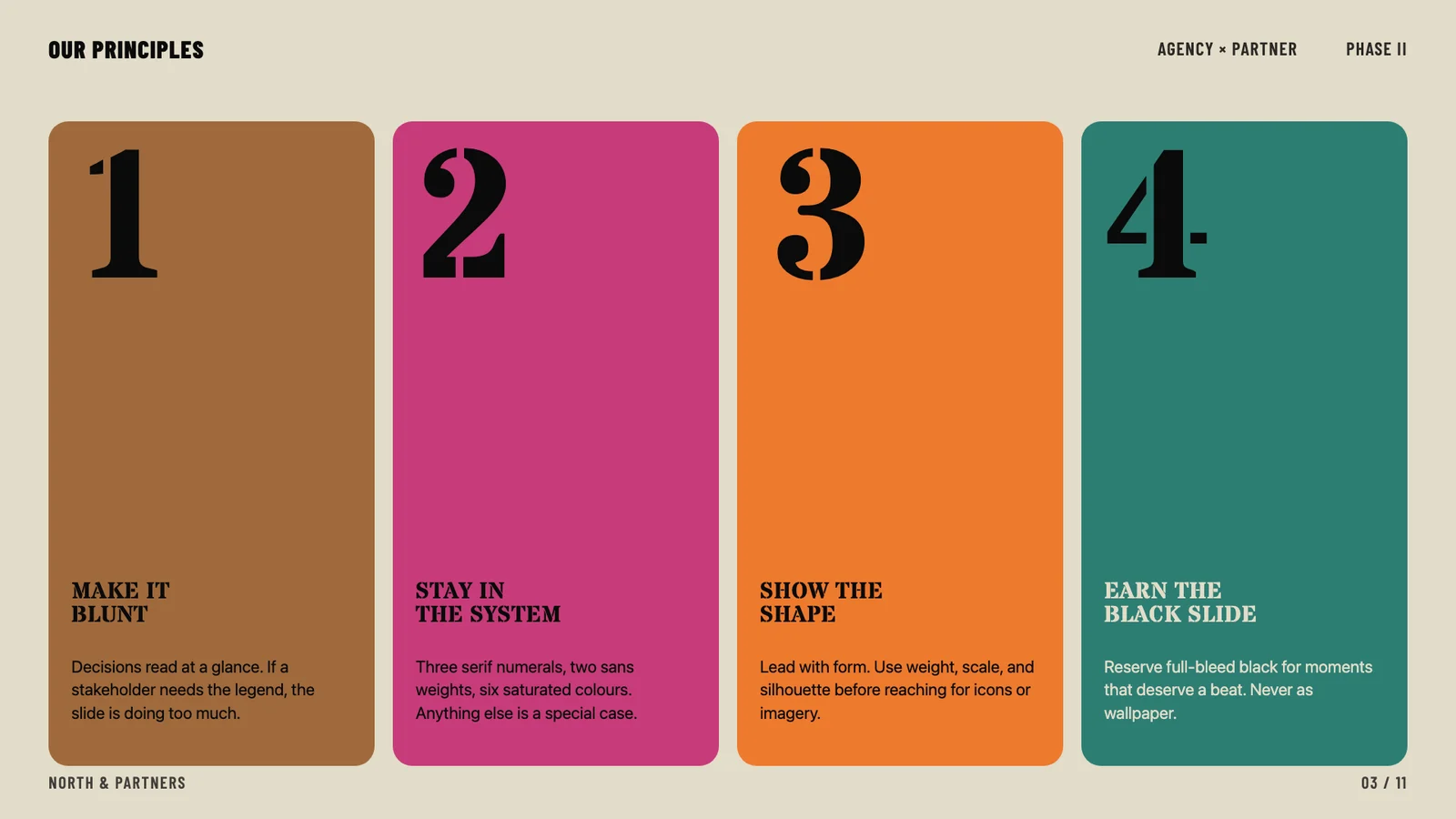
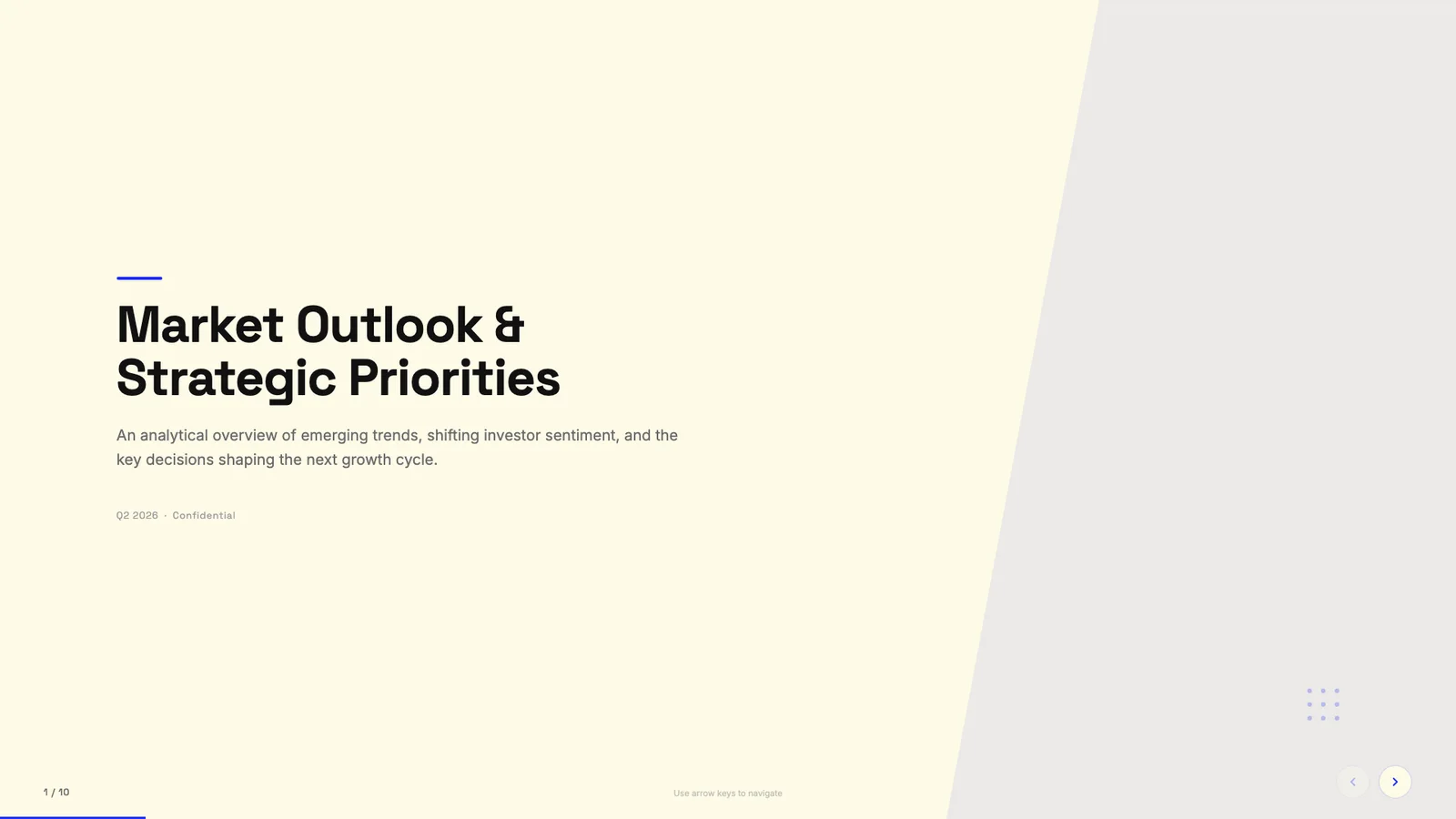
blue professional 1 — Frontend Slides 作者预览
作者模板 · 自动收录自作者仓库,已检查来源许可证与图片格式;作品未经人工审阅,也没有执行技能。标题来自源文件名,未核实原始提示词、模型、费用及事实表述。
coral 1 — Frontend Slides 作者预览
作者模板 · 自动收录自作者仓库,已检查来源许可证与图片格式;作品未经人工审阅,也没有执行技能。标题来自源文件名,未核实原始提示词、模型、费用及事实表述。
emerald editorial 1 — Frontend Slides 作者预览
作者模板 · 自动收录自作者仓库,已检查来源许可证与图片格式;作品未经人工审阅,也没有执行技能。标题来自源文件名,未核实原始提示词、模型、费用及事实表述。
grove 1 — Frontend Slides 作者预览
作者模板 · 自动收录自作者仓库,已检查来源许可证与图片格式;作品未经人工审阅,也没有执行技能。标题来自源文件名,未核实原始提示词、模型、费用及事实表述。
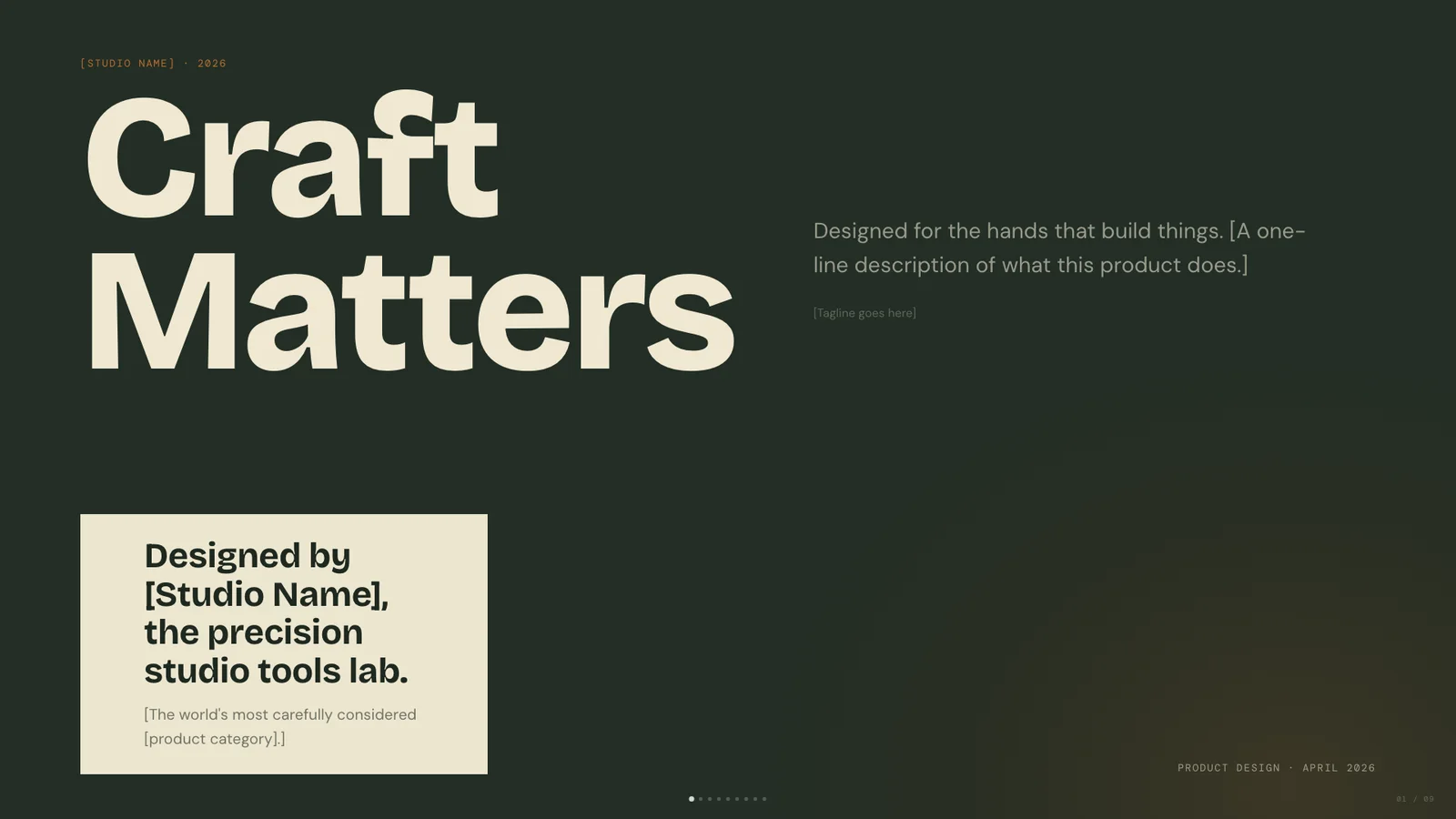
mat 1 — Frontend Slides 作者预览
作者模板 · 自动收录自作者仓库,已检查来源许可证与图片格式;作品未经人工审阅,也没有执行技能。标题来自源文件名,未核实原始提示词、模型、费用及事实表述。
monochrome 1 — Frontend Slides 作者预览
作者模板 · 自动收录自作者仓库,已检查来源许可证与图片格式;作品未经人工审阅,也没有执行技能。标题来自源文件名,未核实原始提示词、模型、费用及事实表述。
peoples platform 1 — Frontend Slides 作者预览
作者模板 · 自动收录自作者仓库,已检查来源许可证与图片格式;作品未经人工审阅,也没有执行技能。标题来自源文件名,未核实原始提示词、模型、费用及事实表述。
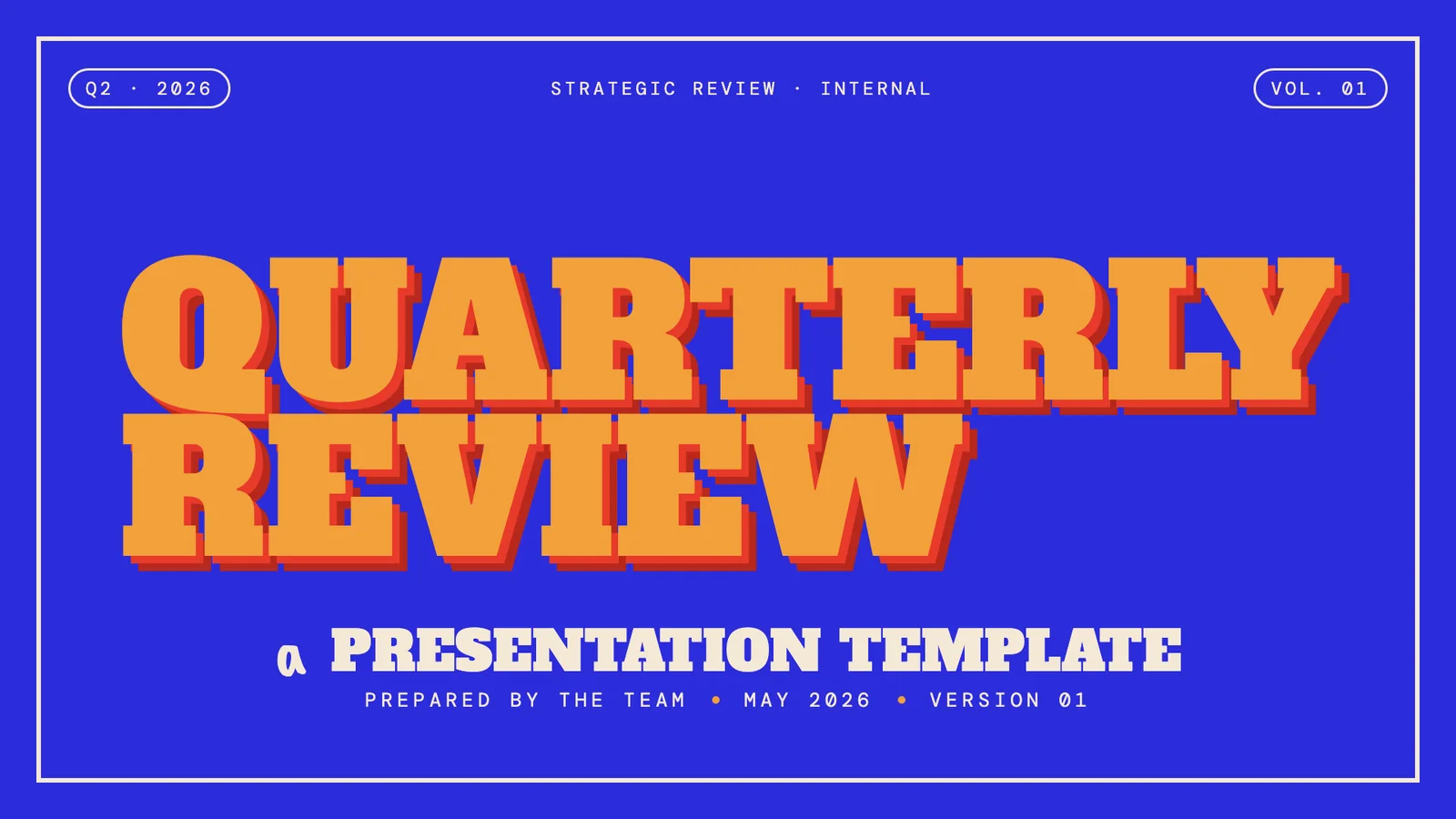
playful 1 — Frontend Slides 作者预览
作者模板 · 自动收录自作者仓库,已检查来源许可证与图片格式;作品未经人工审阅,也没有执行技能。标题来自源文件名,未核实原始提示词、模型、费用及事实表述。

raw grid 1 — Frontend Slides 作者预览
作者模板 · 自动收录自作者仓库,已检查来源许可证与图片格式;作品未经人工审阅,也没有执行技能。标题来自源文件名,未核实原始提示词、模型、费用及事实表述。
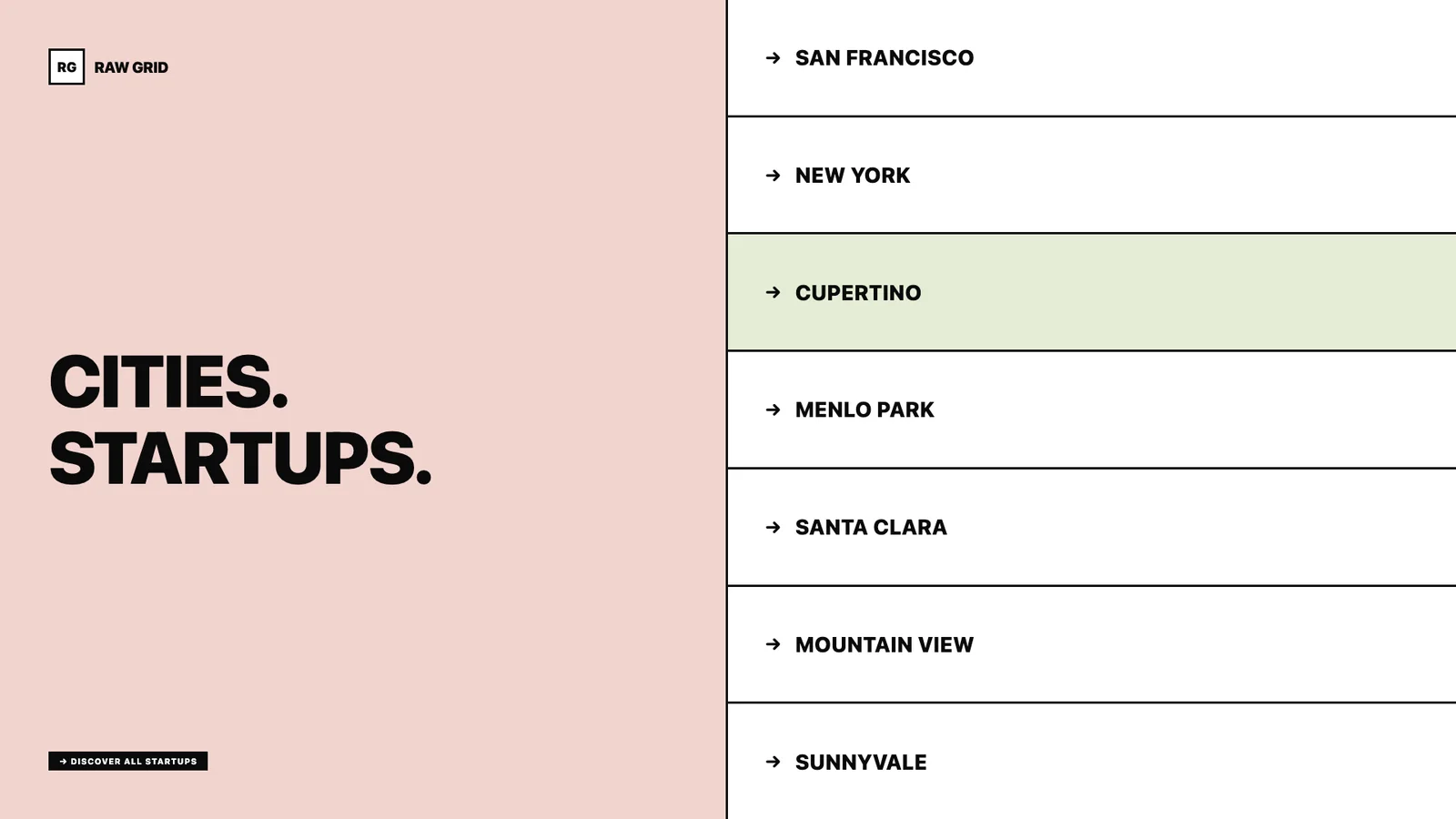
signal 1 — Frontend Slides 作者预览
作者模板 · 自动收录自作者仓库,已检查来源许可证与图片格式;作品未经人工审阅,也没有执行技能。标题来自源文件名,未核实原始提示词、模型、费用及事实表述。
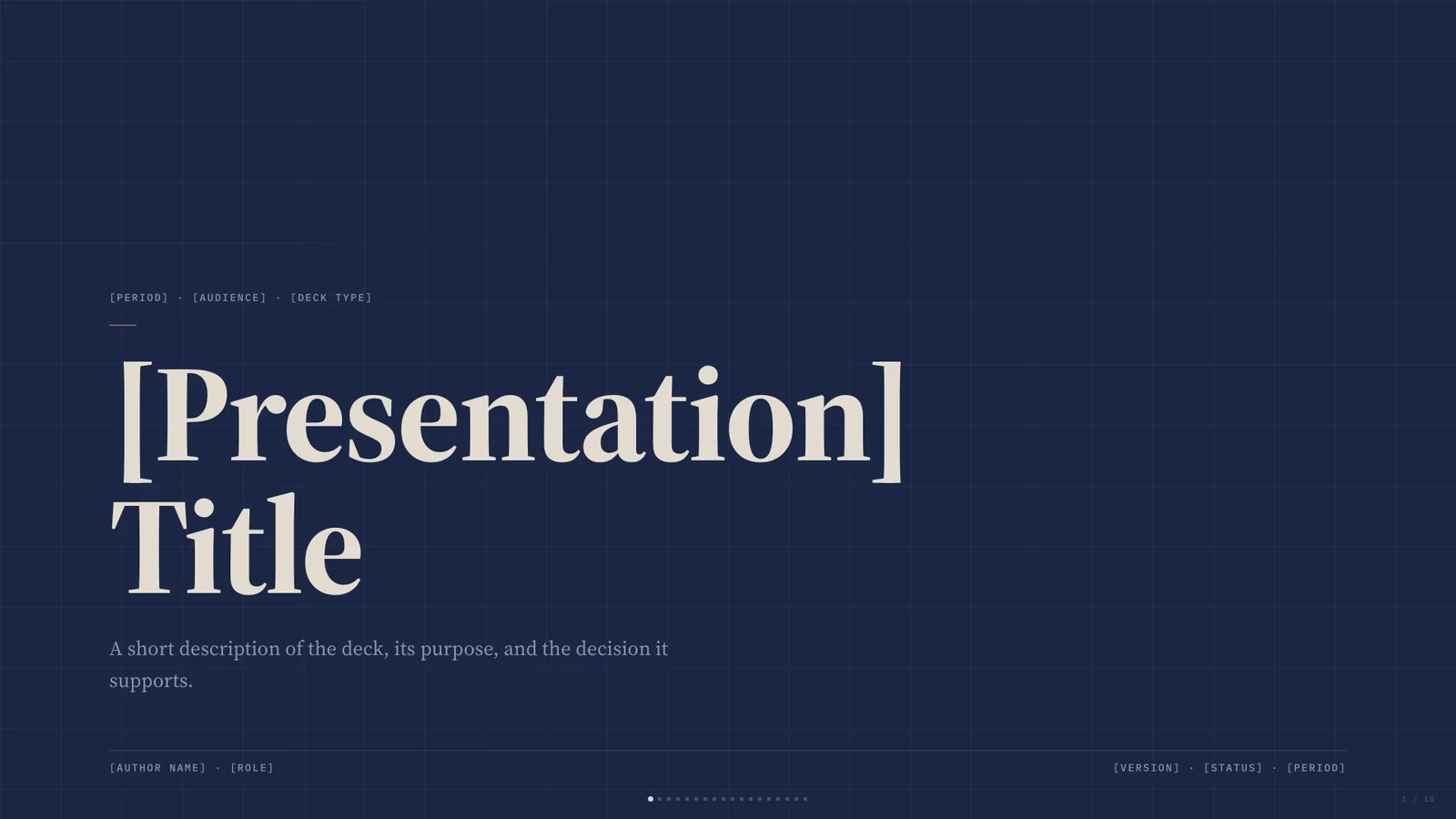
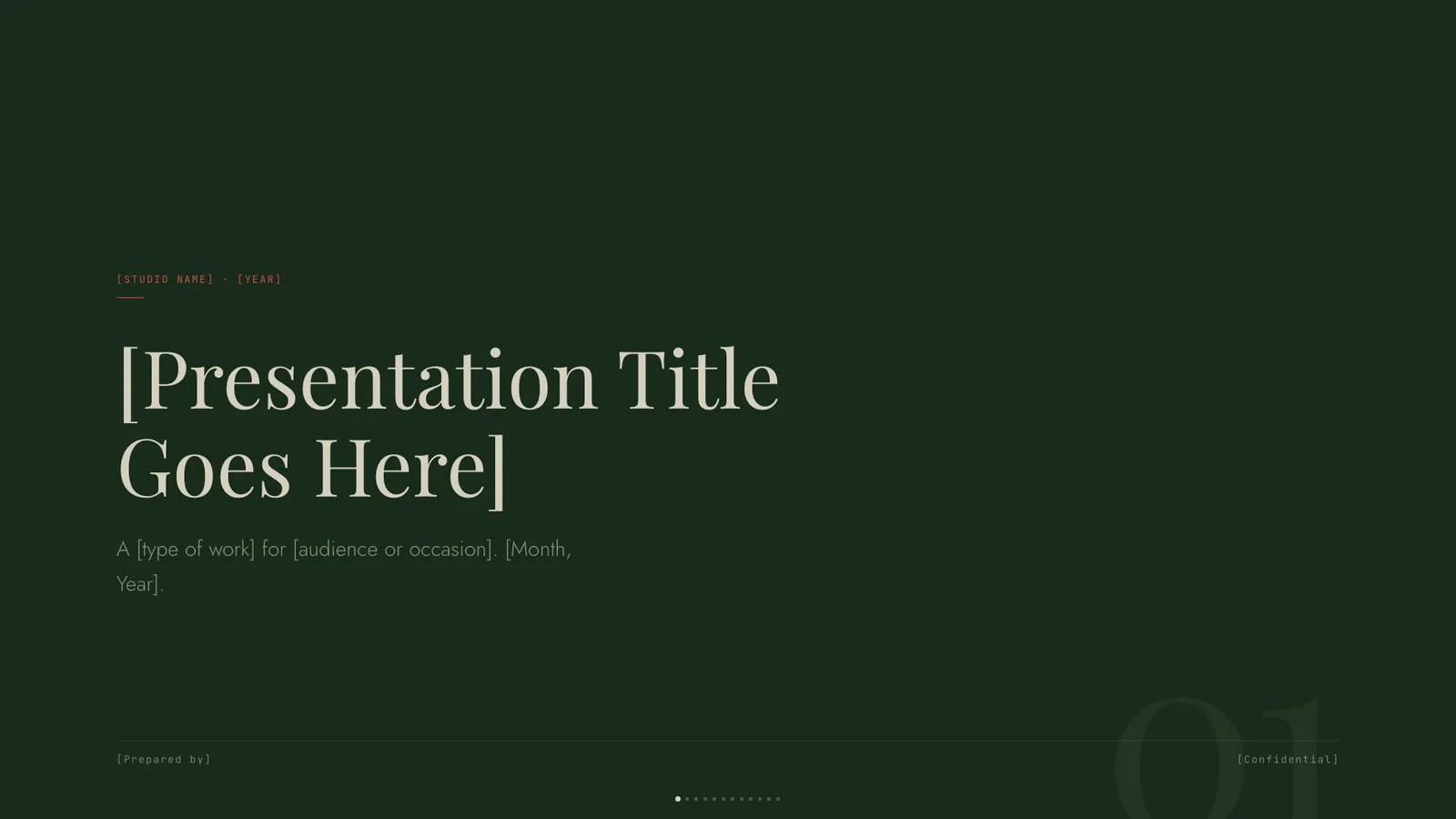
vellum 1 — Frontend Slides 作者预览
作者模板 · 自动收录自作者仓库,已检查来源许可证与图片格式;作品未经人工审阅,也没有执行技能。标题来自源文件名,未核实原始提示词、模型、费用及事实表述。