presentation-skill
Build, edit, redesign, render, and verify polished editable PowerPoint `.pptx` decks from a prompt, structured JSON, local data, or a saved workspace. Use for scientific, lab, clinical, consulting, board, investor, editorial, policy, and operational presentations where narrative, visual hierarchy, readability, and reproducibility matter.
siril9 · 已有 AI 审核记录
安装与使用
运行命令前先阅读来源与依赖说明。复制命令不会自动安装或执行。
npx skills add siril9/presentation-skill --skill presentation-skill技能说明
name: presentation-skill
description: Build, edit, redesign, render, and verify polished editable PowerPoint .pptx decks from a prompt, structured JSON, local data, or a saved workspace. Use for scientific, lab, clinical, consulting, board, investor, editorial, policy, and operational presentations where narrative, visual hierarchy, readability, and reproducibility matter.
Presentation Skill
Create editable PowerPoint decks from source. The model owns the argument, evidence, and design judgment; the skill owns deterministic rendering and QA.
Core Contract
- Treat
outline.json, planning files, data, and figure scripts as source. - Build with repository commands. Do not write one-off deck generators or patch a generated PPTX when source exists.
- Keep text, charts, tables, diagrams, and figures editable where practical.
- Use the selected grammar as a design system, not a fixed slide sequence.
- Fix source and rebuild until geometry, readability, placeholders, and rendered visual review pass.
- Do not copy proprietary slides, logos, wording, or distinctive geometry.
Run commands from this skill directory. Use absolute paths for deck files kept elsewhere. Check the pinned runtime once:
npm run doctor
If required, run npm run setup:python once. Do not substitute arbitrary Python
or Office application workflows for the supported runtime.
Choose A Route
Quick Deck
Use for a one-off 5-10 slide deck.
- Emit a small model-ready brief:
python3 scripts/present.py brief \
  --topic "Deck topic" \
  --prompt "Original request" \
  --slides 7 \
  --profile auto \
  --output quick_deck_agent_brief.json
-
Read the brief and author
outline.json. Select one bounded route candidate, then adapt its starter sequence to the actual evidence.rolenames the editable structure;slide_intentnames the story job. -
Build, render, and hard-gate it:
python3 scripts/present.py finalize \
  --outline /absolute/path/outline.json \
  --output /absolute/path/output.pptx \
  --qa-dir /absolute/path/qa
Read finalize_receipt.json, qa_report.json, and the contact sheet. Repair
source once, then rerun. Warning-only preflight findings are recorded; outline
errors and final QA findings remain blocking.
Saved Workspace
Use for decks that will be rebuilt, audited, or iterated:
python3 scripts/present.py init \
  --workspace /absolute/path/deck-workspace \
  --title "Deck title" \
  --prompt "Original request" \
  --profile auto \
  --style-preset auto

python3 scripts/present.py build \
  --workspace /absolute/path/deck-workspace \
  --draft

python3 scripts/present.py build \
  --workspace /absolute/path/deck-workspace
The default workspace is compact. Add --audit-packet to present.py init only
when a full intake/multi-agent recovery ledger is useful.
Author or update:
design_brief.json: audience, style, readability, and QA contractcontent_plan.json: thesis, narrative arc, and slide rolesevidence_plan.json: claims, sources, and chart candidatesasset_plan.json: figures, tables, charts, images, and iconsoutline.json: renderable slide sourcenotes.md: assumptions and unresolved decisions
The build also writes deterministic build/deck_ir.json, a coordinate-free
semantic representation with stable object IDs, evidence links, reading order,
and editability metadata. Renderer scripts continue to own coordinates.
Existing PPTX
When source exists, edit source. For a standalone PPTX, inspect it first:
python3 scripts/python_runtime.py scripts/reference_deck.py inspect \
  --input /absolute/path/input.pptx \
  --output /absolute/path/reference_deck_manifest.json
Use a typed reference_deck_patch_v1 for narrow text or alt-text edits. Use
scripts/extract_pptx_style.py plus a fresh workspace for a source-first
redesign inspired by an existing deck. Read references/editing.md before
editing package internals.
Model Profiles
Profiles change orchestration, not the final quality definition:
fast/luna: one deterministic grammar, no scouts, render-free draft, then one final render.balanced/terra: two bounded grammar candidates, at most one useful scout, one focused repair loop.quality-first/sol: three bounded grammar candidates, optional design and data scouts, full rendered review for difficult or high-stakes work.auto: quality-first for high-stakes/evidence-heavy work, fast for explicit rough drafts, balanced otherwise.
Use the smallest profile that can pass the artifact gates. Stronger models may choose and mix bounded treatments dynamically; they should not receive the full corpus or arbitrary coordinates. If uncertain, use the deterministic fallback recorded in the brief.
Design Decisions
Choose one primary grammar from topic, audience, evidence shape, and density. The eight structural grammar families own distinct title, section, evidence, comparison, data, decision, and references systems. Presets contribute palette, type, and treatment vocabulary; they are not static templates.
Maintain these invariants:
- One dominant idea and a clear reading path per slide.
- Every content slide has a visual or evidence anchor: chart, table, figure, image, KPI, timeline, matrix, or structured comparison.
- No centered body copy and no sequence dominated by bullet-only slides.
- Vary composition with the argument; avoid repeating one card grid, border, title treatment, or two-column shell.
- Use
header_variant: autowith a stable seed for reproducible heading, top-line, bottom-line, no-line, and compact report treatments. - Keep source text and page numbers in the reserved footer region; do not let footer chrome compete with the evidence.
- Use
role_layout_variant: primary | alternate | densefor bounded structural variation. Do not place arbitrary coordinates inoutline.json. - Keep one grammar coherent acro
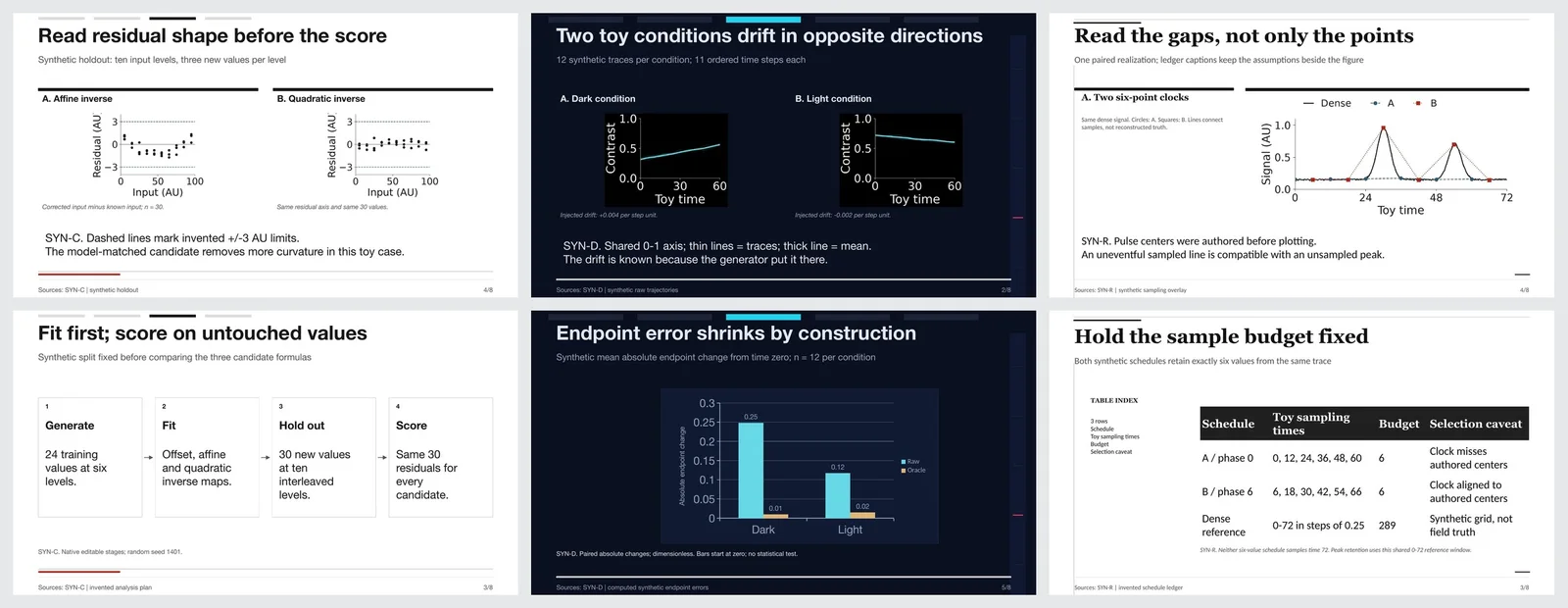
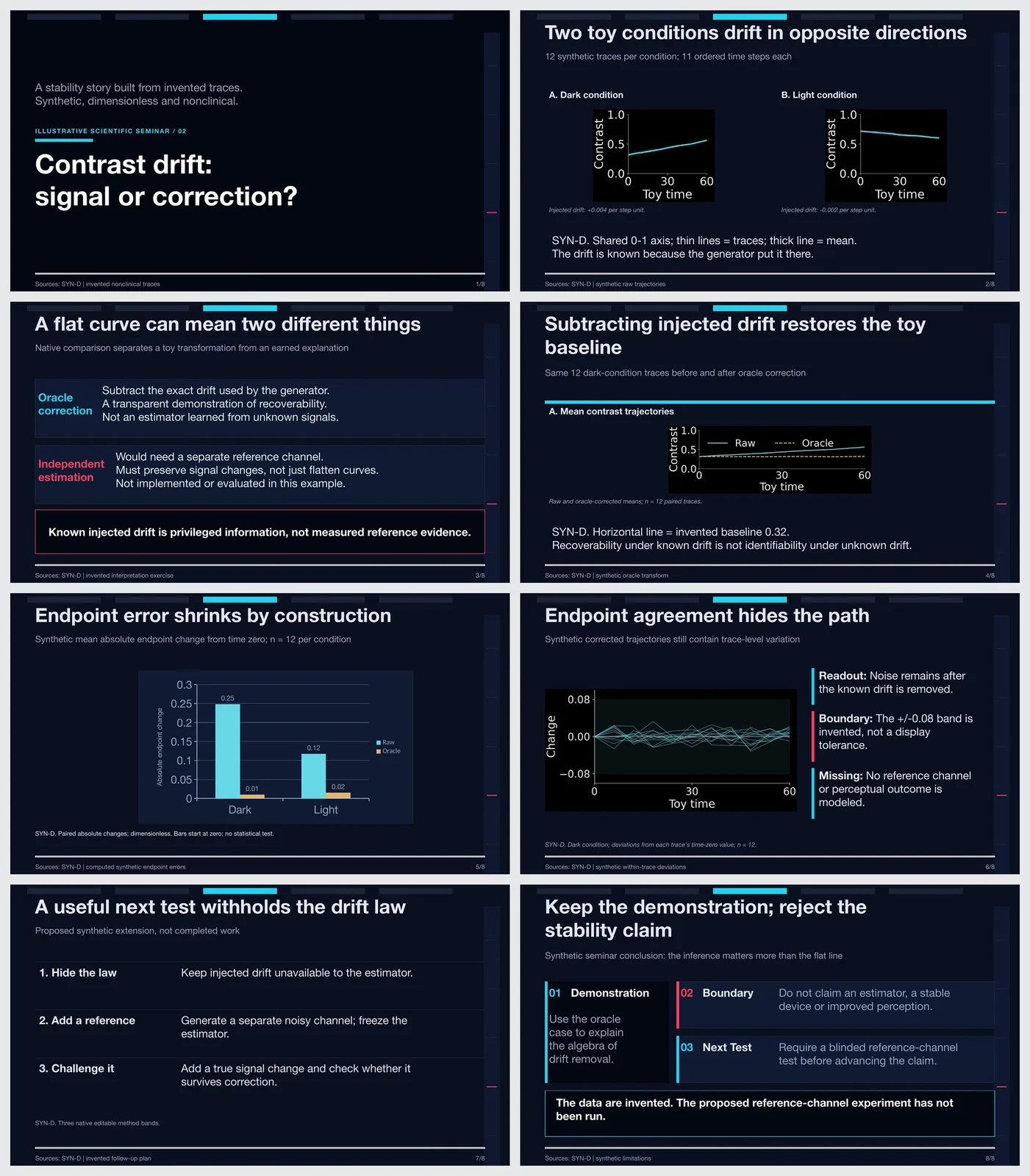
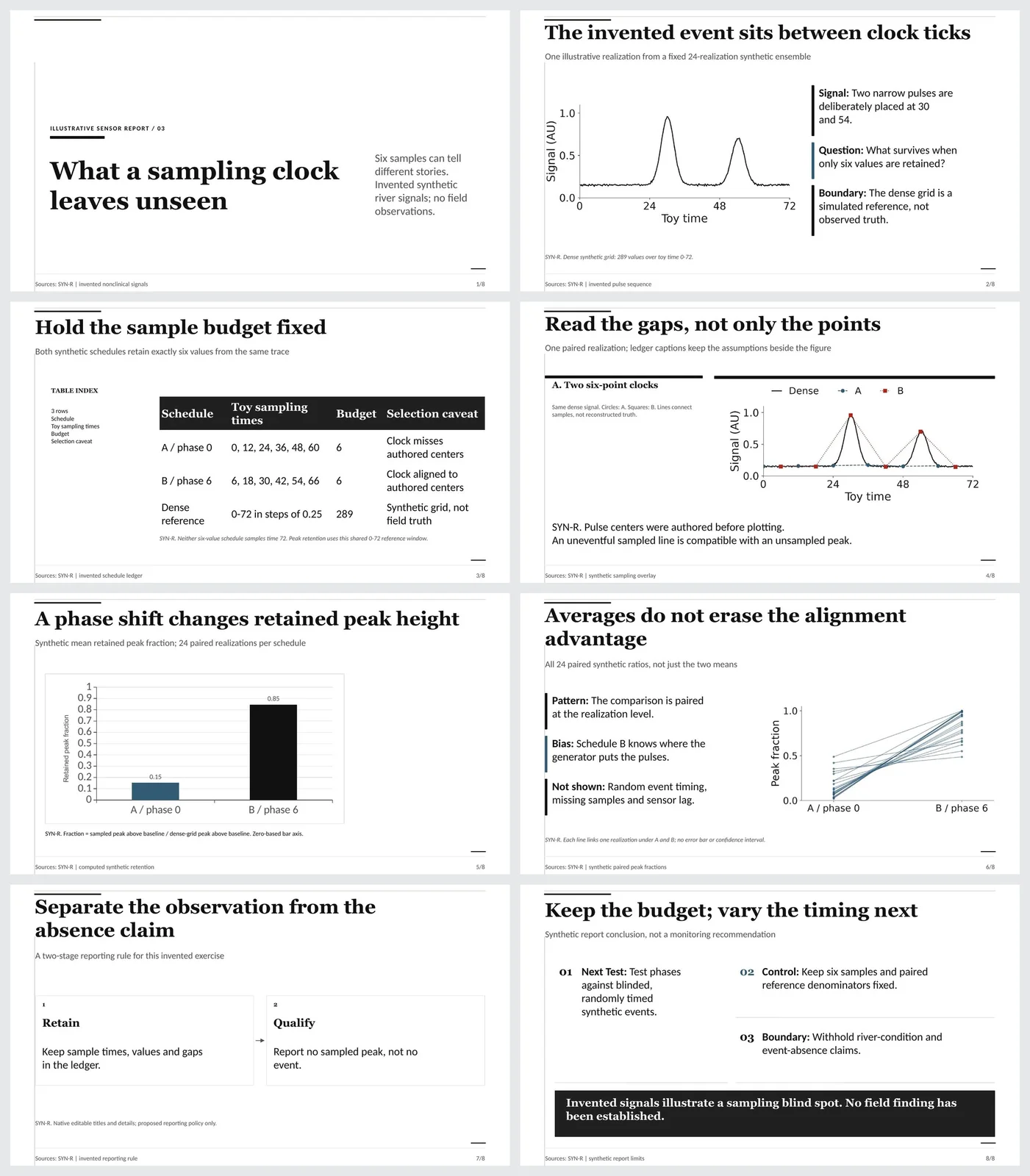
先看看实际效果
浏览作者提供的图片与示例。打开原始文件,可查看完整尺寸的作品和动图。