gc-minimal-zine-poster-v0-3
Generate or analyze poetic paper-texture minimal zine posters with large negative space, a small editorial collage or focal element, experimental typography, and one clear color accent. Use when the user gives a theme, sentence, article, mood, object, photo, content brief, reference images, or an image folder and wants a final poster image, a production-ready image prompt, reusable style rules, or varied layouts that stay in one visual family.
LiamGvchi · 已有 AI 审核记录
安装与使用
运行命令前先阅读来源与依赖说明。复制命令不会自动安装或执行。
npx skills add https://github.com/LiamGvchi/gc-minimal-zine-poster/tree/ddb0d66b24a94f9c4fdd1f02835a836a2db3774e --skill "gc-minimal-zine-poster-v0-3"技能说明
name: gc-minimal-zine-poster-v0-3 description: Generate or analyze poetic paper-texture minimal zine posters with large negative space, a small editorial collage or focal element, experimental typography, and one clear color accent. Use when the user gives a theme, sentence, article, mood, object, photo, content brief, reference images, or an image folder and wants a final poster image, a production-ready image prompt, reusable style rules, or varied layouts that stay in one visual family.
Minimal Zine Poster v0.3.1
Turn content or visual references into a coherent paper-poster system. Preserve the original production contract: unless the user explicitly asks for analysis or prompt-only output, return both a final image-generation prompt and the generated raster image.
Route The Request
Choose the smallest mode that satisfies the request:
- Generate Mode — default: theme, sentence, article, object, mood, photo, or brief → visual metaphor → prompt → generated image → inspection.
- Photo Input Mode — Generate subflow: a supplied photograph that should affect the output → classify its role and preservation level → pass the actual image into generation → inspect both poster quality and source preservation.
- Reference Analysis Mode: reference images or a folder plus a request to analyze, extract, or systematize the style → evidence-based style rules and reusable prompt. Do not generate an image unless requested.
- Prompt-only Mode: use only when the user explicitly asks for a prompt without image generation.
- Analyze + Generate: when the user asks to learn from references and make a new poster, run Reference Analysis first, then Generate Mode with the extracted system.
If the intent is ambiguous but clearly asks to “做一张”, use Generate Mode. Do not stop to ask about choices the skill can make safely.
Load The Relevant References
- Read
references/style-system.mdfor every mode. - Read
references/prompt-compiler.mdfor Generate and Prompt-only modes. - Read
references/variation-engine.mdbefore choosing a generation recipe or batch plan. - Read
references/reference-analysis.mdwhenever reference images or folders are supplied for analysis. - Read
references/quality-gate.mdbefore returning a generated image or style analysis.
Source And Reference Boundaries
- Inspect actual supplied images before making claims about their dimensions, ratios, layout, color, or texture.
- Separate observed traits from interpretation. Use file metadata for dimension and ratio claims when possible.
- Do not copy source text, brands, watermarks, signatures, exact dates, exact locations, or an exact composition from reference-only images.
- User-supplied text may be placed in the new poster when the user explicitly asks for it. Keep it short because image models distort long text.
- For reference-only images, learn the visual grammar rather than copying the source identity, exact subject, wording, or composition. For edit targets, preserve the declared subject invariants and change only what the selected preservation level permits.
- If files are missing or unreadable, state the limitation instead of inventing an analysis.
Photo Input Mode
Use this mode whenever a user-supplied photograph should materially affect the generated poster. Before compiling the prompt, assign every supplied image one role:
- Edit target: the photograph or its recognizable subject must appear in the final poster.
- Reference image: use only its style, color, composition, texture, or mood; do not preserve its exact subject or identity.
- Supporting insert: use one specified person, object, texture, or fragment from the photograph inside a new composition.
Classify from observable wording:
- “把这张照片做成海报”, “基于这张图改”, or “保留这个人、产品、宠物” → edit target.
- “参考这张图的风格、配色、构图” → reference image.
- “把照片里的这个人或物体放进去” → supporting insert.
- A supplied photograph plus only “做一张” → edit target, because silently discarding the supplied subject is the more destructive interpretation.
Ask only when two materially different roles remain equally plausible.
Choose and record one preservation level:
- High: preserve identity, facial structure, body proportions, pose when relevant, defining markings, product geometry, object count, silhouette, and recognizable colors, except traits the user explicitly lists as permitted changes. Prefer an original-photo crop, clipping, or printed fragment over redrawing the subject.
- Medium: preserve the main subject and defining characteristics while allowing crop, scale, palette, surface treatment, and surrounding composition to change.
- Low: reference-only; preserve visual grammar or mood, not the source subject or exact composition.
Use High preservation for identifiable people, pets, characters, artworks, and products unless the user explicitly permits reinterpretation.
Run the photo workflow:
- Inspect every supplied image before describing or using it. Record available dimensions, ratio, main subject, important details, and visible text or branding.
- List concrete preservation invariants for each edit target or supporting insert. Include only traits visible in the source or explicitly supplied by the user.
- Pass the actual input image to the built-in image-generation tool. Use
referenced_image_pathswhen every target image has a local path. Usenum_last_images_to_includewhen at least one target exists only in the conversation, choosing the smallest number that includes every target, up to five. Never use both mechanisms in one call. If neither mechanism can include every target, ask the user to attach the missing images again. - Compile the prompt with three explicit parts: what must remain recognizable, what may change, and what new poster elements may be introduced.
- Generate the sparse vertical paper poster and inspect it against both
references/quality-gate.mdand the preservation invariants. - If an edit targ
先看看实际效果
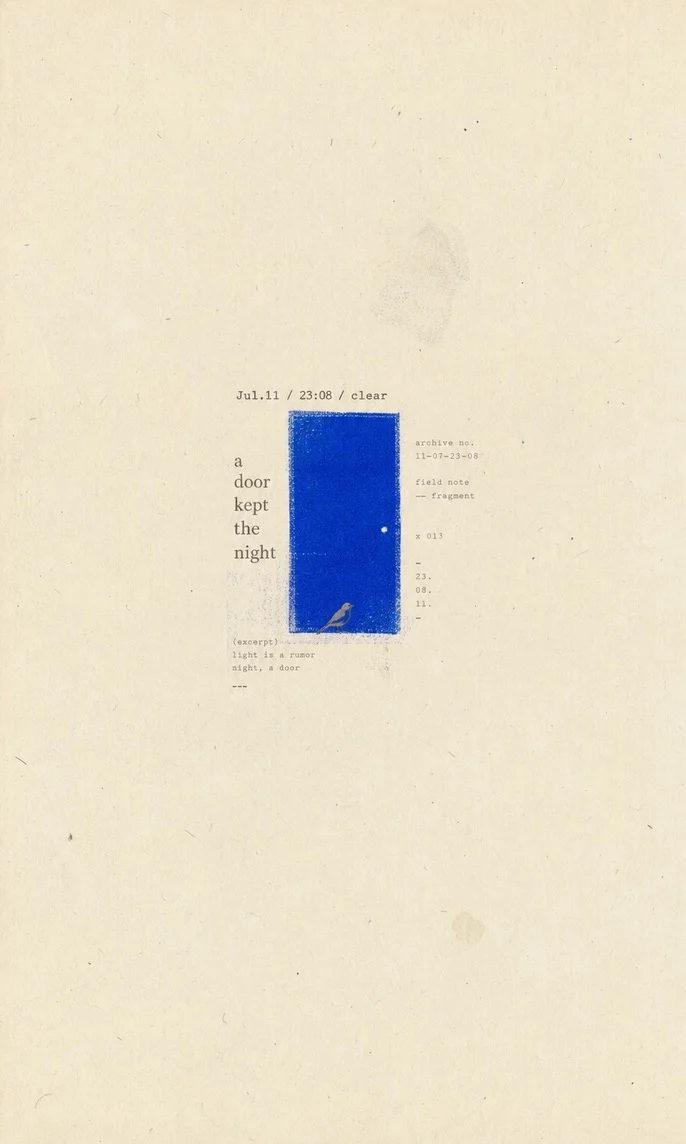
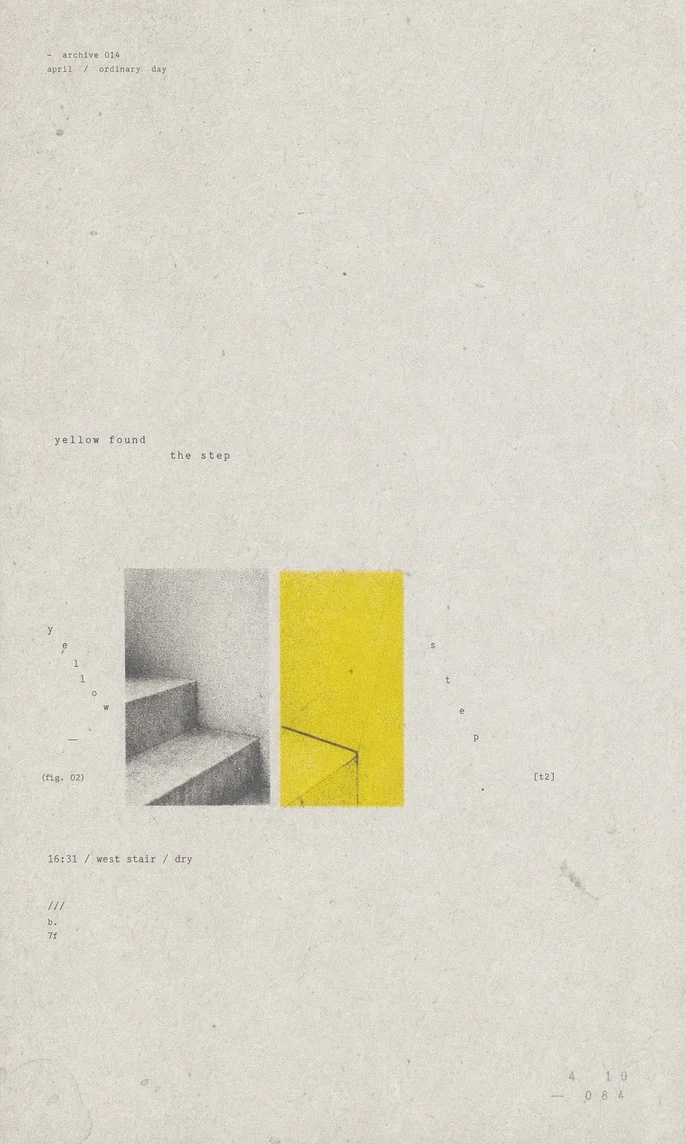
GC Minimal Zine Poster:三张安静的海报
作者案例 · 于 2026-09-11 从作者固定版本仓库中精选。保留原始 JPEG,展示副本仅缩放压缩。OpenAgentSkill 查看了图片,但没有执行技能;未核实原始提示词、模型、耗时与费用。上方任务是本站建议的起点。