knight-imagetopptx-skill
Use when Codex must rebuild an existing slide image, screenshot, or image-only PPTX page into an editable .pptx replica, especially Chinese business report slides with editable text, cards, arrows, complex visuals, and independently movable generated image assets.
knight6669 · 已有 AI 审核记录
安装与使用
运行命令前先阅读来源与依赖说明。复制命令不会自动安装或执行。
npx skills add knight6669/knight-imagetopptx-skill --skill knight-imagetopptx-skill技能说明
name: knight-imagetopptx-skill description: Use when Codex must rebuild an existing slide image, screenshot, or image-only PPTX page into an editable .pptx replica, especially Chinese business report slides with editable text, cards, arrows, complex visuals, and independently movable generated image assets.
Knight Image To PPTX
Scope
Use this only for existing visual slides:
- A PNG/JPG/WebP slide image that must become editable PowerPoint.
- A PPTX whose slides are image-only screenshots or generated full-page images.
- A PDF or multi-page image set where each page must become an editable PowerPoint slide.
- A rendered slide page that needs editable text, containers, arrows, icons, and layout objects.
Do not use this for creating a new deck from scratch, SVG-only conversion, or simple image packaging where the user does not need object-level editing.
Core Rule
Rebuild the slide semantically so the parts the user needs to edit are practical PowerPoint objects.
- Text, cards, panels, dividers, lines, simple arrows, bullets, badges, and tables: create as native PowerPoint objects.
- Icons, pictograms, complex badges, decorative marks, tiny UI glyphs, illustration-like elements, complex pictures, and complex visual objects: must be generated with the image generation model as independent transparent PNG assets, then inserted into the PPTX.
- Flowing ribbon arrows, migration streams, gradient arrow bands, multi-lane flow arrows, or any arrow system that needs soft fades, bundled curves, overlapping streams, or fused arrowheads is a complex visual object. Generate it separately with the image generation model and stitch it into the PPTX as one or a small number of transparent PNG visual assets; do not rebuild it from many native rectangles, triangles, or curve fragments.
- Source-image crops are reference material only. Do not use cropped screenshot fragments as final icon assets unless the user explicitly provides a real logo/brand mark that must remain exact.
Mandatory Execution Contract
When this skill is triggered, the workflow below is binding, not optional guidance. Do not jump directly from screenshot to PPTX, and do not deliver a file unless the required evidence exists.
Before building, track the execution state in memory or local notes. Write rebuild_execution_report.json only once near the end as a compact final summary; do not repeatedly rewrite a verbose phase log. The final summary must cover these required phases:
input_prepared: source path, slide/page count, slide size, aspect ratio, and output target recorded.visual_inventory_done: major text blocks, native objects, connectors, tables, cards, icons, and complex visuals listed with stable IDs.asset_classification_done: every non-text visual marked asnative_editableorimagegen_asset.imagegen_assets_done: everyimagegen_assethas an image-generation source, final transparent PNG, manifest entry, and contact sheet or crop QA.text_fit_done: every visible PPT text object was checked withppt_text_fit.pyor has a recorded exception; the report may be compact.pptx_built: editable PPTX generated with native text/shapes and independent image assets.render_qa_done: PPTX rendered to PNG and compared against the reference at full-page level.local_crop_qa_done: tight regions such as icon buttons, dense cards, tables, labels, bottom bars, and user-flagged areas cropped and inspected.validation_done: asset checker and relevant script/compile checks run, or blockers recorded.
If any phase cannot be completed, stop and report the blocker instead of silently skipping it. If the user asks for speed or a rough pass, still perform the minimum compact execution summary, asset manifest, rendered preview, and validation; mark the result as draft if QA is intentionally incomplete.
Final answers must include the PPTX path and the most important evidence paths, normally rendered preview, asset contact sheet, compact text-fit report, and notable crop QA. Do not claim completion from code generation alone.
Non-Negotiable Image-Generation Gate
Final icon and complex-visual assets must come from the image generation model. Do not hand-draw, script-generate, trace, or approximate final icons with PIL, SVG, canvas, icon fonts, manually authored vector paths, or PowerPoint shape drawings. Those methods are allowed only for native editable primitives such as cards, lines, arrows, tables, separators, simple badges, and text containers.
Before rebuilding, classify every non-text visual region:
native_editable: simple geometry that should remain editable in PowerPoint, such as panels, rounded rectangles, ordinary single arrows, table cells, divider lines, small numeric badges, and plain UI containers.imagegen_asset: icons, pictograms, logos that are not supplied as exact brand files, decorative skylines, illustration fragments, complex badges/seals, screenshots that should become stylized editable-adjacent assets, dense tiny glyph clusters, mascots/people/devices/scenes, complex pictures, flowing ribbon arrows, migration streams, multi-lane gradient arrows, or any visual whose faithful reconstruction would require custom drawing logic.
For every imagegen_asset, call the image generation model or reuse an asset that was already produced by that model for this rebuild. Keep the original generated file if the tool saves one, copy it into the working assets/ folder, then cut/repack/clean it as needed into independent transparent PNGs. Record the generated source path or prompt in the asset manifest.
If the image generation tool is unavailable, blocked, or fails repeatedly, stop and report the blocker. Do not silently replace the required asset with a script-drawn or hand-authored substitute, and do not describe such a substitute as generated.
Workflow
- Prepare input
- Create a working folder beside the source, e.g. `editable-replica
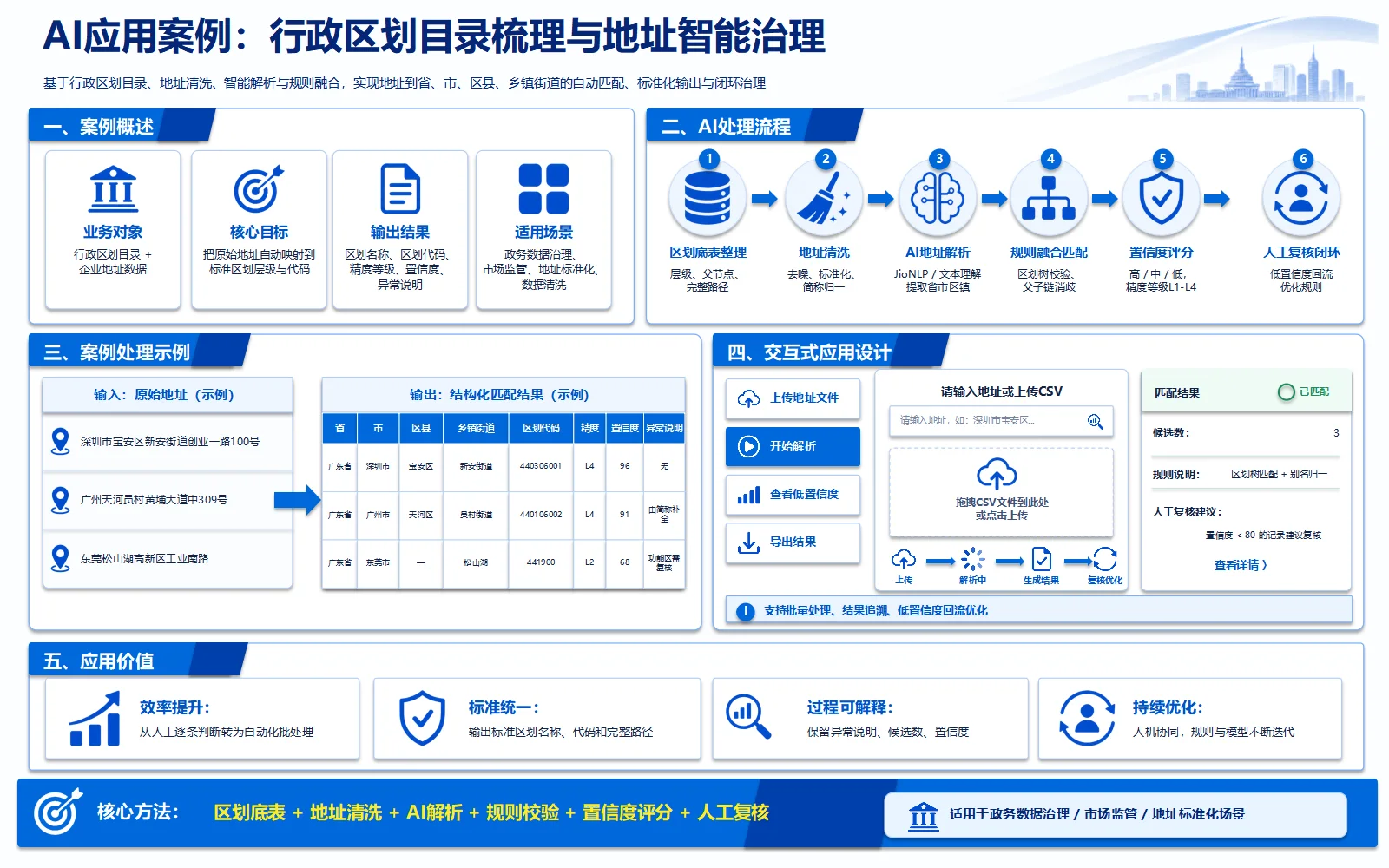
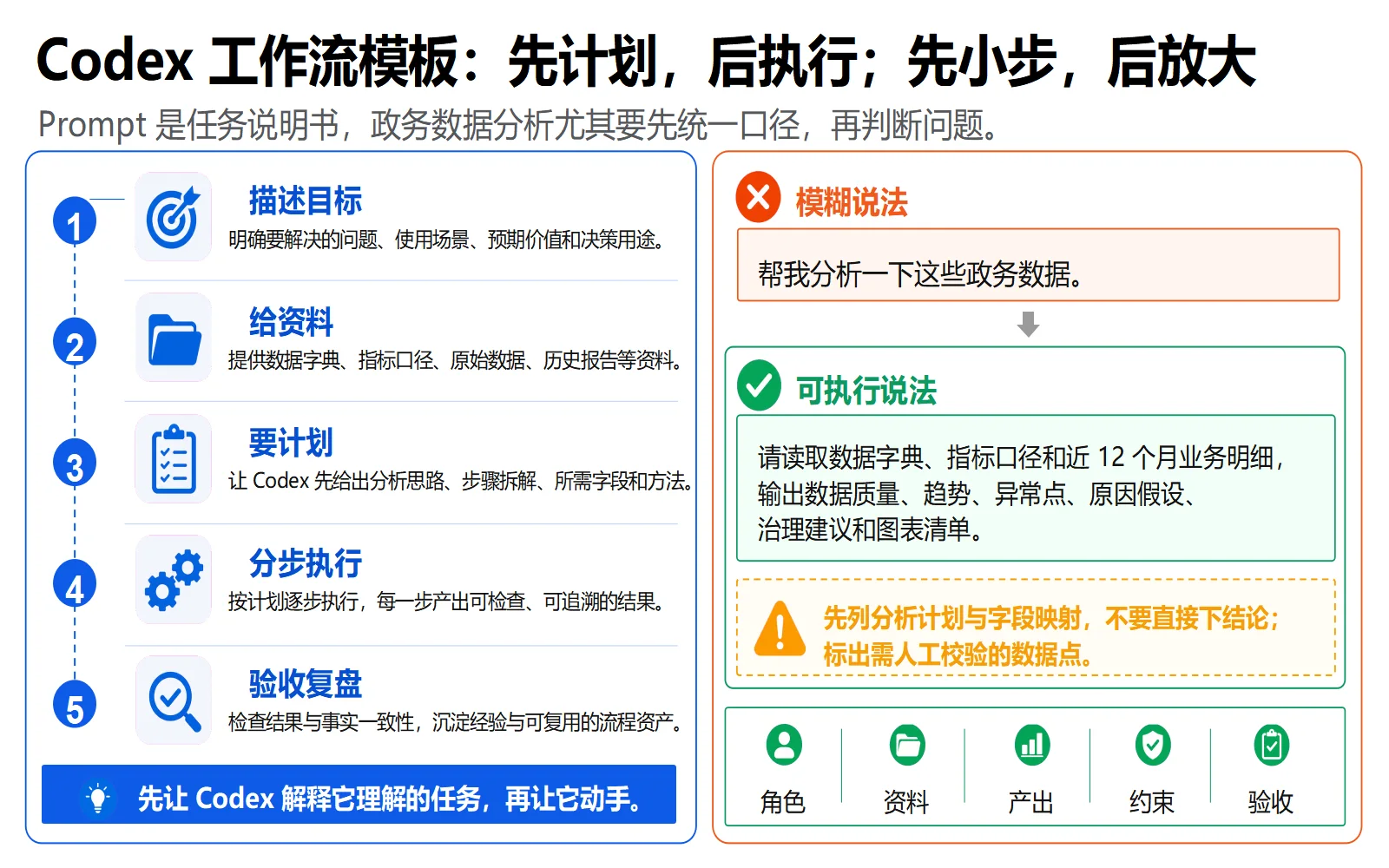
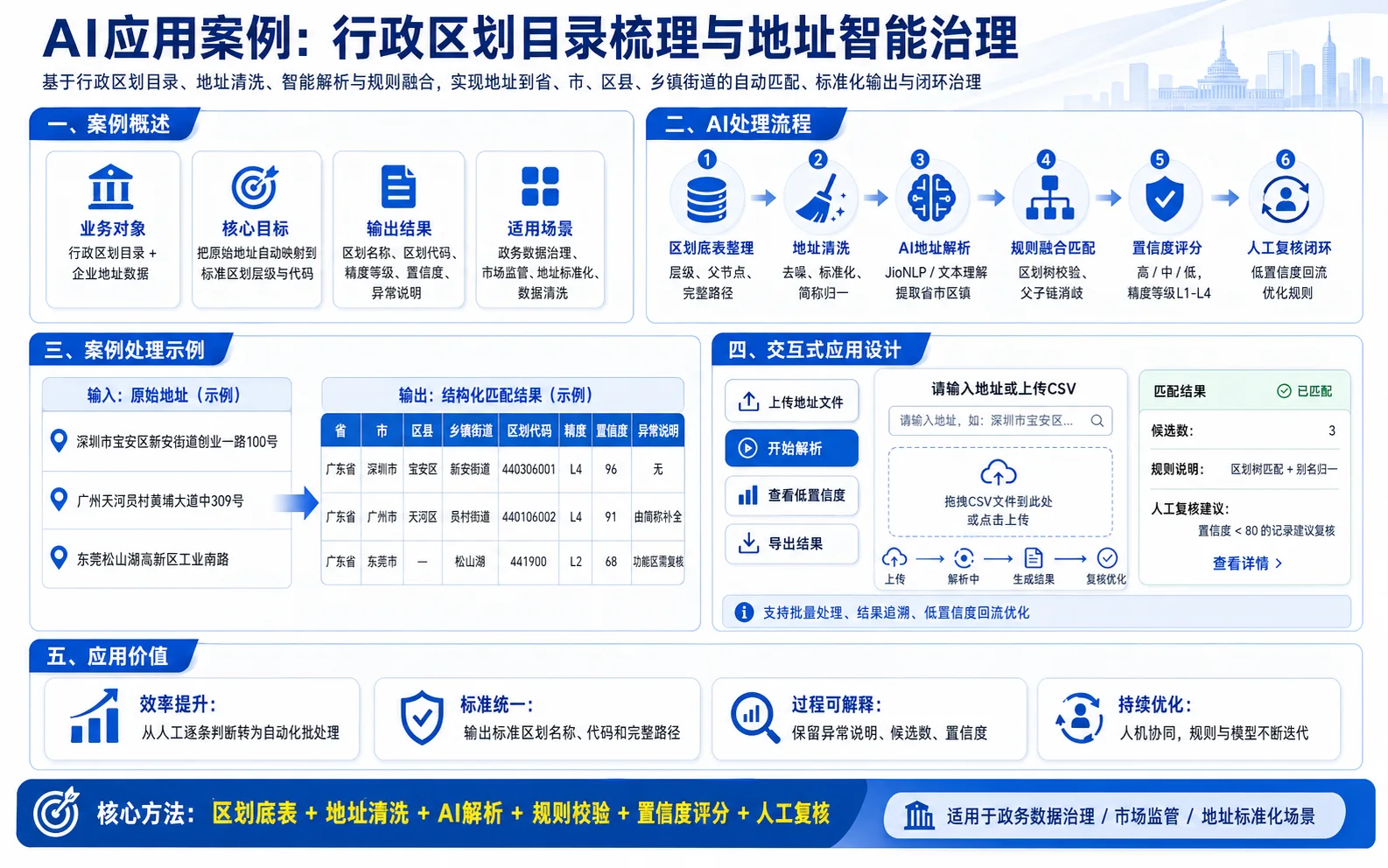
先看看实际效果
浏览作者提供的图片与示例。打开原始文件,可查看完整尺寸的作品和动图。