baoyu-cover-image
Generates article cover images with 5 dimensions (type, palette, rendering, text, mood) combining 11 color palettes and 7 rendering styles. Supports cinematic (2.35:1), widescreen (16:9), and square (1:1) aspects. Use when user asks to "generate cover image", "create article cover", or "make cover".
JimLiu · 站主发布
安装与使用
运行命令前先阅读来源与依赖说明。复制命令不会自动安装或执行。
npx skills add https://github.com/JimLiu/baoyu-skills/tree/6b7a2e417500561a5ecdd0b168332f4142584617/skills/baoyu-cover-image --skill "baoyu-cover-image"技能说明
name: baoyu-cover-image description: Generates article cover images with 5 dimensions (type, palette, rendering, text, mood) combining 11 color palettes and 7 rendering styles. Supports cinematic (2.35:1), widescreen (16:9), and square (1:1) aspects. Use when user asks to "generate cover image", "create article cover", or "make cover". version: 1.117.5 metadata: openclaw: homepage: https://github.com/JimLiu/baoyu-skills#baoyu-cover-image
Cover Image Generator
Generate elegant cover images for articles with 5-dimensional customization.
User Input Tools
When this skill prompts the user, follow this tool-selection rule (priority order):
- Prefer built-in user-input tools exposed by the current agent runtime — e.g.,
AskUserQuestion,request_user_input,clarify,ask_user, or any equivalent. - Fallback: if no such tool exists, emit a numbered plain-text message and ask the user to reply with the chosen number/answer for each question.
- Batching: if the tool supports multiple questions per call, combine all applicable questions into a single call; if only single-question, ask them one at a time in priority order.
Concrete AskUserQuestion references below are examples — substitute the local equivalent in other runtimes.
Image Generation Tools
When this skill needs to render an image, resolve the backend in this order:
- Current-request override — if the user names a specific backend in the current message, use it.
- Saved preference — if
EXTEND.mdsetspreferred_image_backendto a backend available right now, use it. - Auto-select (when the preference is
auto, unset, or the pinned backend isn't available):- Codex (
imagegen) — first, inspect your available-skills / tool inventory. If a skill namedimagegenis listed, you are running inside Codex and MUST use it: invoke via theSkilltool withskill: "imagegen", passing the saved prompt file's content (plus output path and aspect ratio per Codeximagegen's own args). Codeximagegenis the official raster backend in that runtime and outranks any non-native skill (e.g.,baoyu-image-gen) unless the user has explicitly pinned a differentpreferred_image_backend. - Codex via
codex exec(codex-imagegen) — if the current runtime exposes no nativeimagegenskill but thecodexCLI is onPATHwith an activecodex login, route throughbaoyu-image-gen --provider codex-cli(preferred), or — if baoyu-image-gen is unavailable — invoke the bundled wrapper directly. Details, parameters, and the runtime-discovery procedure live in references/codex-imagegen.md — load that file only when this branch is selected. - Cursor (
GenerateImage) — if the runtime exposes a nativeGenerateImagetool, you are running inside Cursor and it outranks any non-native skill the same way Codeximagegendoes. Two hard caveats: (a) it has no aspect-ratio parameter — state the target aspect ratio / dimensions explicitly in the prompt text passed asdescription; (b) it does not accept an output directory — it saves to a tool-managed location, so after generation copy/move the file to the skill's expected output path (e.g.,outputs/.../NN-xxx.png). Reference images go inreference_image_paths. - Other runtime-native tools — if the runtime exposes a different native image tool (e.g., Hermes
image_generate), use it the same way. - Otherwise, if exactly one non-native backend is installed (e.g.,
baoyu-image-gen), use it. - Otherwise (multiple non-native backends with no runtime-native tool), ask the user once — batch with any other initial questions.
- Codex (
- If none are available, tell the user and ask how to proceed.
⛔ Never substitute SVG, HTML, canvas, or other code-based rendering for raster image generation. Codex imagegen's own description says it should be used "when the output should be a bitmap asset rather than repo-native code or vector." If you cannot resolve a raster backend via step 3, fall through to step 4 and ask the user — do not silently emit SVG, write inline <svg> markup, or produce HTML/CSS art as a substitute. This applies even if the article/section seems "diagram-like": the consumer skill calling this rule has already decided that a raster image is what it needs.
⛔ Never repair rendered text by painting over a generated bitmap. Do not use ImageMagick, Pillow, Canvas, SVG, HTML/CSS, OCR scripts, or any other programmatic overlay to cover, rewrite, erase, stroke, or replace title/subtitle text inside an already generated cover image. If text is wrong or unclear, regenerate from a corrected prompt, switch to a lower-text or no-title variant, or ask the user which imperfect candidate to keep.
Setting preferred_image_backend: ask forces the step-3 prompt every run regardless of available backends. Users change the pinned backend via the ## Changing Preferences section below.
Prompt file requirement (hard): write each image's full, final prompt to a standalone file under prompts/ (naming: NN-{type}-[slug].md) BEFORE invoking any backend. The backend receives the prompt file (or its content); the file is the reproducibility record and lets you switch backends without regenerating prompts.
Concrete tool names (imagegen, GenerateImage, image_generate, baoyu-image-gen) above are examples — substitute the local equivalents under the same rule.
Confirmation Policy
Default behavior: confirm before generation.
- Treat explicit skill invocation, a file path, matched keywords/presets,
EXTEND.mddefaults, and any documented auto-selection as recommendation inputs only. None of them authorizes skipping confirmation. - Do not start Step 3 or Step 4 until the user confirms the dimensions / aspect / language / backend choices.
- Skip confirmation only when the current request explicitly says to do so, for example:
--quick, "直接生成", "不用确认", "跳过
先看看实际效果
自动收录自作者仓库,已检查来源许可证与图片格式;作品未经人工审阅,也没有执行技能。标题来自源文件名,未核实原始提示词、模型、费用及事实表述。

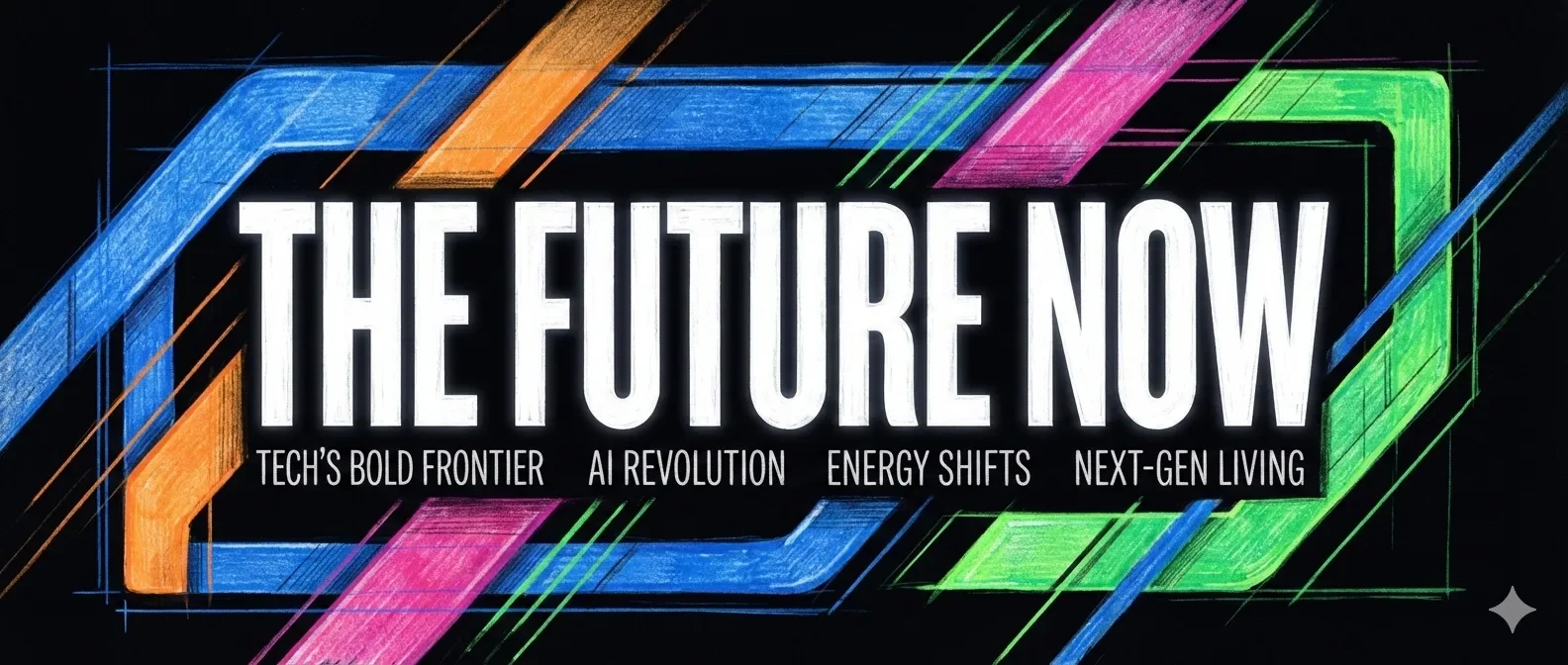
用大字做科技封面
作者风格示例 · 于 2026-09-08 从作者仓库的固定版本中精选。保留原图,展示副本仅缩放压缩。本站检查了预览,没有重新运行技能;未核实原始提示词、模型、制作时长与成本。示例数字及科学标注需独立核查。
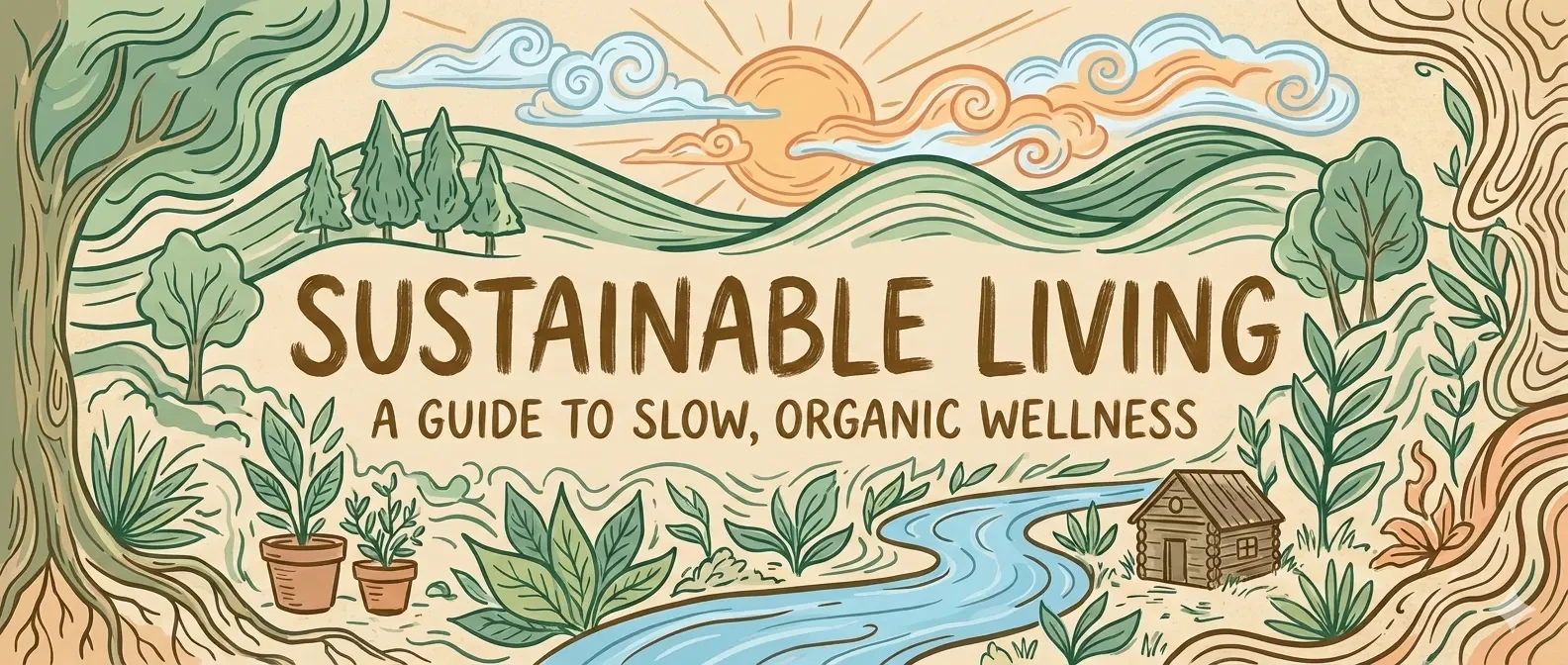
自然生活主题封面
作者风格示例 · 于 2026-09-08 从作者仓库的固定版本中精选。保留原图,展示副本仅缩放压缩。本站检查了预览,没有重新运行技能;未核实原始提示词、模型、制作时长与成本。示例数字及科学标注需独立核查。
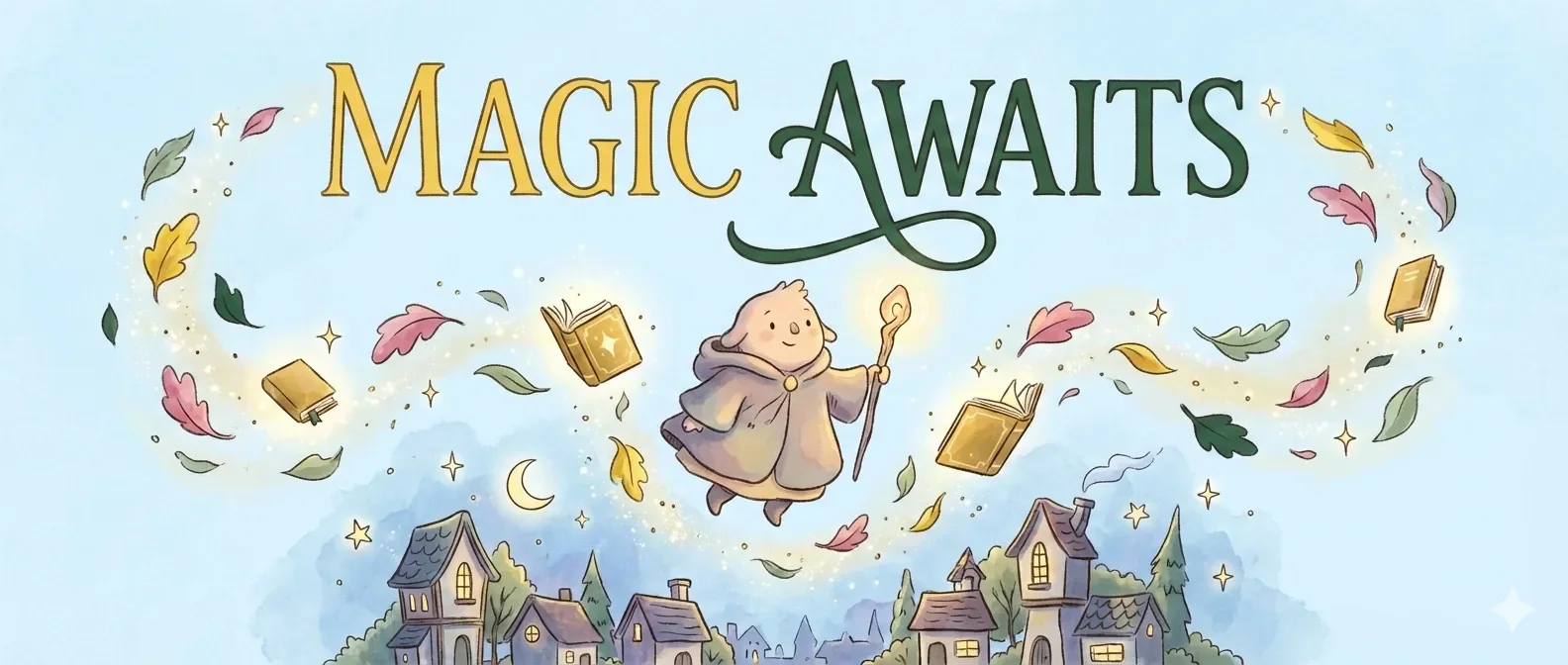
水彩感的内在旅程
作者风格示例 · 于 2026-09-08 从作者仓库的固定版本中精选。保留原图,展示副本仅缩放压缩。本站检查了预览,没有重新运行技能;未核实原始提示词、模型、制作时长与成本。示例数字及科学标注需独立核查。

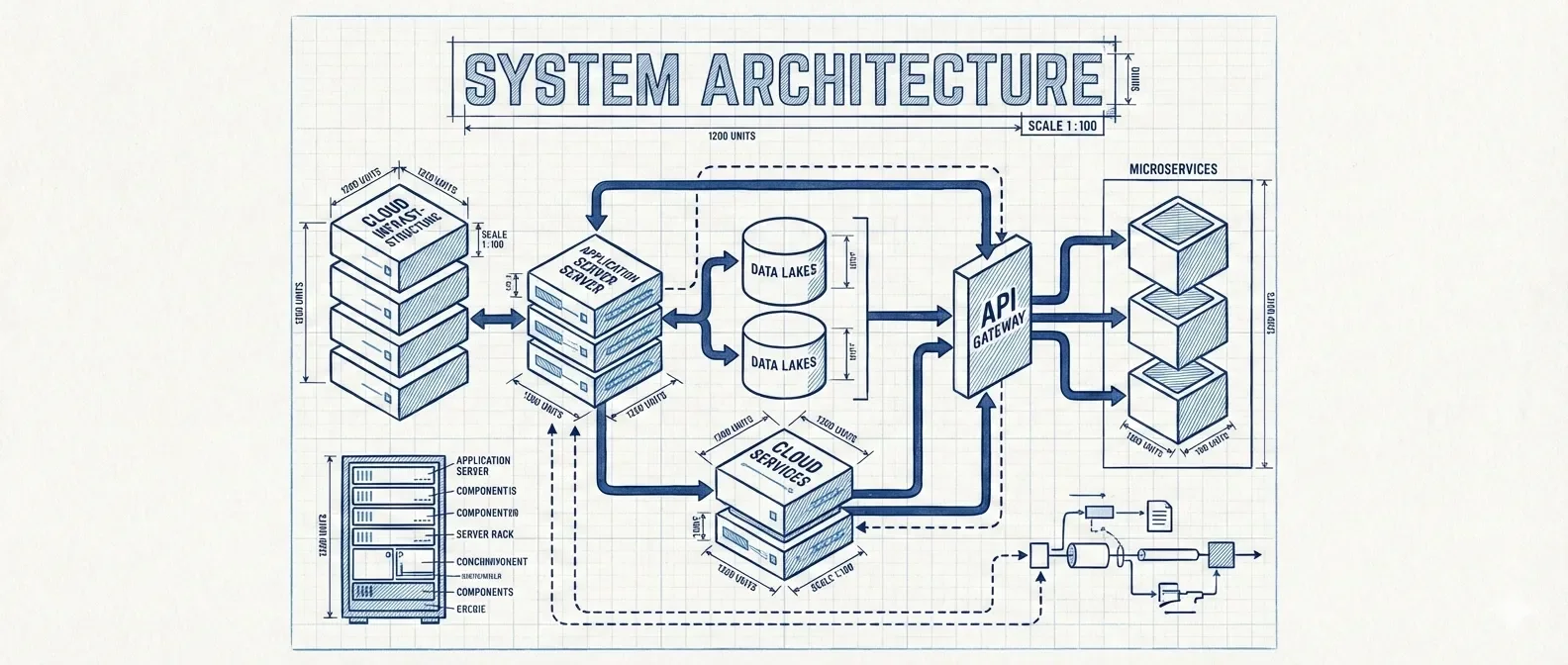
blueprint — baoyu-cover-image 作者预览
作者风格示例 · 自动收录自作者仓库,已检查来源许可证与图片格式;作品未经人工审阅,也没有执行技能。标题来自源文件名,未核实原始提示词、模型、费用及事实表述。
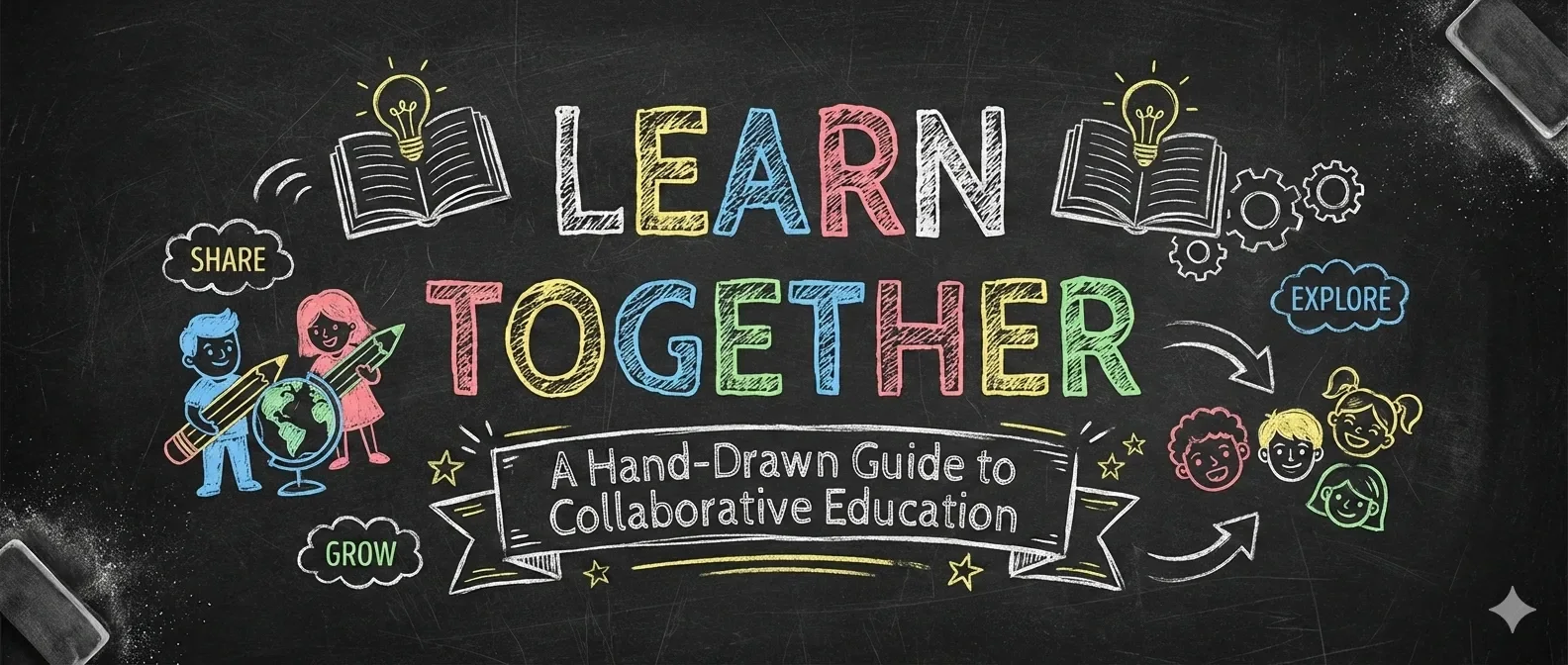
chalkboard — baoyu-cover-image 作者预览
作者风格示例 · 自动收录自作者仓库,已检查来源许可证与图片格式;作品未经人工审阅,也没有执行技能。标题来自源文件名,未核实原始提示词、模型、费用及事实表述。
dark atmospheric — baoyu-cover-image 作者预览
作者风格示例 · 自动收录自作者仓库,已检查来源许可证与图片格式;作品未经人工审阅,也没有执行技能。标题来自源文件名,未核实原始提示词、模型、费用及事实表述。
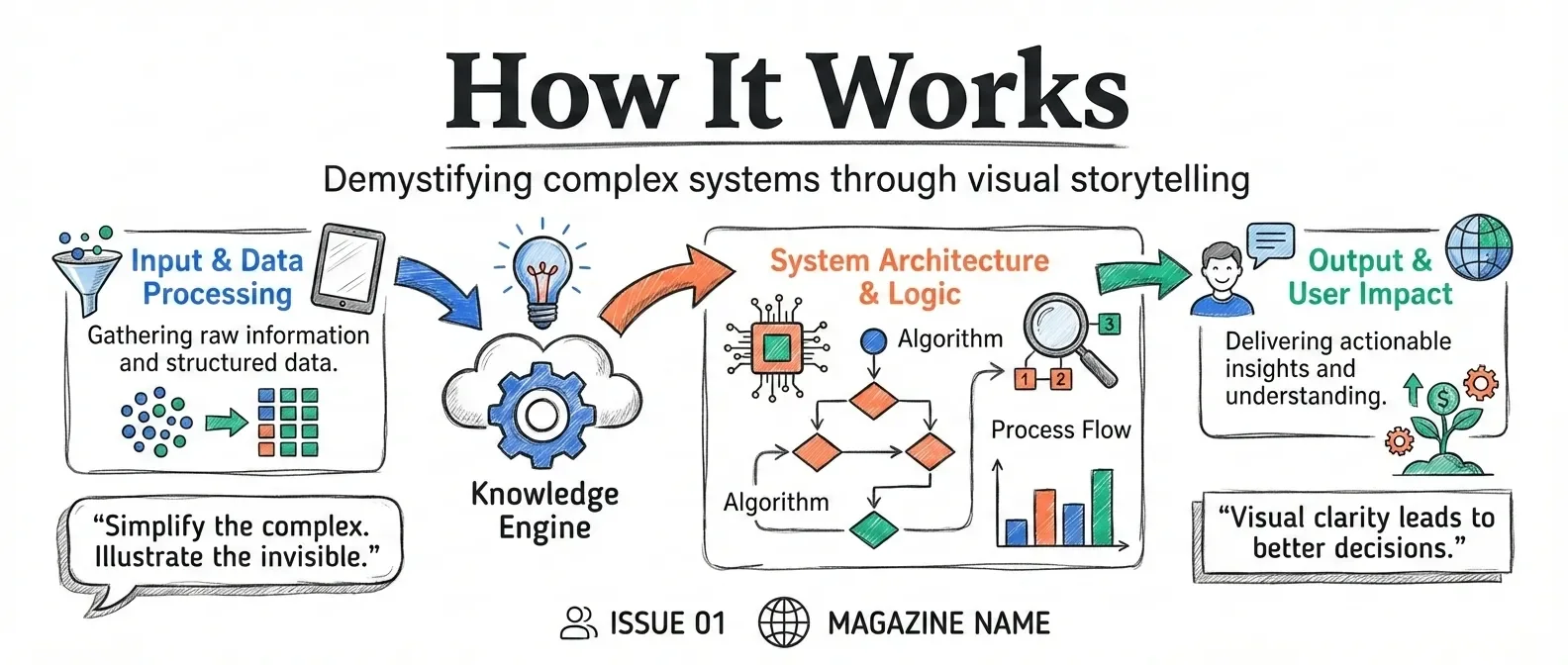
editorial infographic — baoyu-cover-image 作者预览
作者风格示例 · 自动收录自作者仓库,已检查来源许可证与图片格式;作品未经人工审阅,也没有执行技能。标题来自源文件名,未核实原始提示词、模型、费用及事实表述。
elegant — baoyu-cover-image 作者预览
作者风格示例 · 自动收录自作者仓库,已检查来源许可证与图片格式;作品未经人工审阅,也没有执行技能。标题来自源文件名,未核实原始提示词、模型、费用及事实表述。
fantasy animation — baoyu-cover-image 作者预览
作者风格示例 · 自动收录自作者仓库,已检查来源许可证与图片格式;作品未经人工审阅,也没有执行技能。标题来自源文件名,未核实原始提示词、模型、费用及事实表述。
flat doodle — baoyu-cover-image 作者预览
作者风格示例 · 自动收录自作者仓库,已检查来源许可证与图片格式;作品未经人工审阅,也没有执行技能。标题来自源文件名,未核实原始提示词、模型、费用及事实表述。

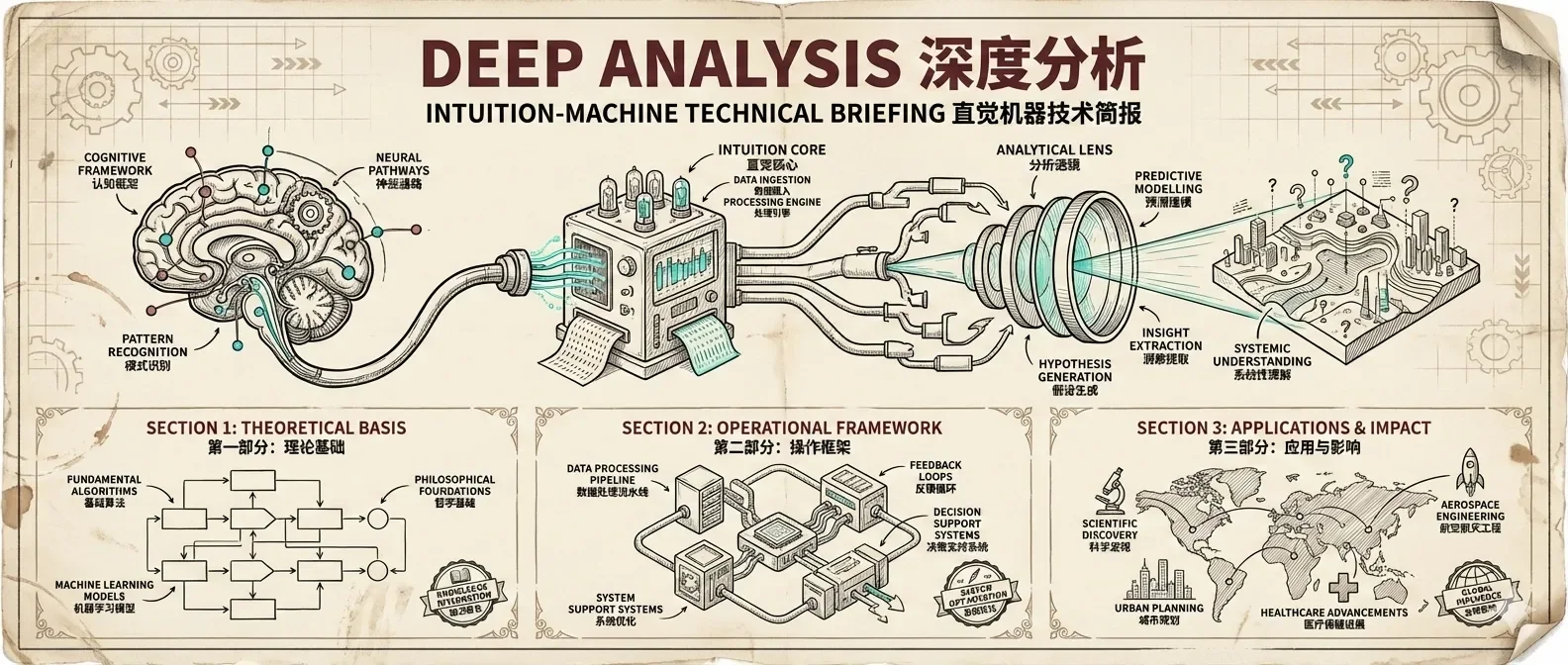
intuition machine — baoyu-cover-image 作者预览
作者风格示例 · 自动收录自作者仓库,已检查来源许可证与图片格式;作品未经人工审阅,也没有执行技能。标题来自源文件名,未核实原始提示词、模型、费用及事实表述。
minimal — baoyu-cover-image 作者预览
作者风格示例 · 自动收录自作者仓库,已检查来源许可证与图片格式;作品未经人工审阅,也没有执行技能。标题来自源文件名,未核实原始提示词、模型、费用及事实表述。

notion — baoyu-cover-image 作者预览
作者风格示例 · 自动收录自作者仓库,已检查来源许可证与图片格式;作品未经人工审阅,也没有执行技能。标题来自源文件名,未核实原始提示词、模型、费用及事实表述。
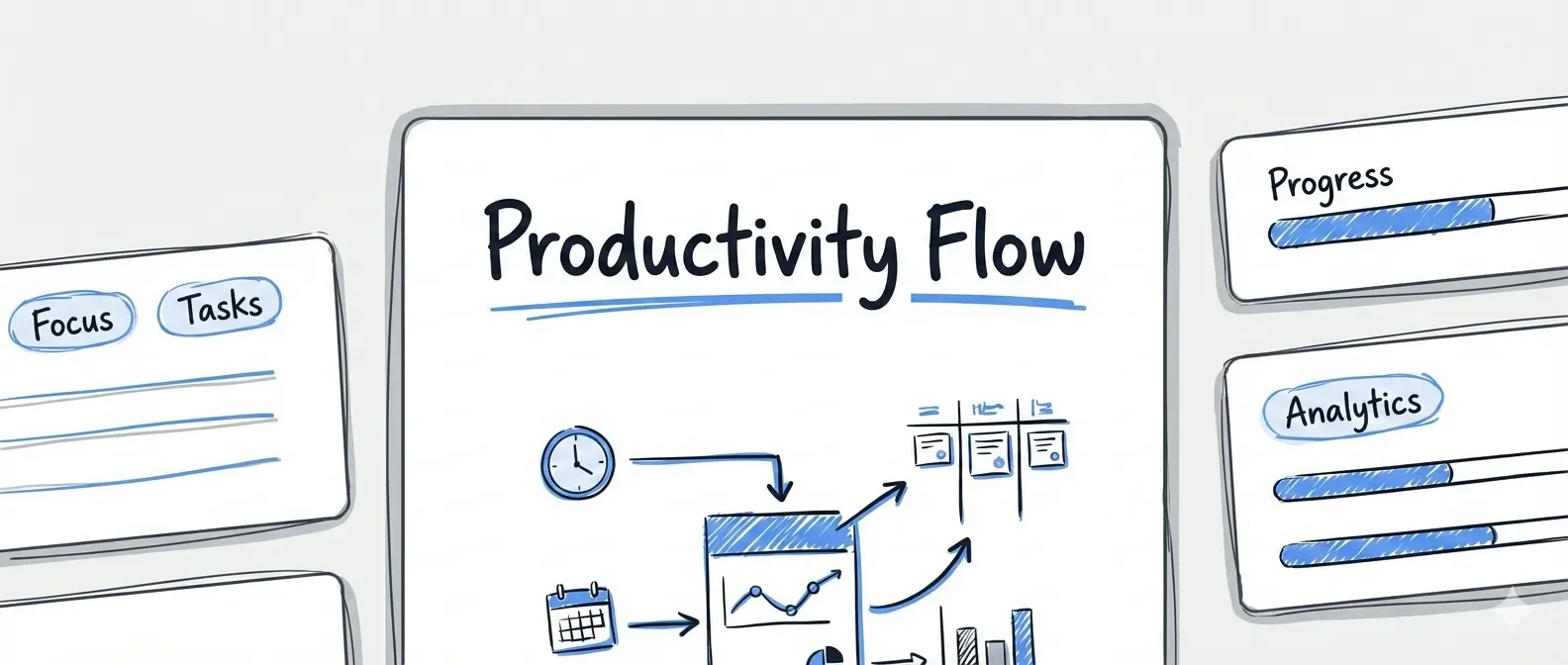
pixel art — baoyu-cover-image 作者预览
作者风格示例 · 自动收录自作者仓库,已检查来源许可证与图片格式;作品未经人工审阅,也没有执行技能。标题来自源文件名,未核实原始提示词、模型、费用及事实表述。

playful — baoyu-cover-image 作者预览
作者风格示例 · 自动收录自作者仓库,已检查来源许可证与图片格式;作品未经人工审阅,也没有执行技能。标题来自源文件名,未核实原始提示词、模型、费用及事实表述。
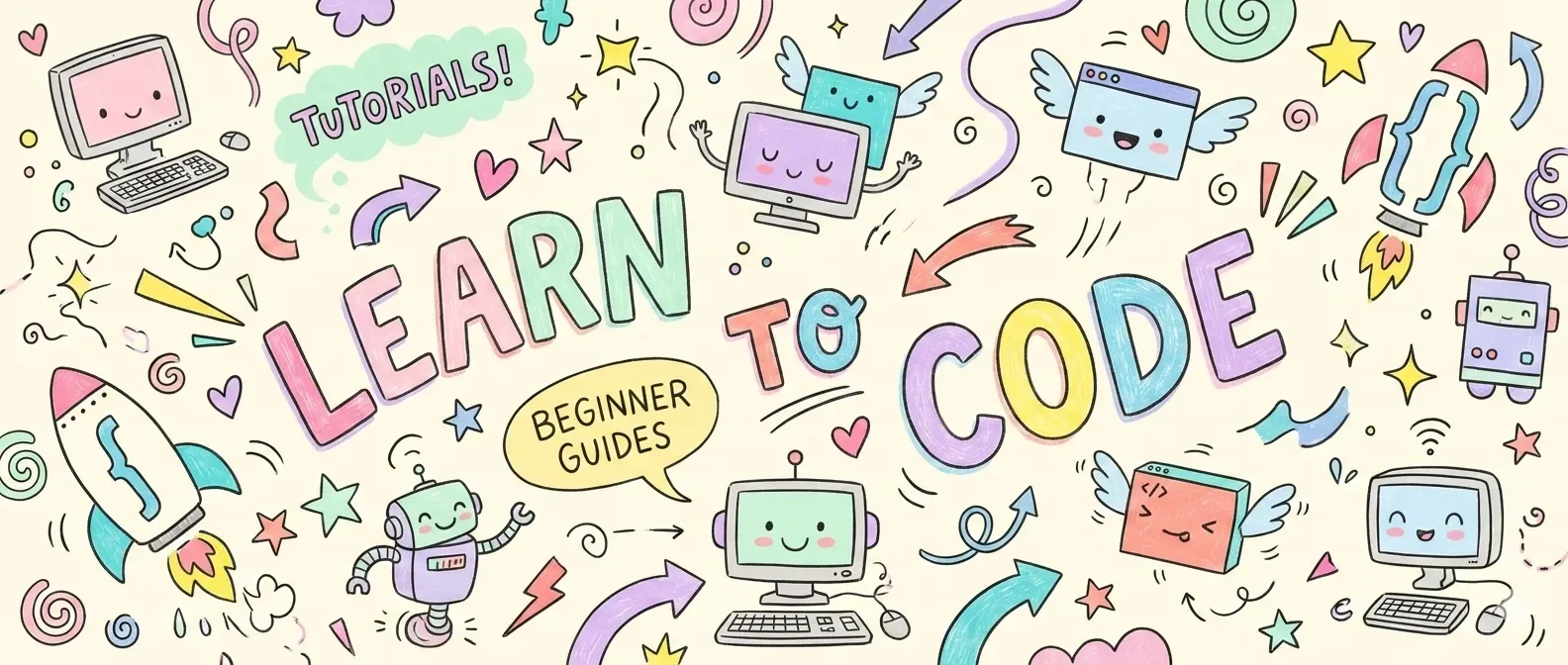
retro — baoyu-cover-image 作者预览
作者风格示例 · 自动收录自作者仓库,已检查来源许可证与图片格式;作品未经人工审阅,也没有执行技能。标题来自源文件名,未核实原始提示词、模型、费用及事实表述。
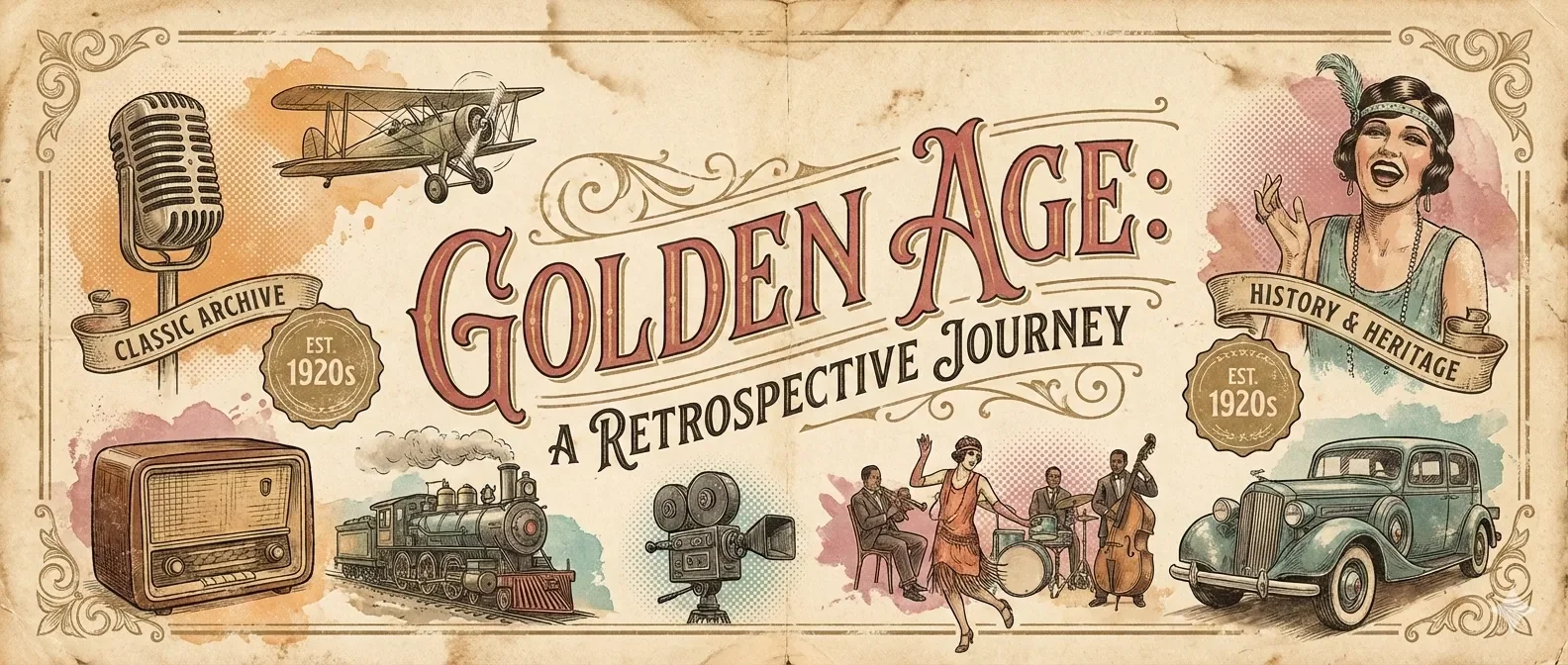
sketch notes — baoyu-cover-image 作者预览
作者风格示例 · 自动收录自作者仓库,已检查来源许可证与图片格式;作品未经人工审阅,也没有执行技能。标题来自源文件名,未核实原始提示词、模型、费用及事实表述。

vector illustration — baoyu-cover-image 作者预览
作者风格示例 · 自动收录自作者仓库,已检查来源许可证与图片格式;作品未经人工审阅,也没有执行技能。标题来自源文件名,未核实原始提示词、模型、费用及事实表述。

vintage — baoyu-cover-image 作者预览
作者风格示例 · 自动收录自作者仓库,已检查来源许可证与图片格式;作品未经人工审阅,也没有执行技能。标题来自源文件名,未核实原始提示词、模型、费用及事实表述。
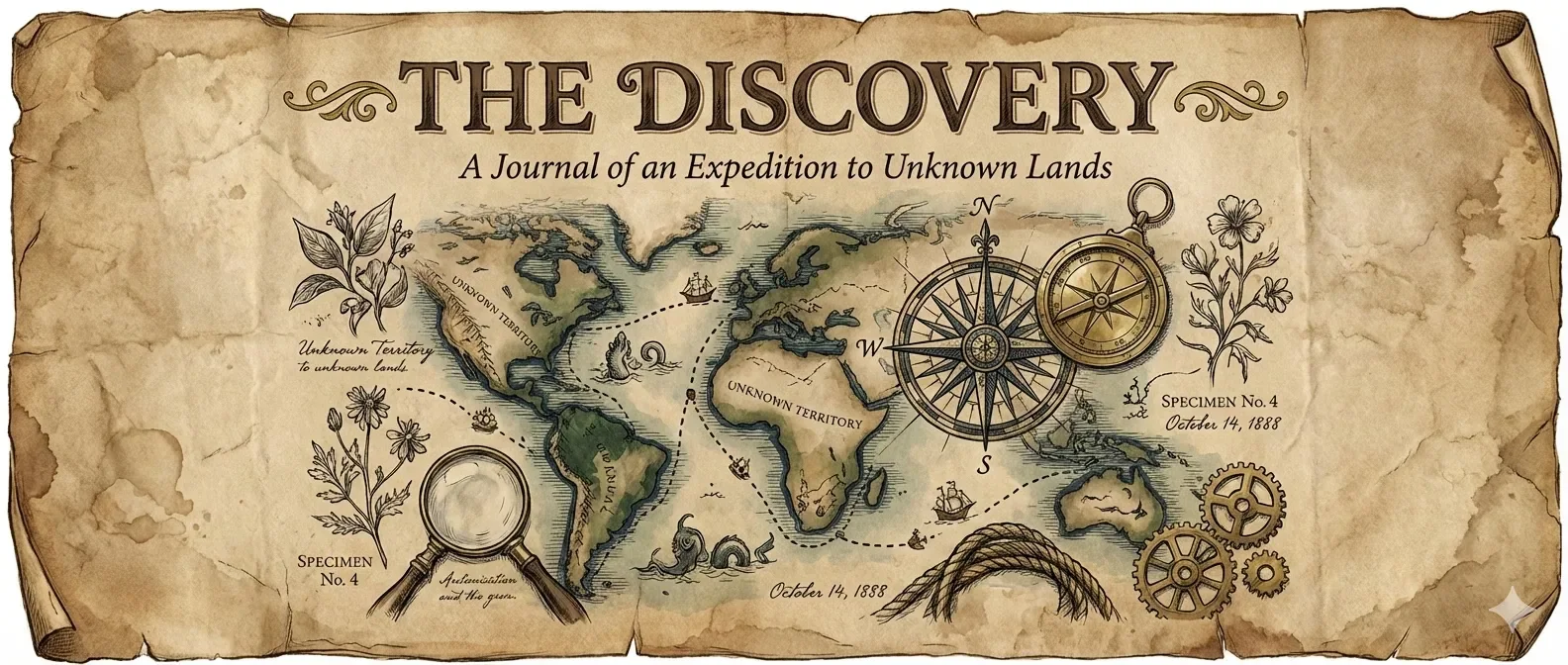
warm — baoyu-cover-image 作者预览
作者风格示例 · 自动收录自作者仓库,已检查来源许可证与图片格式;作品未经人工审阅,也没有执行技能。标题来自源文件名,未核实原始提示词、模型、费用及事实表述。