baoyu-article-illustrator
Analyzes article structure, identifies positions requiring visual aids, generates illustrations with Type × Style × Palette three-dimension approach. Use when user asks to "illustrate article", "add images", "generate images for article", or "为文章配图".
JimLiu · 站主发布
安装与使用
运行命令前先阅读来源与依赖说明。复制命令不会自动安装或执行。
npx skills add https://github.com/JimLiu/baoyu-skills/tree/6b7a2e417500561a5ecdd0b168332f4142584617/skills/baoyu-article-illustrator --skill "baoyu-article-illustrator"技能说明
name: baoyu-article-illustrator description: Analyzes article structure, identifies positions requiring visual aids, generates illustrations with Type × Style × Palette three-dimension approach. Use when user asks to "illustrate article", "add images", "generate images for article", or "为文章配图". version: 1.117.4 metadata: openclaw: homepage: https://github.com/JimLiu/baoyu-skills#baoyu-article-illustrator
Article Illustrator
Analyze articles, identify illustration positions, generate images with Type × Style × Palette consistency.
User Input Tools
When this skill prompts the user, follow this tool-selection rule (priority order):
- Prefer built-in user-input tools exposed by the current agent runtime — e.g.,
AskUserQuestion,request_user_input,clarify,ask_user, or any equivalent. - Fallback: if no such tool exists, emit a numbered plain-text message and ask the user to reply with the chosen number/answer for each question.
- Batching: if the tool supports multiple questions per call, combine all applicable questions into a single call; if only single-question, ask them one at a time in priority order.
Concrete AskUserQuestion references below are examples — substitute the local equivalent in other runtimes.
Image Generation Tools
When this skill needs to render an image, resolve the backend in this order:
- Current-request override — if the user names a specific backend in the current message, use it.
- Saved preference — if
EXTEND.mdsetspreferred_image_backendto a backend available right now, use it. - Auto-select (when the preference is
auto, unset, or the pinned backend isn't available):- Codex (
imagegen) — first, inspect your available-skills / tool inventory. If a skill namedimagegenis listed, you are running inside Codex and MUST use it: invoke via theSkilltool withskill: "imagegen", passing the saved prompt file's content (plus output path and aspect ratio per Codeximagegen's own args). Codeximagegenis the official raster backend in that runtime and outranks any non-native skill (e.g.,baoyu-image-gen) unless the user has explicitly pinned a differentpreferred_image_backend. - Codex via
codex exec(codex-imagegen) — if the current runtime exposes no nativeimagegenskill but thecodexCLI is onPATHwith an activecodex login, route throughbaoyu-image-gen --provider codex-cli(preferred), or — if baoyu-image-gen is unavailable — invoke the bundled wrapper directly. Details, parameters, and the runtime-discovery procedure live in references/codex-imagegen.md — load that file only when this branch is selected. - Cursor (
GenerateImage) — if the runtime exposes a nativeGenerateImagetool, you are running inside Cursor and it outranks any non-native skill the same way Codeximagegendoes. Two hard caveats: (a) it has no aspect-ratio parameter — state the target aspect ratio / dimensions explicitly in the prompt text passed asdescription; (b) it does not accept an output directory — it saves to a tool-managed location, so after generation copy/move the file to the skill's expected output path (e.g.,outputs/.../NN-xxx.png). Reference images go inreference_image_paths. - Other runtime-native tools — if the runtime exposes a different native image tool (e.g., Hermes
image_generate), use it the same way. - Otherwise, if exactly one non-native backend is installed (e.g.,
baoyu-image-gen), use it. - Otherwise (multiple non-native backends with no runtime-native tool), ask the user once — batch with any other initial questions.
- Codex (
- If none are available, tell the user and ask how to proceed.
⛔ Never substitute SVG, HTML, canvas, or other code-based rendering for raster image generation. Codex imagegen's own description says it should be used "when the output should be a bitmap asset rather than repo-native code or vector." If you cannot resolve a raster backend via step 3, fall through to step 4 and ask the user — do not silently emit SVG, write inline <svg> markup, or produce HTML/CSS art as a substitute. This applies even if the article/section seems "diagram-like": the consumer skill calling this rule has already decided that a raster image is what it needs.
⛔ Never repair rendered text by painting over a generated bitmap. Do not use ImageMagick, Pillow, Canvas, SVG, HTML/CSS, OCR scripts, or any other programmatic overlay to cover, rewrite, erase, stroke, or replace labels, captions, or any other text inside an already generated illustration. If text is wrong or unclear, regenerate from a corrected prompt, redraw with less or no on-image text, or ask the user which imperfect candidate to keep.
Setting preferred_image_backend: ask forces the step-3 prompt every run regardless of available backends. Users change the pinned backend via the ## Changing Preferences section below.
Prompt file requirement (hard): write each image's full, final prompt to a standalone file under prompts/ (naming: NN-{type}-[slug].md) BEFORE invoking any backend. The backend receives the prompt file (or its content); the file is the reproducibility record and lets you switch backends without regenerating prompts.
Concrete tool names (imagegen, GenerateImage, image_generate, baoyu-image-gen) above are examples — substitute the local equivalents under the same rule.
Batch Generation Policy
After every prompt file for the run has been saved and verified, generate images in batches by default.
Priority order:
- Use the chosen backend's native batch / multi-task interface if it exists. Each task must keep its own prompt file, output path, aspect ratio, and direct reference images.
- If no native batch interface exists but the runtime can issue parallel tool calls, dispatch up to
generation_batch_sizeimages at a time. Default:4. An explicit user request in the
先看看实际效果
自动收录自作者仓库,已检查来源许可证与图片格式;作品未经人工审阅,也没有执行技能。标题来自源文件名,未核实原始提示词、模型、费用及事实表述。

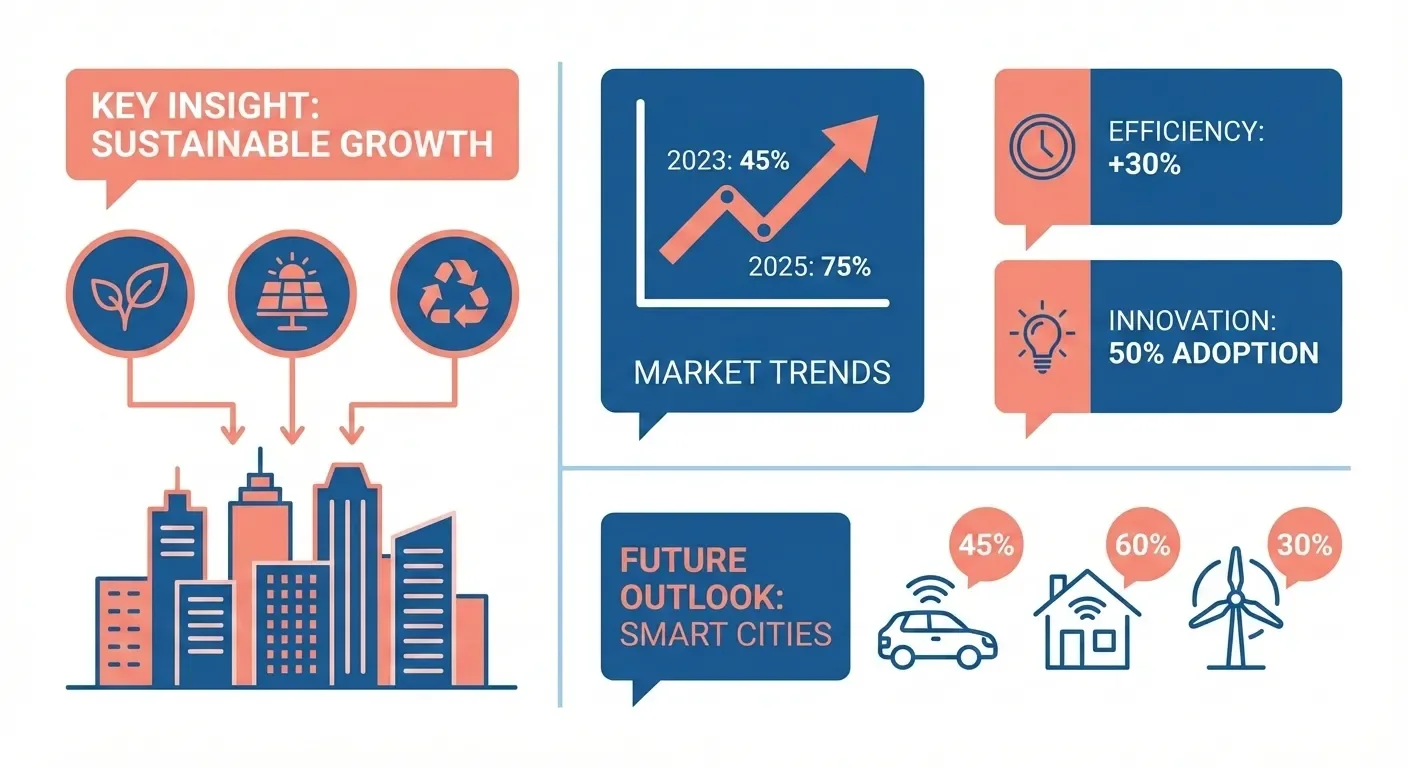



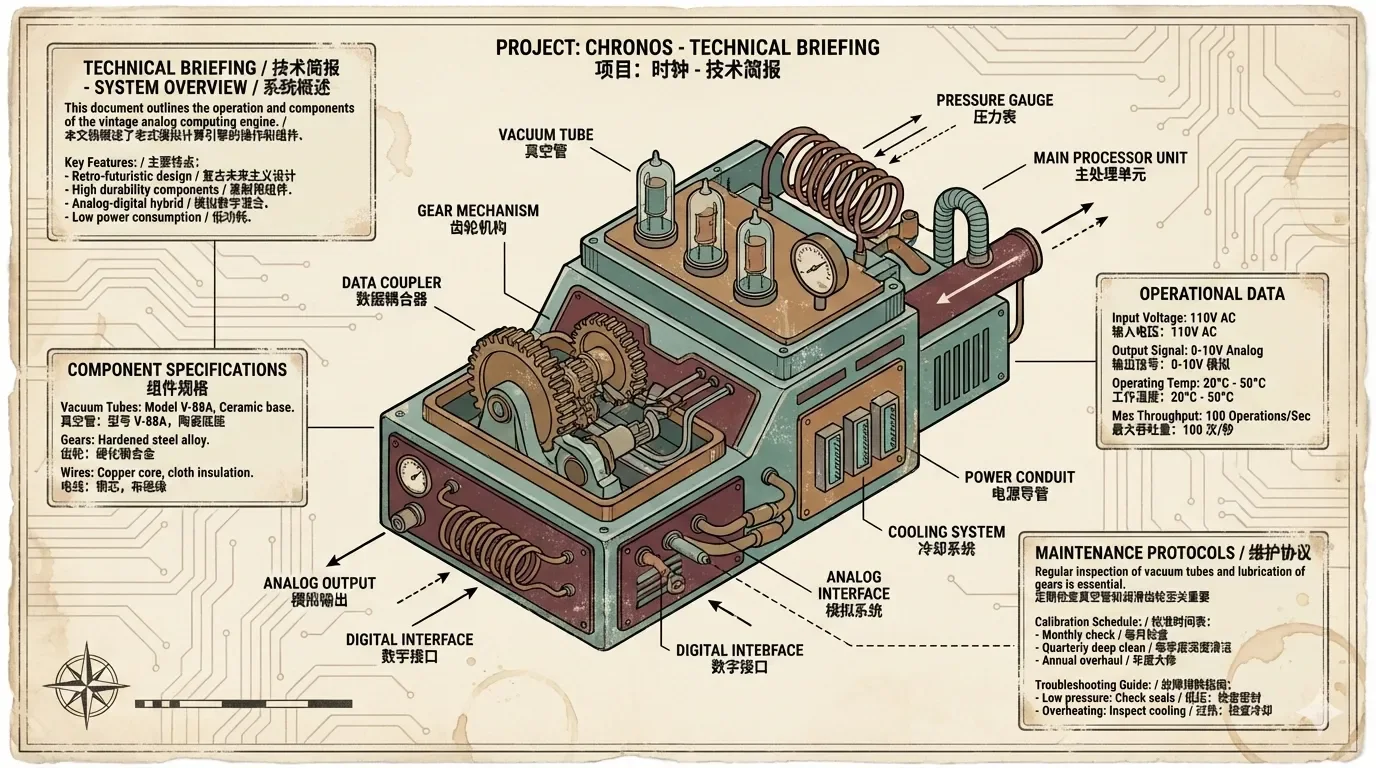
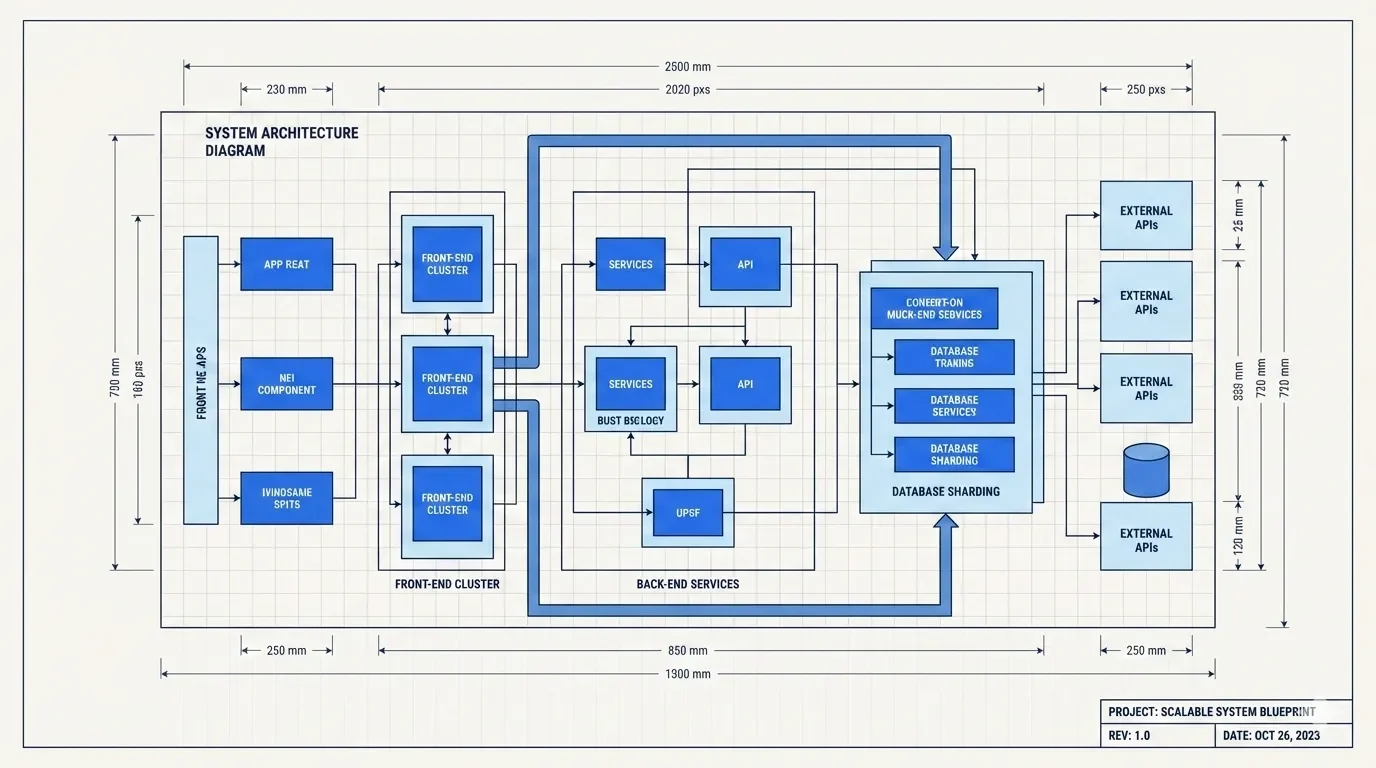
把系统架构画成蓝图
作者风格示例 · 于 2026-09-08 从作者仓库的固定版本中精选。保留原图,展示副本仅缩放压缩。本站检查了预览,没有重新运行技能;未核实原始提示词、模型、制作时长与成本。示例数字及科学标注需独立核查。
用涂鸦呈现头脑风暴
作者风格示例 · 于 2026-09-08 从作者仓库的固定版本中精选。保留原图,展示副本仅缩放压缩。本站检查了预览,没有重新运行技能;未核实原始提示词、模型、制作时长与成本。示例数字及科学标注需独立核查。

给游戏文章一点像素趣味
作者风格示例 · 于 2026-09-08 从作者仓库的固定版本中精选。保留原图,展示副本仅缩放压缩。本站检查了预览,没有重新运行技能;未核实原始提示词、模型、制作时长与成本。示例数字及科学标注需独立核查。

植物水彩文章配图
作者风格示例 · 于 2026-09-08 从作者仓库的固定版本中精选。保留原图,展示副本仅缩放压缩。本站检查了预览,没有重新运行技能;未核实原始提示词、模型、制作时长与成本。示例数字及科学标注需独立核查。

chalkboard — baoyu-article-illustrator 作者预览
作者风格示例 · 自动收录自作者仓库,已检查来源许可证与图片格式;作品未经人工审阅,也没有执行技能。标题来自源文件名,未核实原始提示词、模型、费用及事实表述。
editorial — baoyu-article-illustrator 作者预览
作者风格示例 · 自动收录自作者仓库,已检查来源许可证与图片格式;作品未经人工审阅,也没有执行技能。标题来自源文件名,未核实原始提示词、模型、费用及事实表述。
elegant — baoyu-article-illustrator 作者预览
作者风格示例 · 自动收录自作者仓库,已检查来源许可证与图片格式;作品未经人工审阅,也没有执行技能。标题来自源文件名,未核实原始提示词、模型、费用及事实表述。
fantasy animation — baoyu-article-illustrator 作者预览
作者风格示例 · 自动收录自作者仓库,已检查来源许可证与图片格式;作品未经人工审阅,也没有执行技能。标题来自源文件名,未核实原始提示词、模型、费用及事实表述。
flat — baoyu-article-illustrator 作者预览
作者风格示例 · 自动收录自作者仓库,已检查来源许可证与图片格式;作品未经人工审阅,也没有执行技能。标题来自源文件名,未核实原始提示词、模型、费用及事实表述。
intuition machine — baoyu-article-illustrator 作者预览
作者风格示例 · 自动收录自作者仓库,已检查来源许可证与图片格式;作品未经人工审阅,也没有执行技能。标题来自源文件名,未核实原始提示词、模型、费用及事实表述。
minimal — baoyu-article-illustrator 作者预览
作者风格示例 · 自动收录自作者仓库,已检查来源许可证与图片格式;作品未经人工审阅,也没有执行技能。标题来自源文件名,未核实原始提示词、模型、费用及事实表述。

nature — baoyu-article-illustrator 作者预览
作者风格示例 · 自动收录自作者仓库,已检查来源许可证与图片格式;作品未经人工审阅,也没有执行技能。标题来自源文件名,未核实原始提示词、模型、费用及事实表述。

notion — baoyu-article-illustrator 作者预览
作者风格示例 · 自动收录自作者仓库,已检查来源许可证与图片格式;作品未经人工审阅,也没有执行技能。标题来自源文件名,未核实原始提示词、模型、费用及事实表述。

playful — baoyu-article-illustrator 作者预览
作者风格示例 · 自动收录自作者仓库,已检查来源许可证与图片格式;作品未经人工审阅,也没有执行技能。标题来自源文件名,未核实原始提示词、模型、费用及事实表述。

retro — baoyu-article-illustrator 作者预览
作者风格示例 · 自动收录自作者仓库,已检查来源许可证与图片格式;作品未经人工审阅,也没有执行技能。标题来自源文件名,未核实原始提示词、模型、费用及事实表述。

scientific — baoyu-article-illustrator 作者预览
作者风格示例 · 自动收录自作者仓库,已检查来源许可证与图片格式;作品未经人工审阅,也没有执行技能。标题来自源文件名,未核实原始提示词、模型、费用及事实表述。
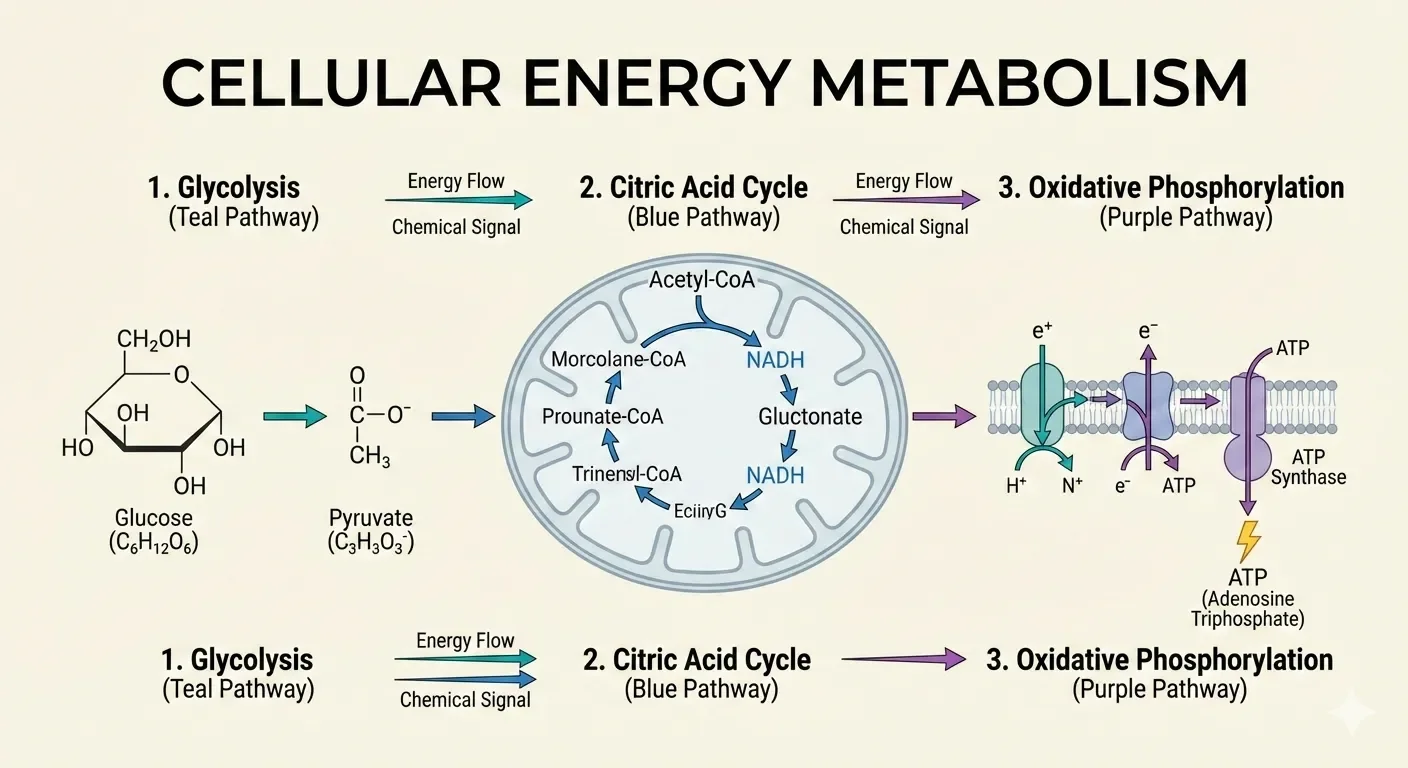
sketch — baoyu-article-illustrator 作者预览
作者风格示例 · 自动收录自作者仓库,已检查来源许可证与图片格式;作品未经人工审阅,也没有执行技能。标题来自源文件名,未核实原始提示词、模型、费用及事实表述。
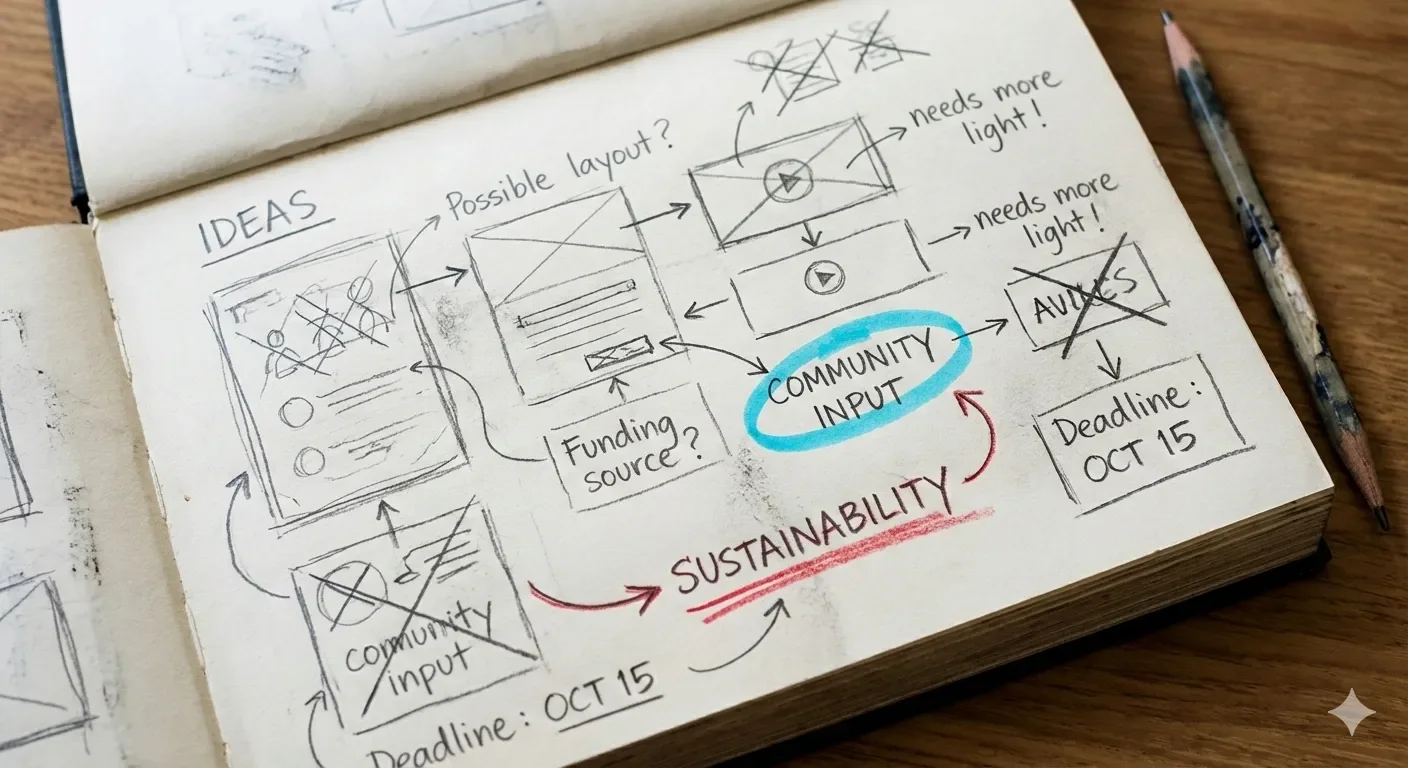
sketch notes — baoyu-article-illustrator 作者预览
作者风格示例 · 自动收录自作者仓库,已检查来源许可证与图片格式;作品未经人工审阅,也没有执行技能。标题来自源文件名,未核实原始提示词、模型、费用及事实表述。
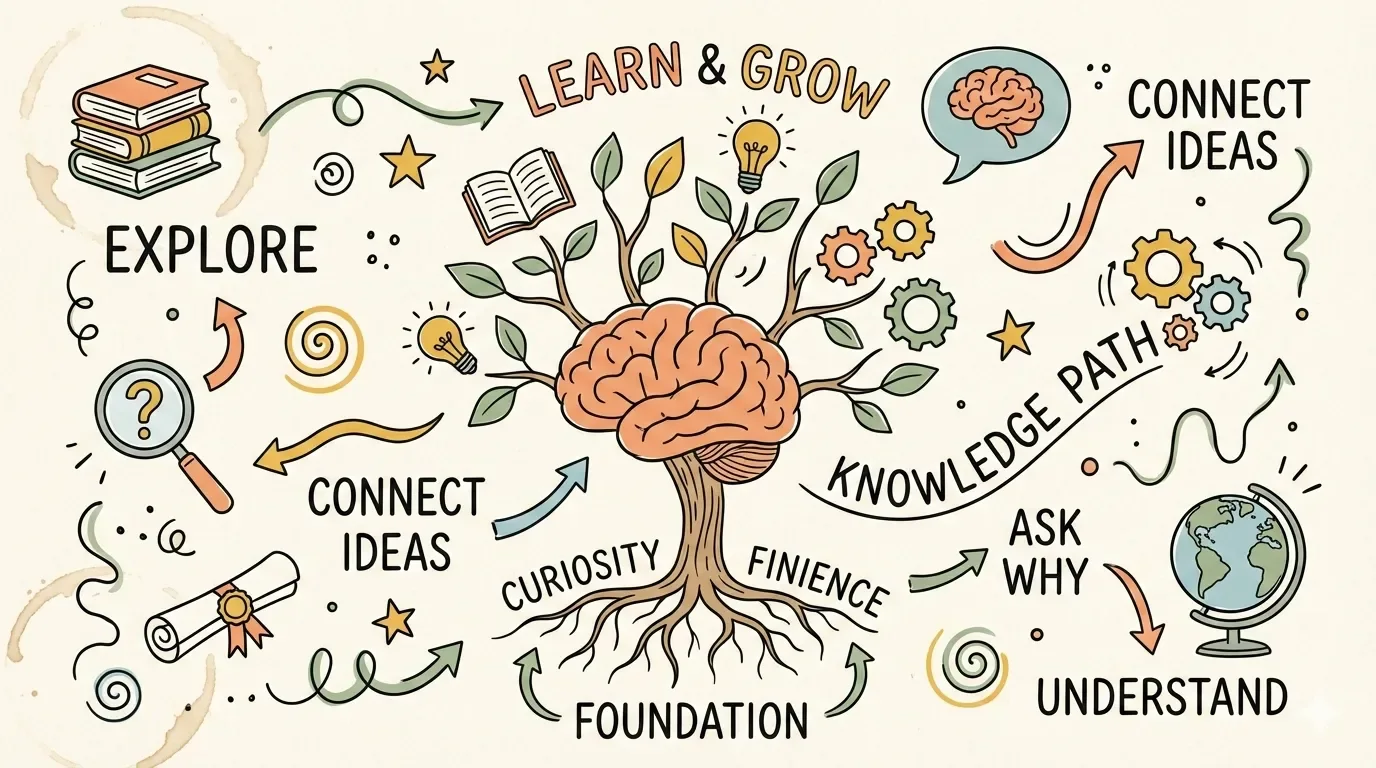
vector illustration — baoyu-article-illustrator 作者预览
作者风格示例 · 自动收录自作者仓库,已检查来源许可证与图片格式;作品未经人工审阅,也没有执行技能。标题来自源文件名,未核实原始提示词、模型、费用及事实表述。

vintage — baoyu-article-illustrator 作者预览
作者风格示例 · 自动收录自作者仓库,已检查来源许可证与图片格式;作品未经人工审阅,也没有执行技能。标题来自源文件名,未核实原始提示词、模型、费用及事实表述。
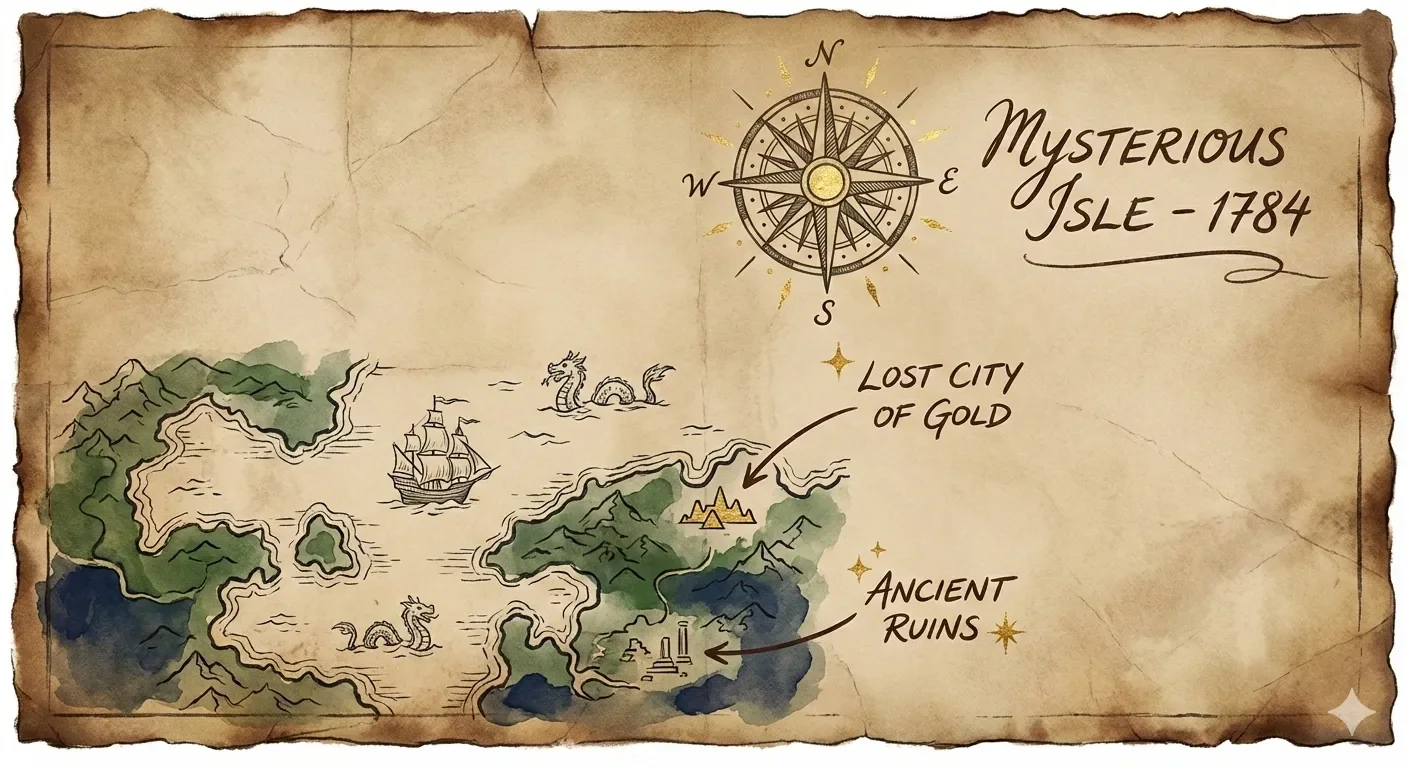
warm — baoyu-article-illustrator 作者预览
作者风格示例 · 自动收录自作者仓库,已检查来源许可证与图片格式;作品未经人工审阅,也没有执行技能。标题来自源文件名,未核实原始提示词、模型、费用及事实表述。