knowledge-cat-ppt-skill
Create, critique, and repair high-quality presentation decks with a story-first, output-engine-aware workflow. Use when the user asks for PPT, PowerPoint, slides, deck, pitch deck, keynote, course deck, academic deck, consulting deck, HTML slides, web presentation, image-first slides, social carousel, speaker notes, deck outline, slide plan, template replication, deck review, deck polish, or conversion from documents, articles, Markdown, PDFs, URLs, or existing .pptx files. Also use when the user says Knowledge Cat PPT or asks for an industry-grade presentation skill.
gnipbao · 已有 AI 审核记录
安装与使用
运行命令前先阅读来源与依赖说明。复制命令不会自动安装或执行。
npx skills add gnipbao/knowledge-cat-ppt-skill --skill knowledge-cat-ppt-skill技能说明
name: knowledge-cat-ppt-skill description: "Create, critique, and repair high-quality presentation decks with a story-first, output-engine-aware workflow. Use when the user asks for PPT, PowerPoint, slides, deck, pitch deck, keynote, course deck, academic deck, consulting deck, HTML slides, web presentation, image-first slides, social carousel, speaker notes, deck outline, slide plan, template replication, deck review, deck polish, or conversion from documents, articles, Markdown, PDFs, URLs, or existing .pptx files. Also use when the user says Knowledge Cat PPT or asks for an industry-grade presentation skill."
Knowledge Cat PPT Skill
Overview
Knowledge Cat PPT is a presentation operating system for agents. Its job is to turn messy source material into a persuasive, teachable deck, choose the right production lane, and verify the result through content and visual QA.
Do not treat "make slides" as a formatting task. First determine the audience, the decision or learning outcome, the story spine, and the output format. Then build the deck.
Resource Guide
Load only what the current task needs:
- Read
references/benchmark-synthesis.mdwhen explaining the design philosophy, comparing PPT skill patterns, or improving this skill. - Read
references/benchmark-quality-gates.mdwhen the user asks for the best version, benchmark-grade output, open-source comparison, case-study evidence, or quality claims above normal client-ready delivery. - Read
references/engine-routing.mdbefore choosing native PPTX, HTML deck, image-first PPTX, or review-only mode. - Read
references/story-architecture.mdwhen turning source material into a deck brief, narrative spine, action titles, or slide plan. - Read
references/design-systems.mdwhen choosing style direction, layout family, visual tokens, imagery, or anti-generic design rules. - Read
references/template-replication.mdwhen the user provides an existing.pptx, screenshot, brand deck, style reference, or asks to clone a template. - Read
references/html-production-lock.mdbefore building production HTML decks, visual prototypes, browser-based talks, or HTML decks with local images/screenshots. - Read
references/html-visual-systems.mdafter the HTML production lock when a browser deck needs benchmark-level visual rhythm, a reusable style package, or contact-sheet QA. - Read
references/style-template-library.mdwhen the user provides many PPT style prompts, asks for common PPT style websites, asks which style to choose, or wants Knowledge Cat to exceed Guizang-style HTML template depth. - Read
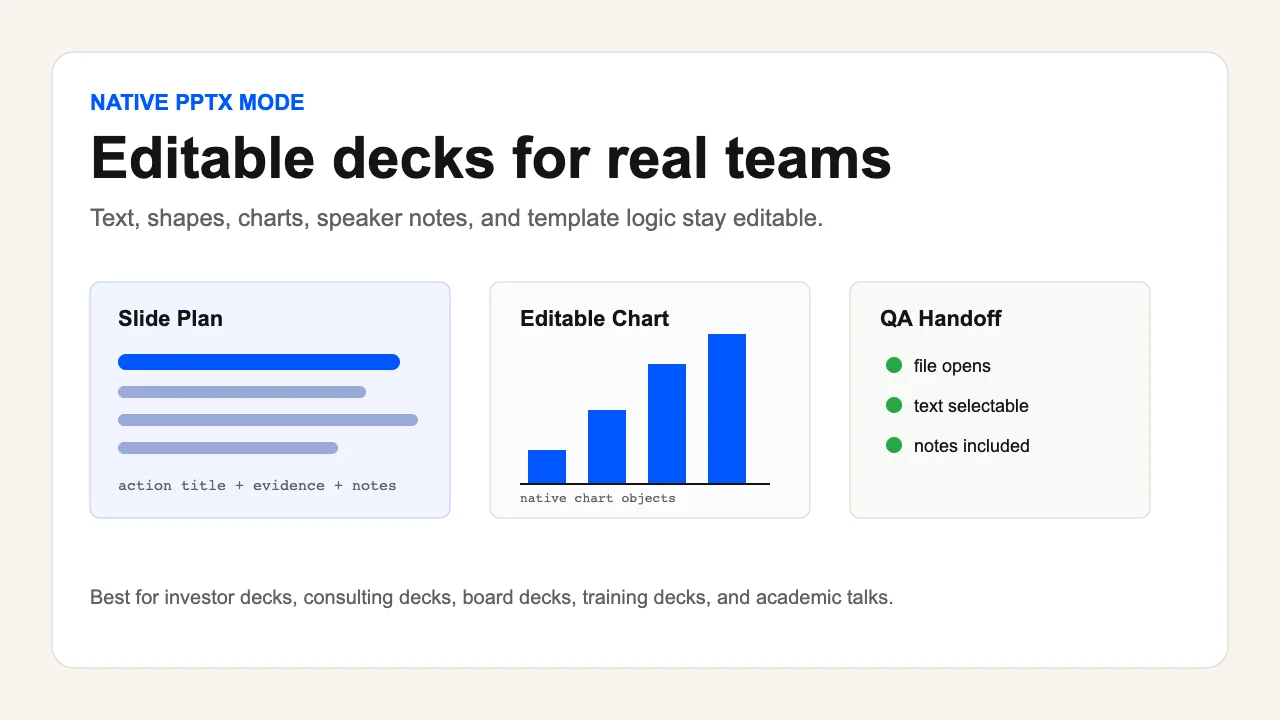
references/native-pptx-recipes.mdwhen building or repairing editable PowerPoint decks. - Read
references/html-deck-recipes.mdwhen building browser-based decks, fast visual prototypes, or single-file HTML presentations. - Read
references/style-prompt-intake.mdwhen the user uploads or pastes theme/style prompts, prompt tables, visual DNA blocks, AI image style prompts, or asks for Image2/GPT-Image-driven PPT styling. - Read
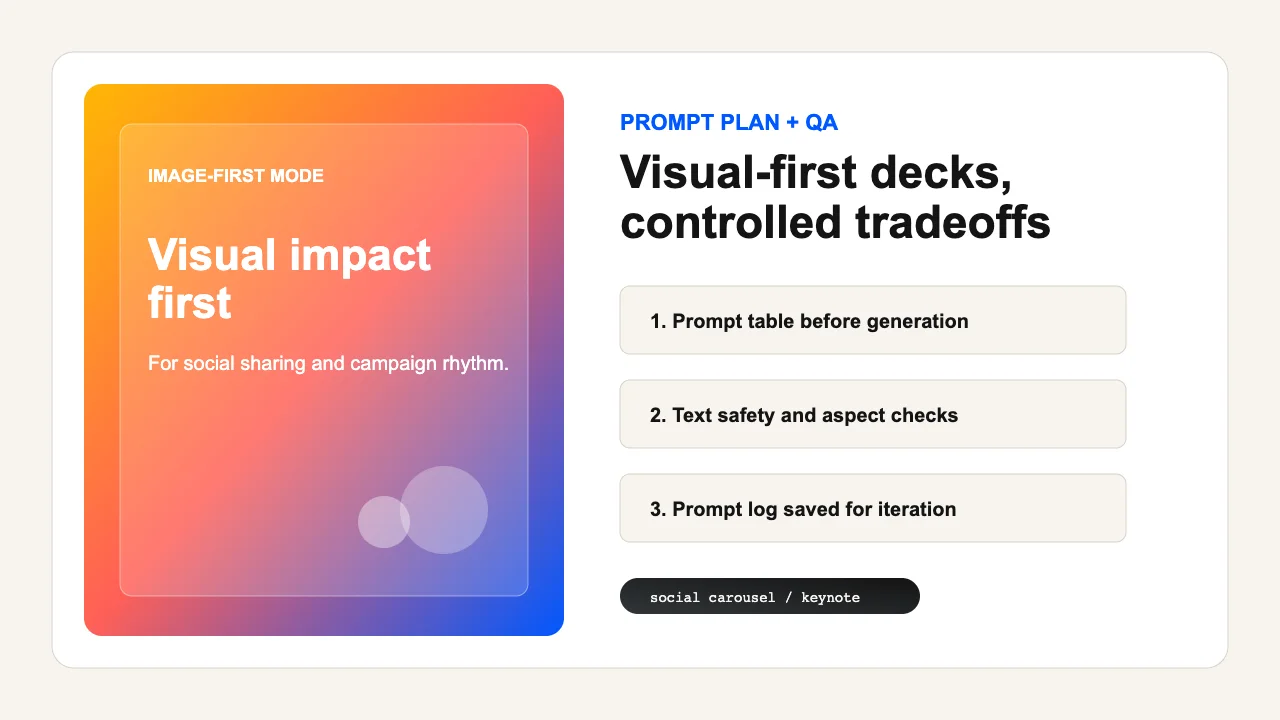
references/image-first-recipes.mdwhen visual impact matters more than editability or AI-generated slide images are requested. - Read
references/qa-rubric.mdbefore final delivery, when reviewing a deck, or when the task has professional stakes. - Read
references/open-source-product.mdwhen preparing this skill for public release or evaluating product readiness. - Use
scripts/validate_deck_plan.pyafter writing a JSON deck plan. The expected shape is documented inassets/deck-plan.schema.json. - Use
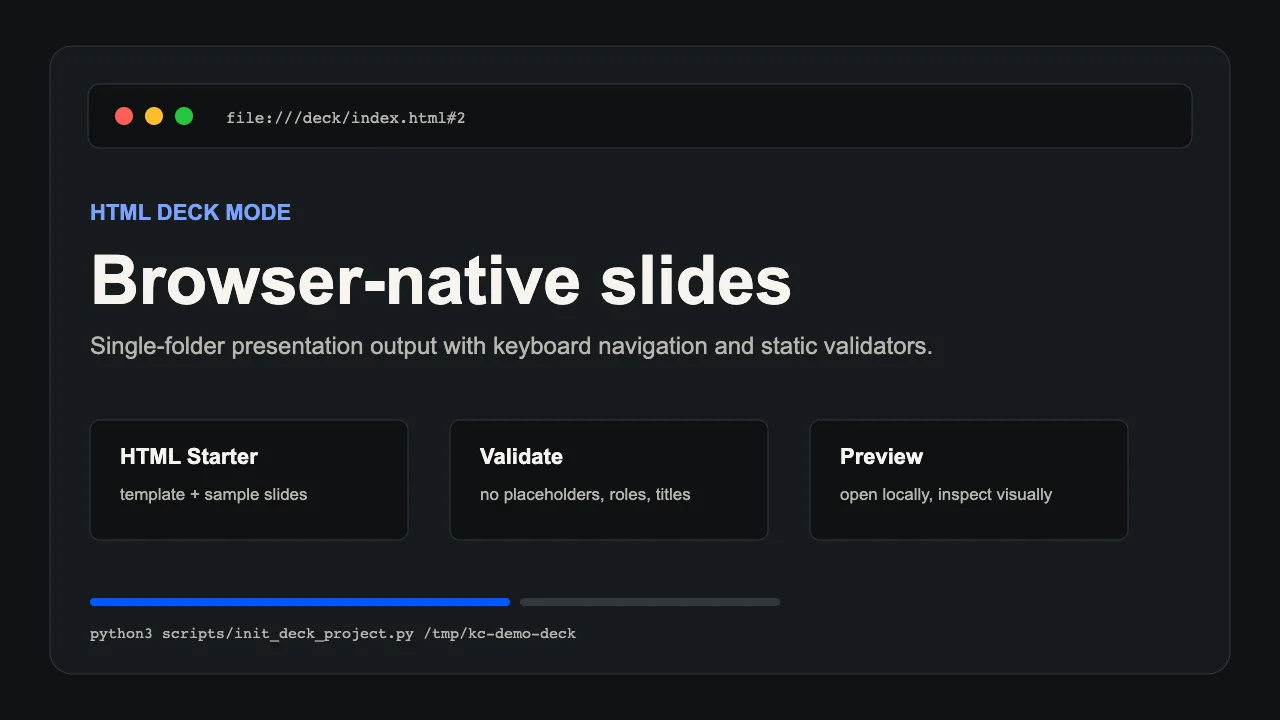
scripts/init_deck_project.pyto create an HTML deck project from the bundled starter template. - Use
scripts/validate_html_deck.pyto statically check an HTML deck before browser QA. - Use
scripts/build_native_pptx.mjsto turn a validated native deck plan into editable PowerPoint objects when@oai/artifact-toolis available. - Use
scripts/extract_pptx_text.pyto extract native PPTX text and check placeholder-like markers when editable PowerPoint quality matters. - Use
scripts/check_pptx_editability.pyandscripts/probe_pptx_editability.pybefore claiming that a native PPTX is editable. - Use
scripts/check_native_pptx_case.pyto verify the bundled native PPTX evidence package. - Use
scripts/run_checks.pybefore release or after changing bundled scripts, examples, or schemas.
Non-Negotiable Rules
- Story before styling. A beautiful deck with no audience shift is a failed deck.
- Choose the output lane explicitly. Native editable PPTX is the default for professional work; HTML is for web-native presentation and interaction; image-first PPTX is for visual spectacle when editability is not required.
- Use a source of truth. For nontrivial decks, create a brief and slide plan before building final slides.
- Use action titles. A title should state the point of the slide, not label the topic.
- Keep one main idea per slide. Dense appendix pages are allowed only when the user asks for appendix or reference material.
- Preserve evidence. Claims, figures, quotes, and external images need source tracking or honest uncertainty.
- Respect templates and brand assets. Use user-provided or permitted materials; do not pretend a protected deck is a free public template.
- Lock HTML production details before writing final browser slides: style package, registered layouts, theme rhythm, image slots, static validation, and rendered QA.
- Treat uploaded style prompts as design input, not content truth. Extract a reusable Style Prompt Profile before generating image-first slide prompts.
- Verify visually. Code, XML, or Markdown alone cannot prove a deck is good.
- Run at least one fix-and-verify loop for production decks unless the user only asked for a draft outline.
- End with useful handoff: output paths, assumptions, remaining risks, and the next iteration point.
Operating Modes
Brief Mode
Use when the user has an idea but no clear deck target.
Ask at most three question
阅读完整来源 ↗先看看实际效果
浏览作者提供的图片与示例。打开原始文件,可查看完整尺寸的作品和动图。