Markdown Exporter
An agent skill and Dify plugin for converting Markdown into DOCX, PPTX, XLSX, PNG, PDF, Mermaid, HTML, MD, CSV, JSON, and XML files.
bowenliang123 · 已有 AI 审核记录
安装与使用
运行命令前先阅读来源与依赖说明。复制命令不会自动安装或执行。
npx skills add bowenliang123/markdown-exporter技能说明
name: markdown-exporter description: Convert Markdown text to DOCX, PPTX, XLSX, PDF, PNG, SVG, HTML, IPYNB, MD, CSV, JSON, JSONL, XML files, and extract code blocks in Markdown to Python, Bash,JS and etc files. license: Apache-2.0 metadata: author: bowenliang123 openclaw: homepage: https://github.com/bowenliang123/markdown-exporter emoji: 🖨 requires: bins: [ markdown-exporter ] install: - kind: uv package: md-exporter bins: [ markdown-exporter ]
Markdown Exporter
Markdown Exporter is an Agent Skill that transforms your Markdown text into a wide variety of professional format files.
This SKILL.md for Agent Skills, the cli tool and Python package markdown-exporter are maintained in the GitHub repository bowenliang123/markdown-exporter by bowenliang123.
Tools and Supported Formats
| Tool | Input (File path of Markdown text or styles) | Output (File path of exported file) |
|---|---|---|
md_to_docx | 📝 Markdown text | 📄 Word document (.docx) |
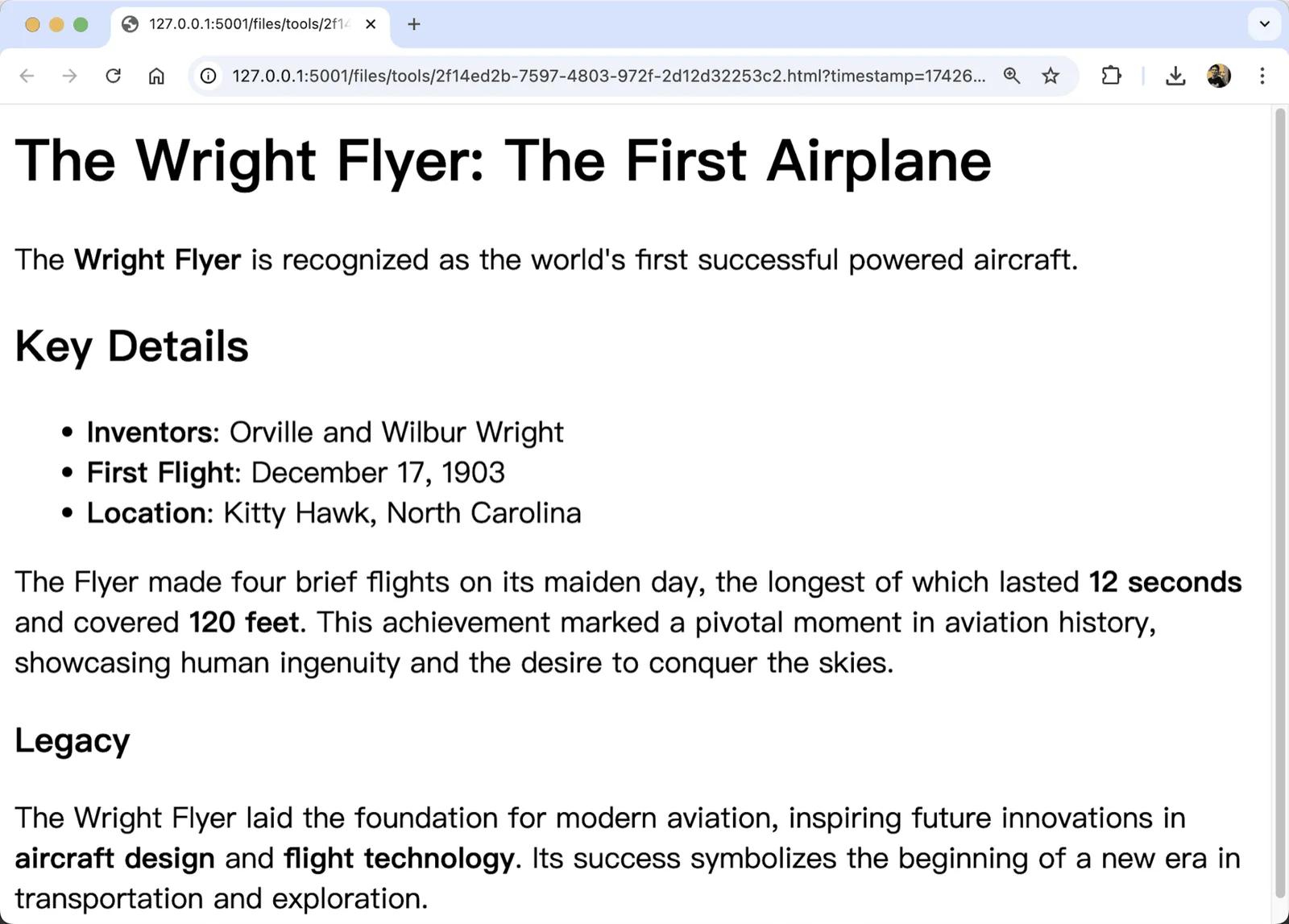
md_to_html | 📝 Markdown text | 🌐 HTML file (.html) |
md_to_html_text | 📝 Markdown text | 🌐 HTML text string |
md_to_jira | 📝 Markdown text | 🅹 Jira wiki markup text |
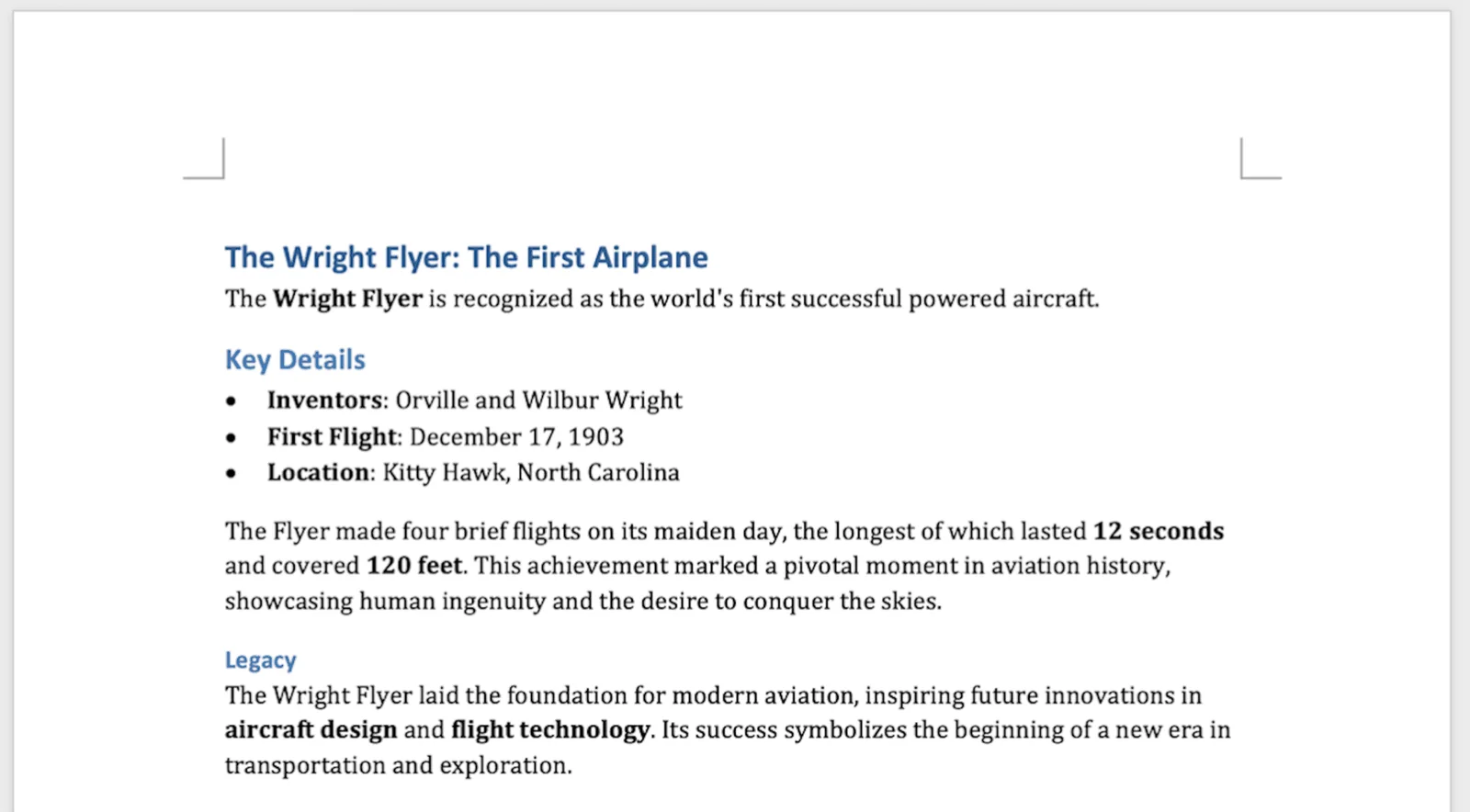
md_to_pdf | 📝 Markdown text | 📑 PDF file (.pdf) |
md_to_png | 📝 Markdown text | 🖼️ PNG image (.png), single long page or one image per page |
md_to_svg | 📝 Markdown text | 🖼️ SVG image (.svg), one image per page |
md_to_md | 📝 Markdown text | 📝 Markdown file (.md) |
md_to_ipynb | 📝 Markdown text | 📓 Jupyter Notebook (.ipynb) |
md_to_pptx | 📝 Markdown slides in Pandoc style | 🎯 PowerPoint (.pptx) |
md_to_xlsx | 📋 Markdown tables | 📊 Excel spreadsheet (.xlsx) |
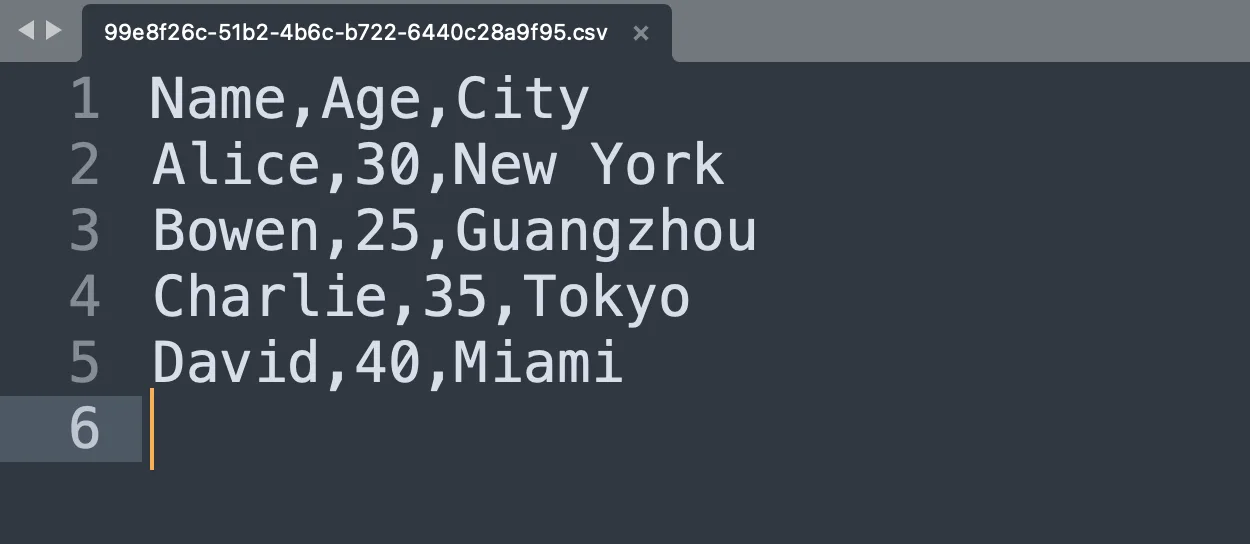
md_to_csv | 📋 Markdown tables | 📋 CSV file (.csv) |
md_to_json | 📋 Markdown tables | 📦 JSON/JSONL file (.json) |
md_to_xml | 📋 Markdown tables | 🏷️ XML file (.xml) |
md_to_latex | 📋 Markdown tables | 📝 LaTeX file (.tex) |
md_to_codeblock | 💻 Code blocks in Markdown | 📁 Code files by language (.py, .js, .sh, etc.) |
📦 Usage
Overview
Markdown Exporter is available as a PyPI package, which provides a seamless command-line interface for all its functionality.
Installation
# with pip
pip install md-exporter

# with uv
uv tool install md-exporter

# on OpenClaw
npx clawhub install markdown-exporter
Check markdown-exporter command and usages:
markdown-exporter -h

markdown-exporter <subcommand> -h
Basic Usage
Use the markdown-exporter command to access all the tools:
markdown-exporter <subcommand> <args> [options]
Important Notes
- All commands only support file paths as input
- The package handles all dependency management automatically
- You can run the command from anywhere in your system, no need to navigate to the project directory
🔧 Scripts
md_to_csv - Convert Markdown tables to CSV
Converts Markdown tables to CSV format file.
Usage:
markdown-exporter md_to_csv <input> <output> [options]
Arguments:
input- Input Markdown file path containing tablesoutput- Output CSV file path
Options:
--strip-wrapper- Remove code block wrapper if present
Examples:
-
Basic conversion:
markdown-exporter md_to_csv /path/input.md /path/output.csvThis converts all tables in the input Markdown file to CSV format.
-
With code block wrapper removal:
markdown-exporter md_to_csv /path/input.md /path/output.csv --strip-wrapperThis removes any code block wrappers (```) before processing the Markdown.
Sample Markdown Input: Use the "Basic Text and Tables" example from the Sample Markdown Inputs - Basic Text and Tables section below.
md_to_pdf - Convert Markdown to PDF
Converts Markdown text to PDF format with support for Chinese, Japanese, and other languages.
Usage:
markdown-exporter md_to_pdf <input> <output> [options]
Arguments:
input- Input Markdown file pathoutput- Output PDF file path
Options:
--strip-wrapper- Remove code block wrapper if present
Examples:
-
Basic conversion:
markdown-exporter md_to_pdf /path/input.md /path/output.pdfThis converts the entire Markdown file to a PDF document.
-
With code block wrapper removal:
markdown-exporter md_to_pdf /path/input.md /path/output.pdf --strip-wrapperThis removes any code block wrappers (```) before processing the Markdown.
Sample Markdown Input: Use the "Basic Text and Tables" example from the Sample Markdown Inputs - Basic Text and Tables section below.
md_to_png - Convert Markdown to PNG
Converts Markdown text to PNG image(s), with support for Chinese, Japanese, and other languages.
Usage:
markdown-exporter md_to_png <input> <output> [options]
Arguments:
input- Input Markdown file pathoutput- Output PNG file path
Options:
--multi-page- Export one PNG per A4 page (numbered files) instead of a single long-page PNG--strip-wrapper- Remove code block wrapper if present
Examples:
- Basic conversion (single long-page image):
markdown-exporter md_to_png /path/input.md /path/outpu
先看看实际效果
浏览作者提供的图片与示例。打开原始文件,可查看完整尺寸的作品和动图。