Frontend Design Skill Workflow: Brief, Build and Review
Compare frontend design skills by task: landing pages, product dashboards, Figma implementation, accessibility review and React performance. Explore editable examples.
Choose the input and output
A landing page, a product dashboard and a Figma handoff need different kinds of help. Choose a design skill for the page you are building, then add implementation and review skills where the task calls for them.
- Create a distinctive landing page: Start from the audience, product brief and visual direction. Taste Skill is an alternative for landing pages and redesigns.
- Build a dashboard or product interface: Choose product UI guidance with tables, charts and interaction rules. The checked Taste Skill source explicitly excludes dashboards.
- Implement a Figma frame: Provide an accessible frame, its assets and tokens through Figma MCP. Verify fidelity against the source design.
- Review UI or React performance: Review the resulting interface; add React Best Practices for rendering and data-fetching concerns.
Keep evidence with the deliverable
Source review, an editorial example and a successful runtime test answer different questions. Record which one you actually have.
- Keep the supplied input, selected source revision, runtime and output file together.
- Check the saved artifact and record any limitations or failures.
- The examples identify how they were produced; they are not a comparative benchmark.
操作步骤
- Prepare
Write a brief with the audience, page type, approved content, stack and target viewports.
- Choose
Choose one design workflow. For a Figma implementation, supply the accessible frame and its assets.
- Create
Implement a small page or representative state, then check keyboard use, mobile layout and empty / error states.
- Verify
Review the result and keep the design input, source revision, code and browser evidence together.
Which frontend design skill should I choose for a dashboard?
UI UX Pro Max covers product interfaces and charts in its checked source. Taste Skill targets landing pages, portfolios and redesigns and excludes dashboards. Add browser and accessibility checks to either implementation path.
Is a Figma-to-code skill the same as a design generator?
No. Figma Implement Design translates an accessible design into repository code. It needs Figma MCP and a frame or selection; visual design from a brief is a different workflow.
Were all compared skills run on these examples?
No. The comparison describes pinned upstream instructions. The downloadable examples are original OpenAgentSkill editorial fixtures, with their own production and verification notes.
相关公开技能
Frontend Design
Guidance for distinctive, intentional UI design, typography, visual direction, and non-template-like product interfaces.
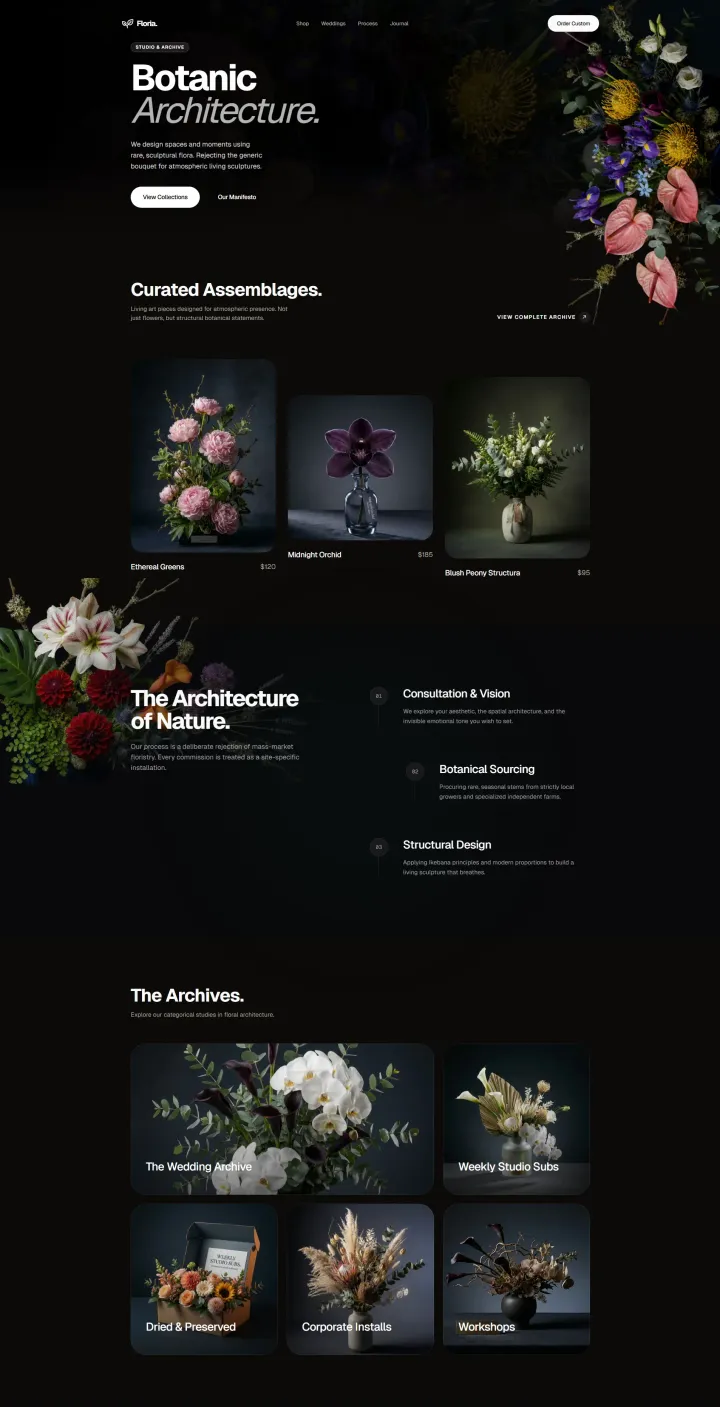
Taste Skill: Anti-Slop Frontend
Design and implementation guidance for distinctive landing pages, portfolios, product demos, and purposeful redesigns.
Web Design Guidelines
Review UI code for web interface guidelines, UX quality, accessibility, and interaction design best practices.
Figma Implement Design
Translate Figma designs into production-ready UI code with close visual fidelity and component-level detail.
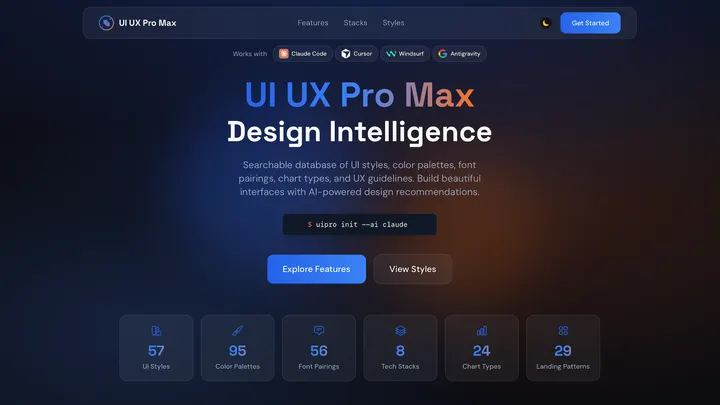
Ui Ux Pro Max Skill
An AI SKILL that provide design intelligence for building professional UI/UX multiple platforms
Vercel React Best Practices
React and Next.js performance guidance for writing, reviewing, and refactoring production UI code.